10 Settings
57
Volume
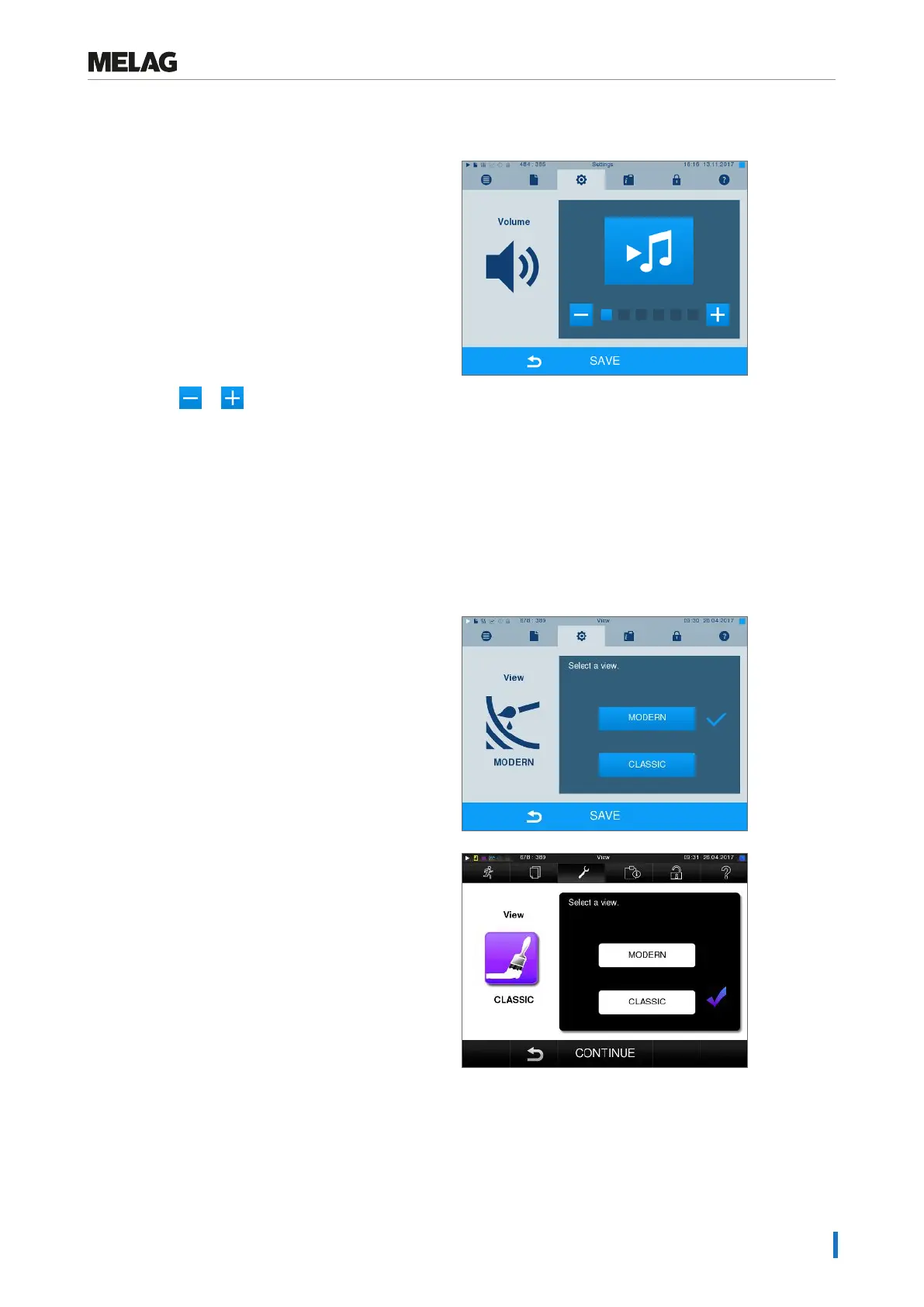
1. SelectSettings >Volume. The display switches
to the settings window.
2. Press the or pushbutton to adjust the
volume.
3. Accept all the settings with SAVE and then leave
the menu.
View
You can choose between classic and modern view.
Switching from MODERN to CLASSIC
1. Select theSettings >View menu. The display
switches to the settings window.
2. Press the CLASSIC button. The design changes
immediately.
3. Press CONTINUE.












 To Next Page