10 Settings
60
3. Accept all the settings with SAVE and then leave
the menu.
Screensaver
A screensaver can be activated to protect the display in standby operation. This displays a continuous
slide show of any pictures.
Select images for the slide show
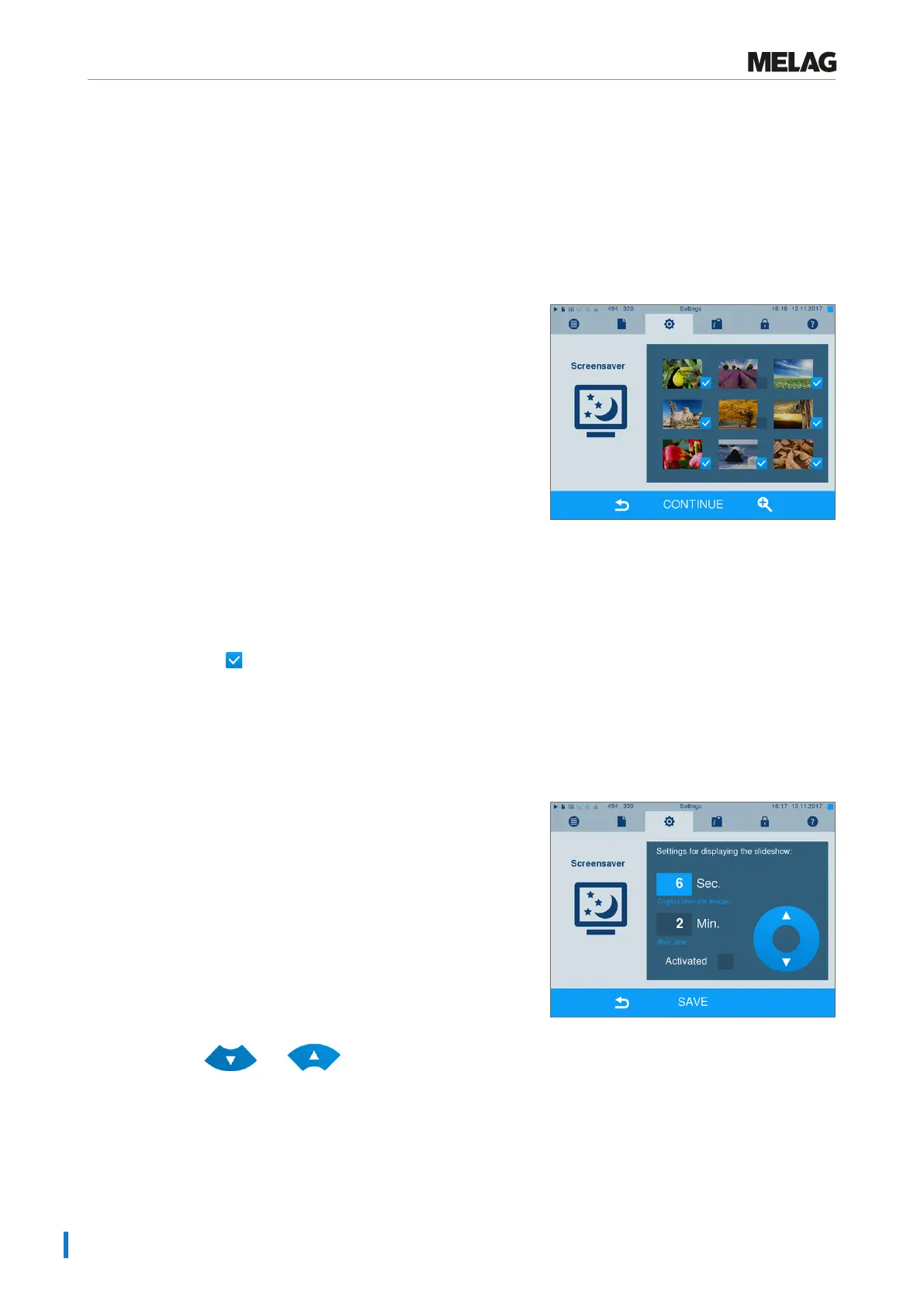
1. SelectSettings >Screensaver. The display
switches to the settings window.
2. Tap on a picture to select it. The white frame
around the picture indicates which picture is
currently selected.
3. Repeated tapping on the picture selects/deselects it
for the slide show.
Ê The checkmark on the lower right-hand corner
indicates whether the picture has been
selected for the slide show.
4. Press CONTINUE to make further settings.
Set the display duration of the images and the waiting time of the slide show.
Proceed as follows to alter one of the named options:
1. Select the parameter directly that you wish to change.
The marked parameters are displayed light blue.
2. Change the respective parameter value via the
and pushbuttons.
3. Confirm the settings with SAVE. The display
switches automatically to the Settings menu.












 To Next Page