Menu Mode
42 D30374 11/2023
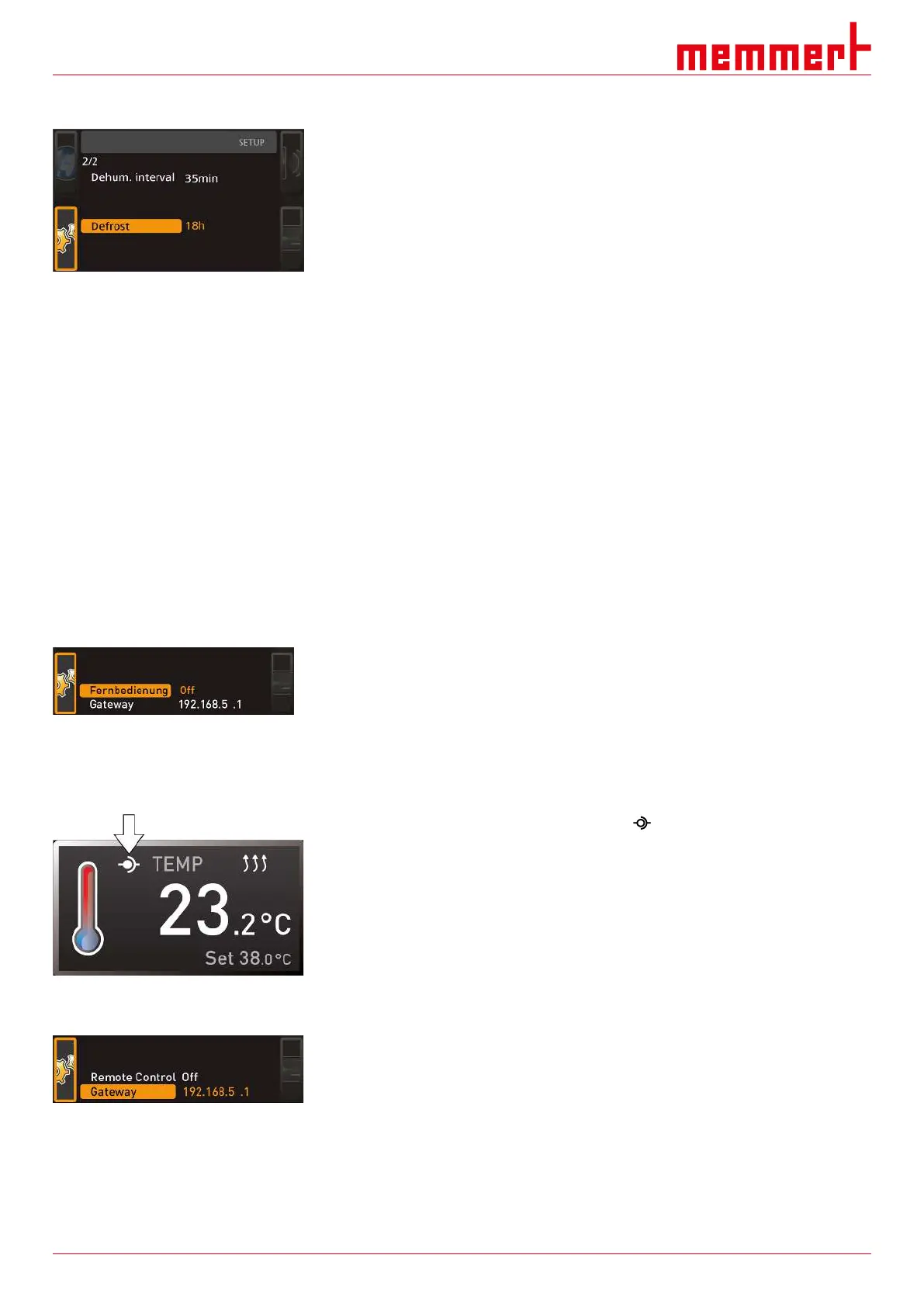
8.3.6 Automatic Defrosting System (Defrost)
The integrated automatic defrosting system for the cooling unit ensures problem-free
operation of the cooled incubator at low temperatures and in permanent operation. The
defrosting interval can be set in 6-hour increments, between 6 and 48 hours. The Off
setting deactivates automatic defrosting.
Due to long-term operation with a working temperature below +15 °C or due to a damp
chamber load and/or the door opening frequently, ice can form in the working chamber
over time. Heavy icing may impair the function of the appliance. In this case, the working
chamber should be defrosted. This can be achieved by heating up the appliance briefly (to
30-40 °C) or by switching it off for a longer period, e.g. overnight. The easiest way to
remove the water produced is by placing a cloth at the front edge of the working chamber.
Afterwards, the smooth surface of the working chamber can easily be cleaned.
Due to this automatic defrosting, the temperature of the working chamber will increase
slightly at regular intervals. To improve this, you can decrease the defrosting frequency,
e.g. to every 24 hours.
Please check beforehand if there is a permanent drop in the cooling performance or a
strong fluctuation of the actual value, which may be an indication that the cooling unit is
icing over. If this is the case, please set the automatic defrosting system one level higher.
If the humidity/room temperature is particularly high, the factory setting for defrosting, 12
hours, may not be sufficient. If this is the case, you should set a more frequent defrosting
interval, e.g. every 6 hours.
Automatic defrosting is disabled with the Off setting. When operating at low temperatures,
this causes icing of the cooling unit over time. Regular defrosting needs to be carried out
in order to prevent damage to the cooling system.
8.3.7 Remote Control
Under the Remote control setup entry, you can set whether the appliance should be
controlled via remote control and if so, in which mode. These adjustment options are
available:
■ Off
■ Read Only
■ Write + Read
■ Write + Alarm
When the appliance is in remote control mode, the symbol appears in the temperature
display. In the settings Write+Read and Write+Alarm, the appliance cannot be controlled
at the ControlCOCKPIT until the remote control has been switched off (Off setting) or set
to Read Only.
To use the remote control function, programming skills and special libraries are required.
8.3.8 Gateway
The Gateway setup entry is used to connect two networks with different protocols. The
gateway is set the same way as the IP address
(see }8.3.2IP Address and Subnet Mask).
See also
2 IP Address and Subnet Mask [}40]



 To Next Page