Menu Mode
49 D30374 11/2023
8.9.2 USER ID Activation and Deactivation
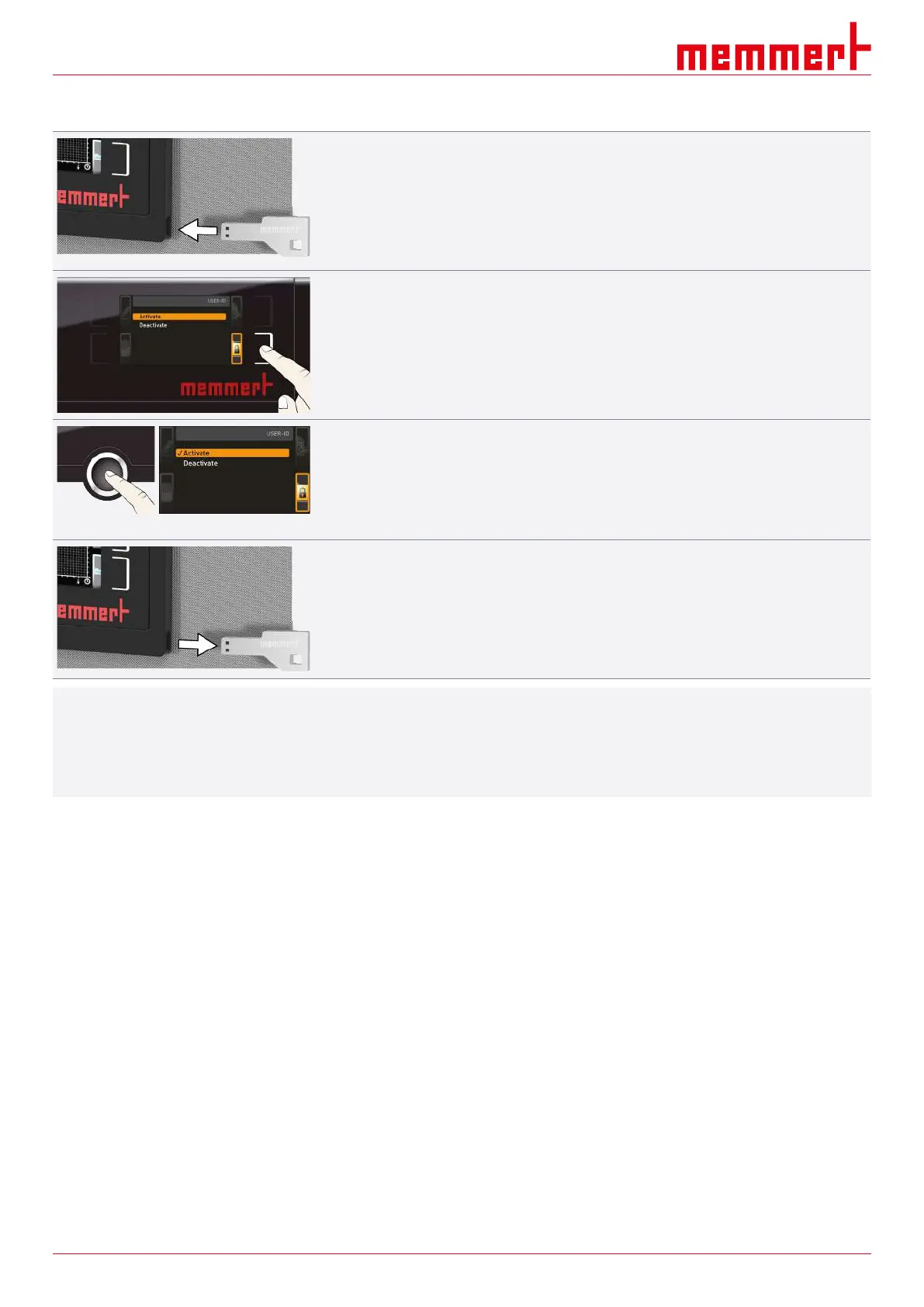
1. Insert the USB storage medium with the USER ID data into the USB port on the right of
the ControlCOCKPIT.
2. Press the activation key on the right side of the USER-ID display.
ð The display is enlarged and the entry Activate automatically highlighted.
3. Confirm the activation by pressing the confirmation key.
ð The new USER ID data are transferred from the USB storage medium and
activated.
ð As soon as activation is complete, a check mark appears in front of the
corresponding entry.
4. Remove the USB storage medium.
ð Locked parameters are indicated by the lock symbol on the respective display.
i
To unlock the appliance,
■ insert the USB storage medium,
■ activate the USER ID display
■ and select the Deactivate entry.



 To Next Page