Page 56 www.menzimuck.com
Control and Display elements
6.3.9 Display
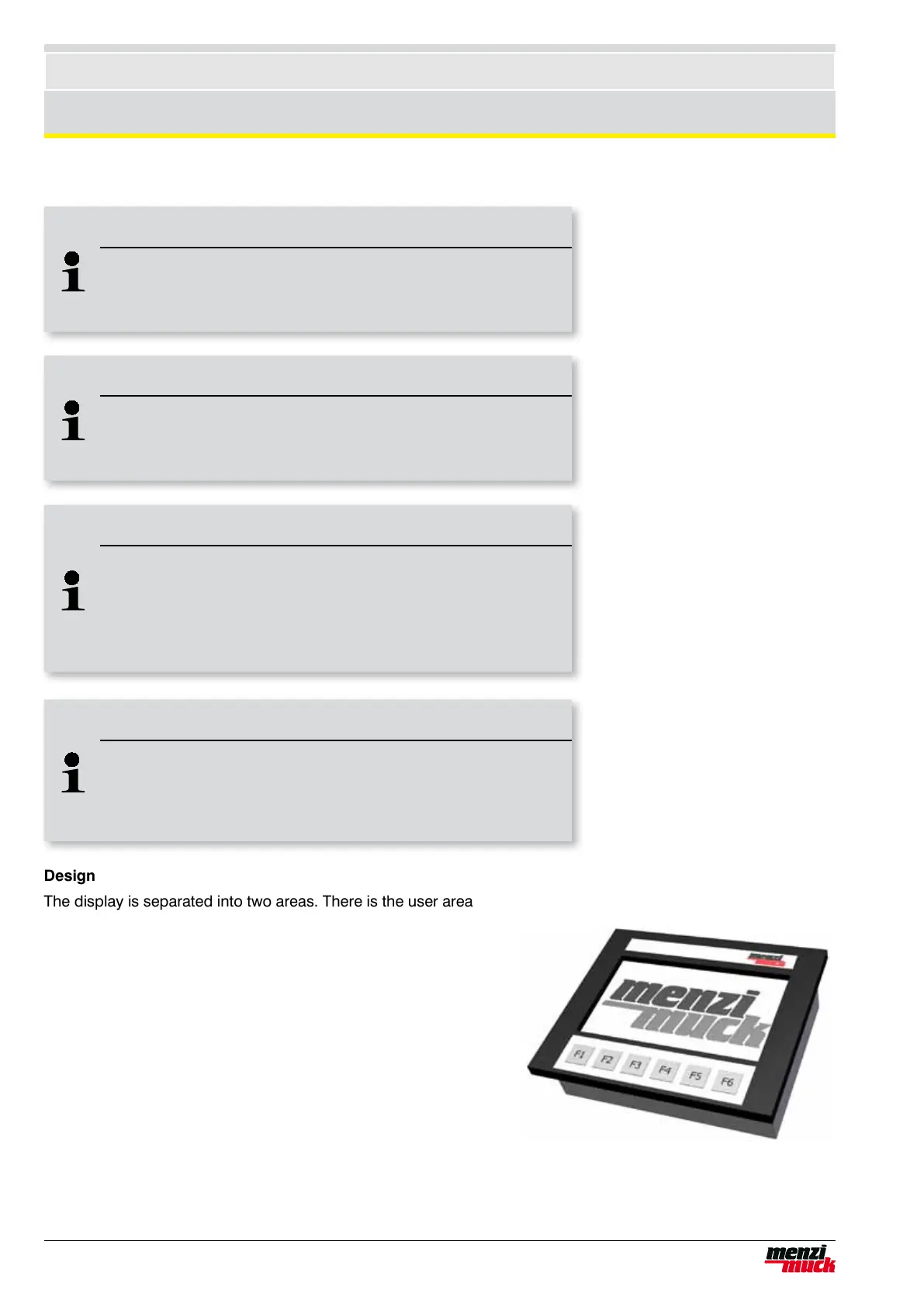
Design
The display is separated into two areas. There is the user area
and the secure service area. The latter is only accessible to
service technicians of MENZI MUCK AG.The following menus
are accessible to the user and inform the driver of the opera-
ting status of the machine:
• Main menu
• Menu for setting the clock
• Menu for setting brightness and contrast
• Menu for setting Powerline
• Detail menu
• Service and diagnostic menu (see maintenance !)
Additional menus are available to MENZI MUCK assembly
personnel after entering the password. This area will not be
discussed further in this manual.
Note !
Main switch during operation
When operating the display unit, never rotate the main batter
switch to "off; this could result in errors in the software.
Note !
Display after shut off
When shutting off with the ignition key, the display remains swit-
ched on for approx. 10s and then switches off automatically.
Note !
Contrast and brightness
If the contrast and brightness are adjusted so extremely that the
display is no longer visible, restore the default settings by turning
the engine off, then on again (after turning the ignition key back
from „off,“ wait approx. 15 seconds.
Note !
Date and time
If the battery is disconnected or the main switch switched off (for
example, during welding), the clock and date stand still.
Afterwards, the date and time must be corrected.



 To Next Page