07
Chapter 2
Connect to the Internet
5. Enjoy! For wireless devices, you may have to reconnect to the wireless network if you
have customized the SSID (wireless name) and password during the configuration.
2. 3. 2. Method 2: Via MERCUSYS App
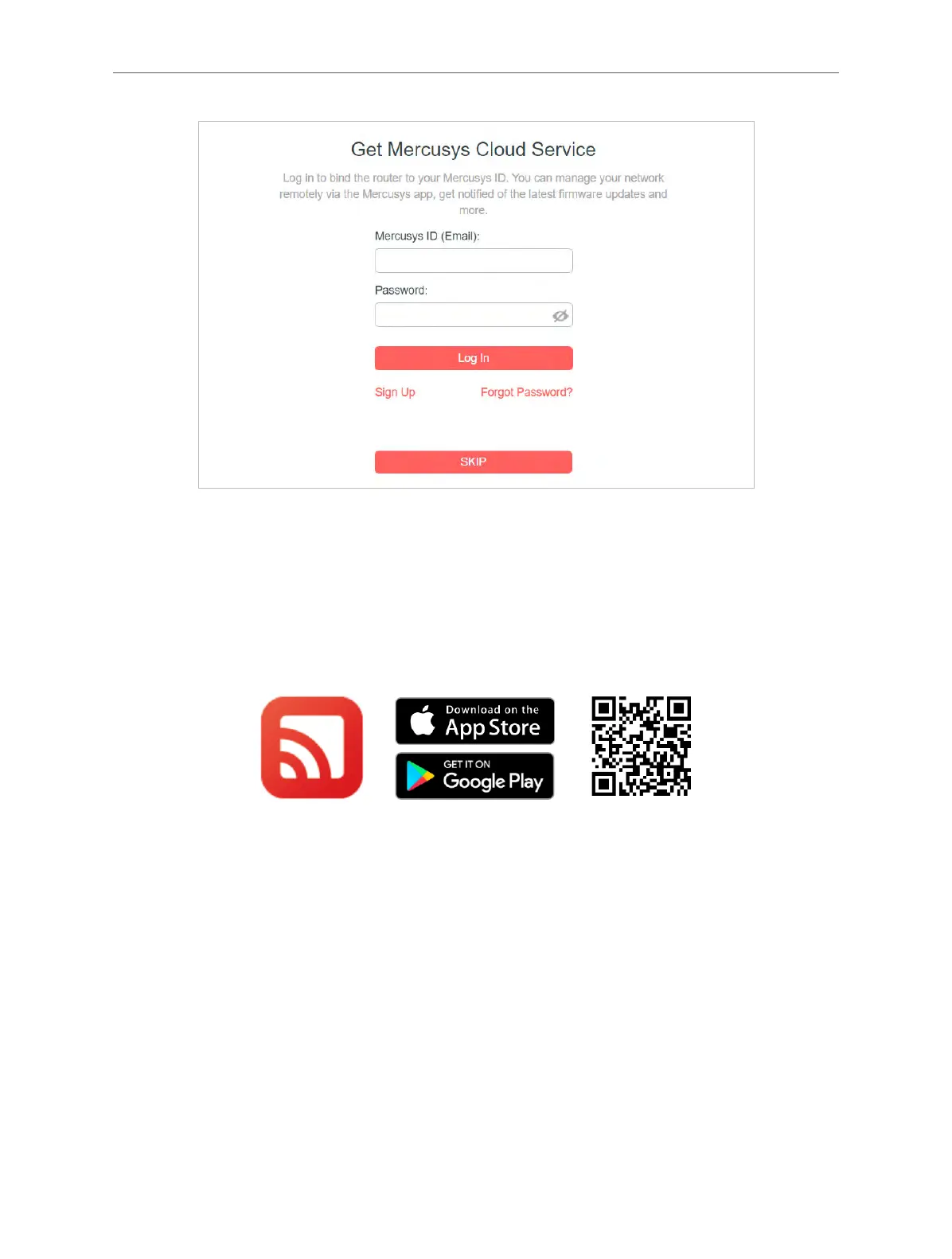
1. Scan the QR code to download the MERCUSYS app from the Apple App Store or Google
Play.
2. Launch the app and log in with your Mercusys ID.
Note: If you don’t have an account, create one first.



 To Next Page