48
Chapter 4 Congure the Router in Wireless Router Mode
4. 10. IPv6
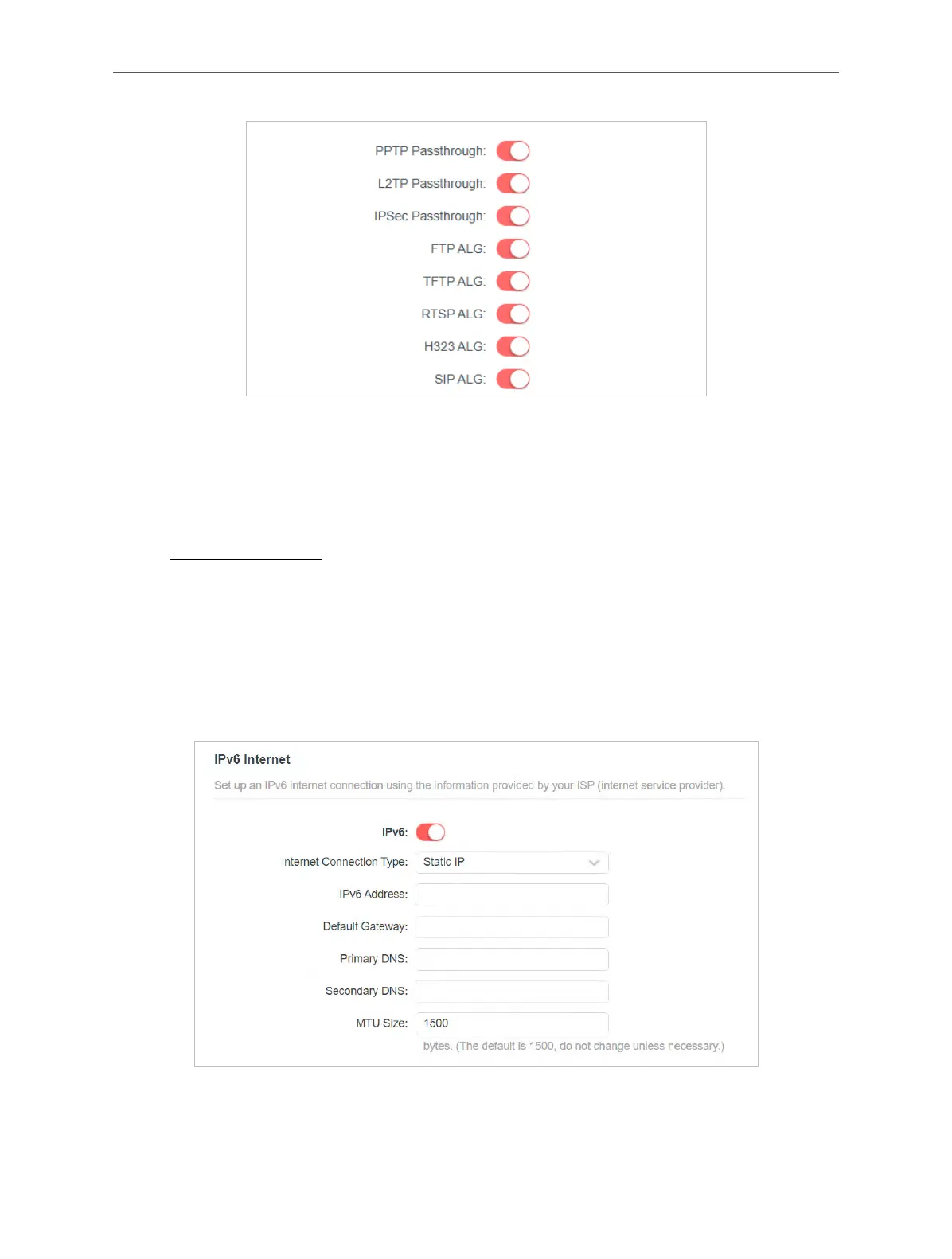
This function allows you to set up an IPv6 internet connection using the information
provided by your ISP (internet service provider).
1. Visit http://mwlogin.net, and log in with your Mercusys ID or the password you set for the
router.
2. Go to Advanced > IPv6.
3. Enable IPv6 and select the internet connection type provided by your ISP.
Note: If you do not know what your internet connection type is, contact your ISP.
4. Fill in information as required by different connection types.
• Static IP: Fill in blanks and save the settings.



 To Next Page