10. Configurations
a. Cellular: SIM card installation
The S618 allows you to create mesh networks by using your
own cellular data plan. If you purchased a 4G LTE or 5G-LR
cellular node, all you need is a nano SIM card activated with a
data plan. We recommend a cellular plan intended for a tablet
or computer, but a standard cell phone
SIM card with data usage enabled will
also work. If you will be using a Verizon
service, use this IMEI number to register
your SIM to the modem: 35619505005289.
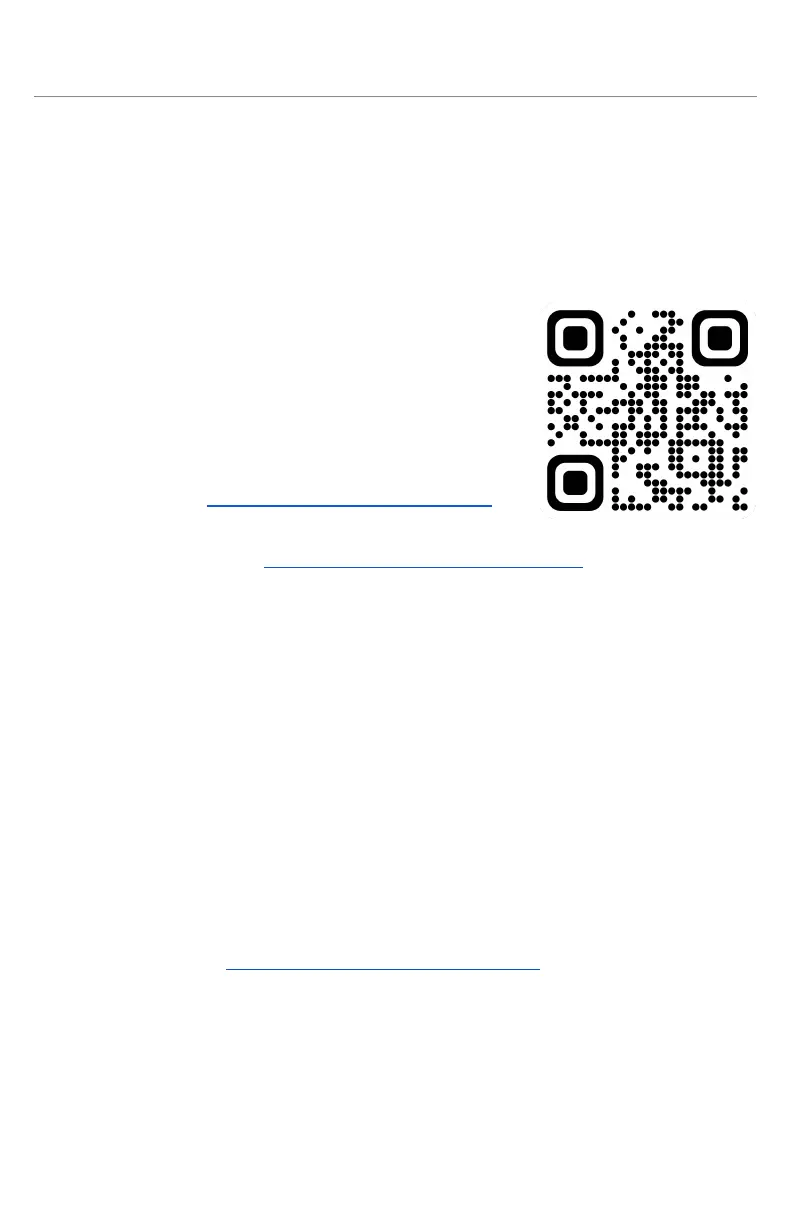
Scan the QR code for a video tutorial →
i. Remove the node from its case - refer
to section 9.a - Outer Case Removal.
ii. Turn on the node via mobile app -
refer to section 5.c - Adding to Your Network.
iii. Once the node has successfully booted, locate the 2 SIM card
ports in the cutout on the side of the heatsink. Carefully
move the antenna cables going into the cutout to find them.
iv. Insert the nano SIM card into port 1 (closest to the cam
handle side of the node) with the gold contacts facing down
and the cutoff corner going in first.
v. Once it clicks into the port, the node will attempt to detect it.
Please note that this may take up to 5 minutes the first
time. If you have a second nano SIM card, insert it into port 2,
which is immediately to the right of port 1.
vi. If the LED indicators turn purple, the node has successfully
entered Modem Mode and can be used as a gateway - see
Issue #10 of section 11.c - Common issues for assistance.
vii. Once complete, turn the node off and reinsert it into its case.
b. Secondary panel installation
A second solar panel may be connected to the node’s second
SAE port. Please note that SAE cables provided by Mesh++
have a specific polarity. Using 3rd-party cables may cause
damage to the node if polarity is reversed.



 To Next Page