ix. The first black rubber seal should fit into the case - If not, the
cam handle must be loosened more and the blue outer seal
plate on the opposite side must be pulled outwards to fit the
rubber seal into it. You may secure the rubber seal into the
opening with your fingers to help it be flush.
x. Begin inserting the core into the case while watching for any
loose cables or connectors - they may catch the inside of the
case or become pinched if not properly secured..
xi. Once the core has been inserted past the heatsink, tip the
entire node onto its side so that the surface you are working
on supports its weight. Rotate the core until the two lip
features on the blue outer seal plate are aligned with their
respective notches on the case and continue pushing it.
xii. If the black rubber seal begins to pinch, loosen the cam
handle and pull the blue outer seal plate outwards to fit the
seal into it. It should be flush with the outer case notches.
xiii. Once the node is fully inserted into its case, tighten the cam
handle clockwise and flip it closed. It should have moderate
resistance when being flipped closed - if it cannot be pushed
down with one hand, it is too tight. Rotate the cam handle
counterclockwise until it can be closed.
b. Upgrading node firmware
i. We are always working on new features for our product and
offer updates periodically. If your node needs to be upgraded
to the latest firmware available, or downgraded to match an
already deployed network, please visit our dashboard
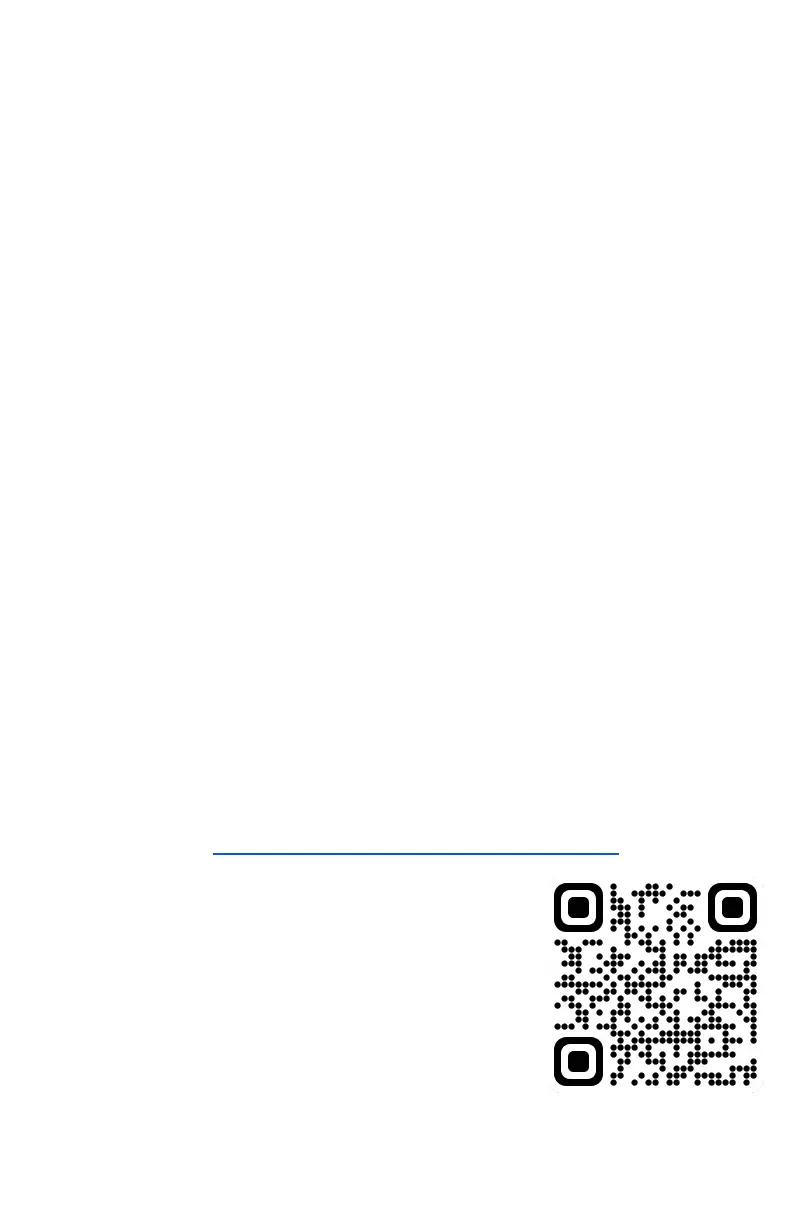
website at https://dashboard.meshplusplus.com . Scan the
QR code to access this site →
ii. Upgrading node firmware can only be
done through the dashboard site on a
computer. Please ensure to use the
same Mesh++ account that is being
used on your mobile app
iii. The dashboard also serves as a central
hub for network analysis, a node list
that displays their statuses, and has the
ability to reboot nodes connected to a network if needed.



 To Next Page