27
ZL6
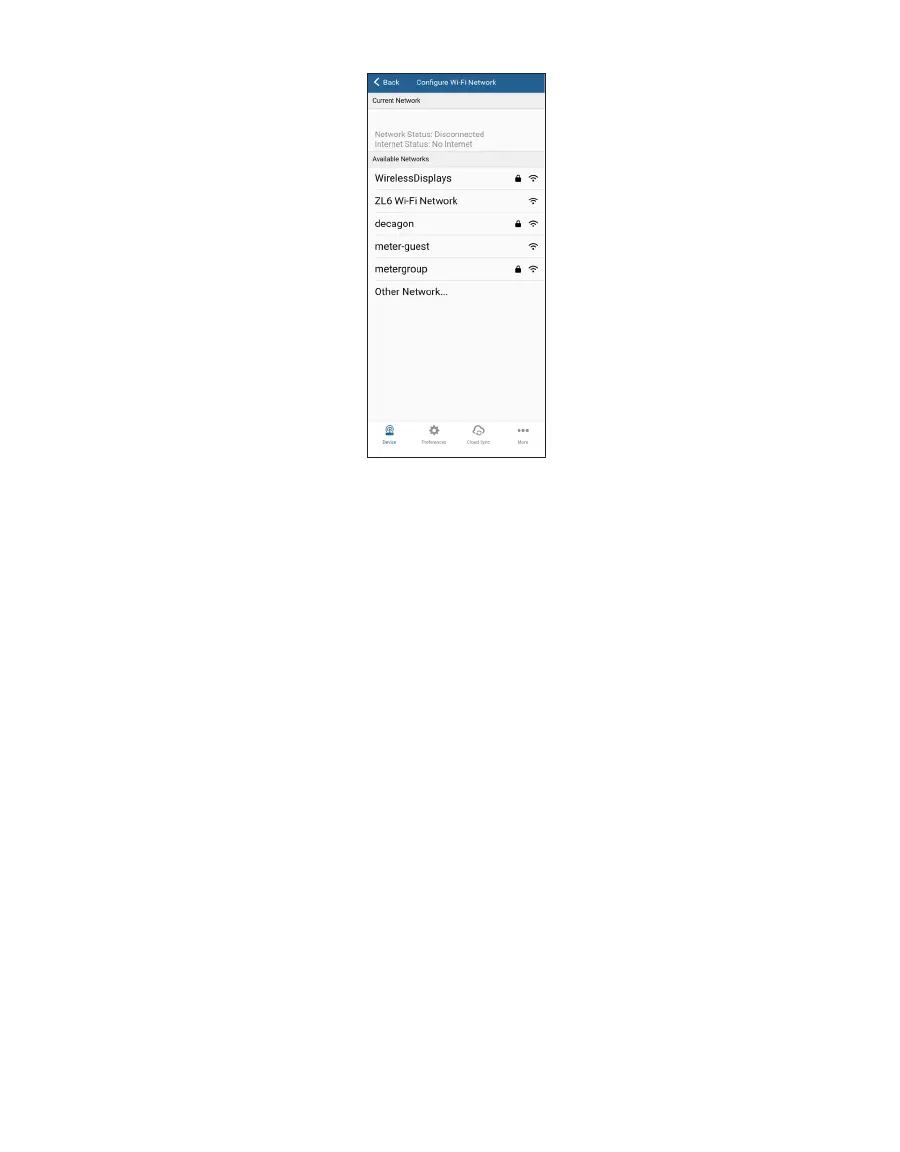
Figure17 Wi-Fi network list
ZENTRA Utility lists up to 12 of the Wi-Fi networks reported by the ZL6. Secure networks that
require a passphrase are shown with a lock icon. Tap the name of the network to select the
network ZL6 should be used to communicate with ZENTRA Cloud.
There are several reasons a desired Wi-Fi network isn’t shown on the list. The signal strength
may not be strong enough because the ZL6 is not close enough to the access point. The
ZL6 is compatible with IEEE 802. 11b/g/n 2.4 GHz Wi-Fi networks. The ZL6 cannot join a
network using only the 5 GHz bands. The network may not be broadcasting the name. See
section 4.5 for how to configure the ZL6 for a hidden Wi-Fi network. The Wi-Fi hardware
inside the ZL6 auto-detects which regulatory region where it is operating. For many locations
in the world, including the USA, the module disables Wi-Fi channels 12 & 13. Check the Wi-Fi
access point configuration to verify it is not using channels 12 & 13 (or set to auto-select the
channel when channels 12 & 13 are an option). The ZL6 only supports channels 12 & 13 when
deployed in the ETSI/UKCA region.



 To Next Page