13
ZL6
2.3.2 CONFIGURATION
The measurement interval and sensor types must be set before data will be correctly stored
by the logger.
1. On the ZL6, press the TEST button to enable Bluetooth advertising.
2. On the mobile device, open ZENTRA Utility Mobile.
3. Select the ZL6.
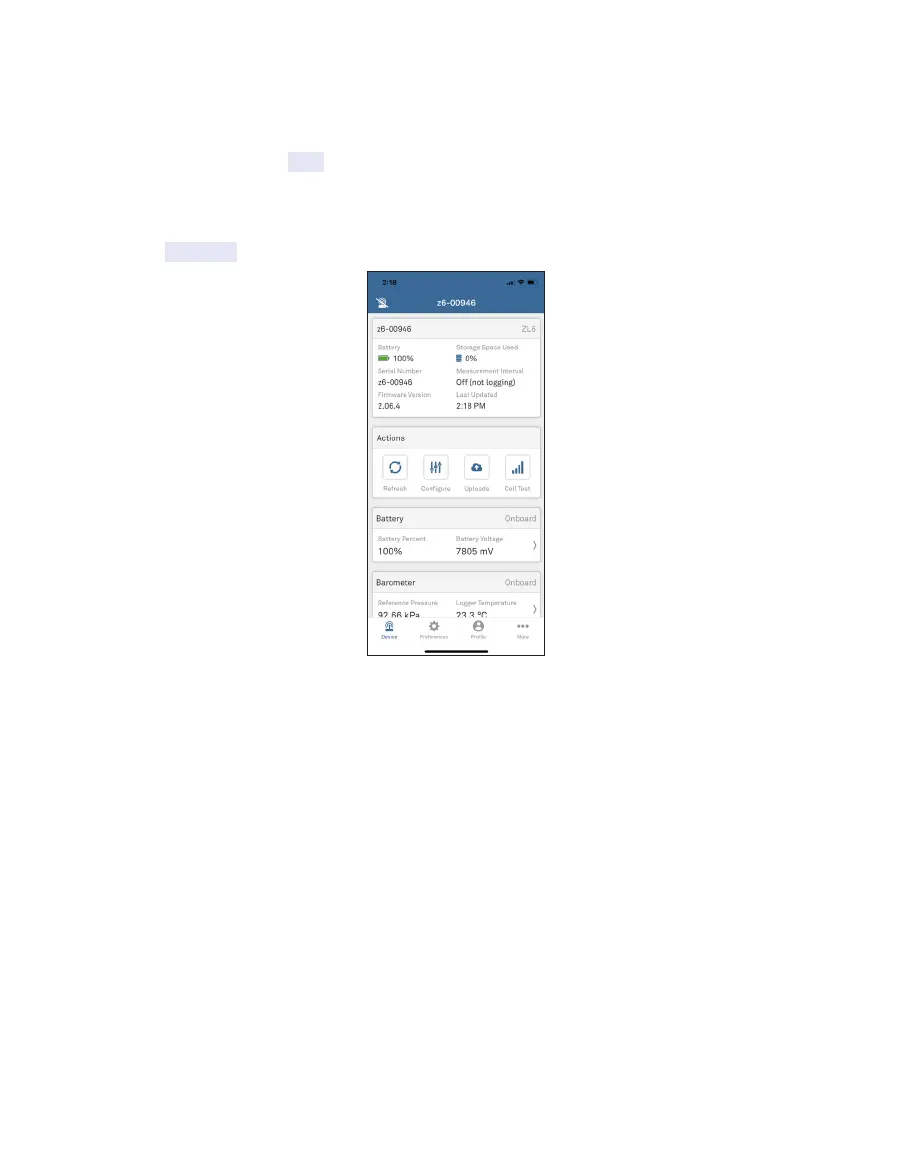
4. Select Configure on the Actions panel (Figure10).
Figure10 Select Configure
The Configure Device screen will appear (Figure11).



 To Next Page