5
ZL6
Table 2 Installation (continued)
Field Installation
(continued)
Install Sensors
Install each sensor as directed in the sensor user manual.
Thread cables near the ground through conduit or plastic cladding to avoid
damage.
Plug the sensor stereo plug connectors firmly into the ZL6 input ports.
Put each cable in the corresponding strain relief hook and use thumb screws to
tighten the strain relief hook.
Perform instantaneous scan to ensure sensors are working properly
(Section2.2.3).
2.2 INTERFACING WITH ZL6 USING A COMPUTER
Download ZENTRA Utility from the ZL6 webpage (metergroup.com/zl6-support) before going
to the field. Add ZENTRA Cloud user credentials to allow uploading data.
2.2.1 CONFIGURATION
The measurement interval and sensor types must be set before data will be correctly
stored by the logger.
To configure the ZL6 in ZENTRA Utility, refer to the following steps:
1. Plug the micro-USB cable into the logger USB port and the computer USB port.
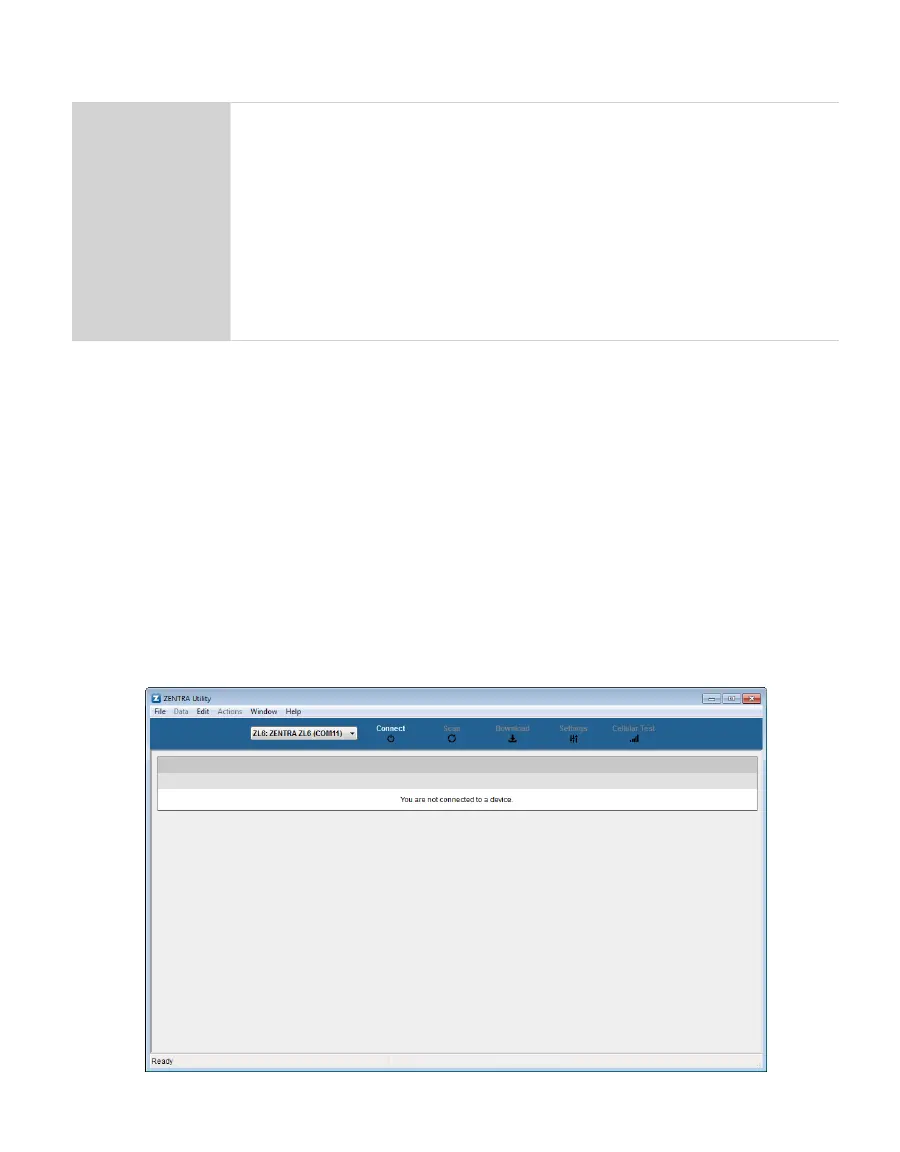
2. Open the ZENTRA Utility application (Figure1).
Figure1 ZENTRA Utility initial screen with ZL6 in COM port dropdown



 To Next Page