31
ZL6
4.5 HIDDEN WIFI NETWORK CONFIGURATION
Some Wi-Fi networks are configured not to broadcast their network name. These are
known as hidden networks. These networks could be secured with personal or enterprise
authentication methods. The ZL6 is compatible with hidden personal networks and is also
compatible with hidden enterprise networks described in (Section4.4) above.
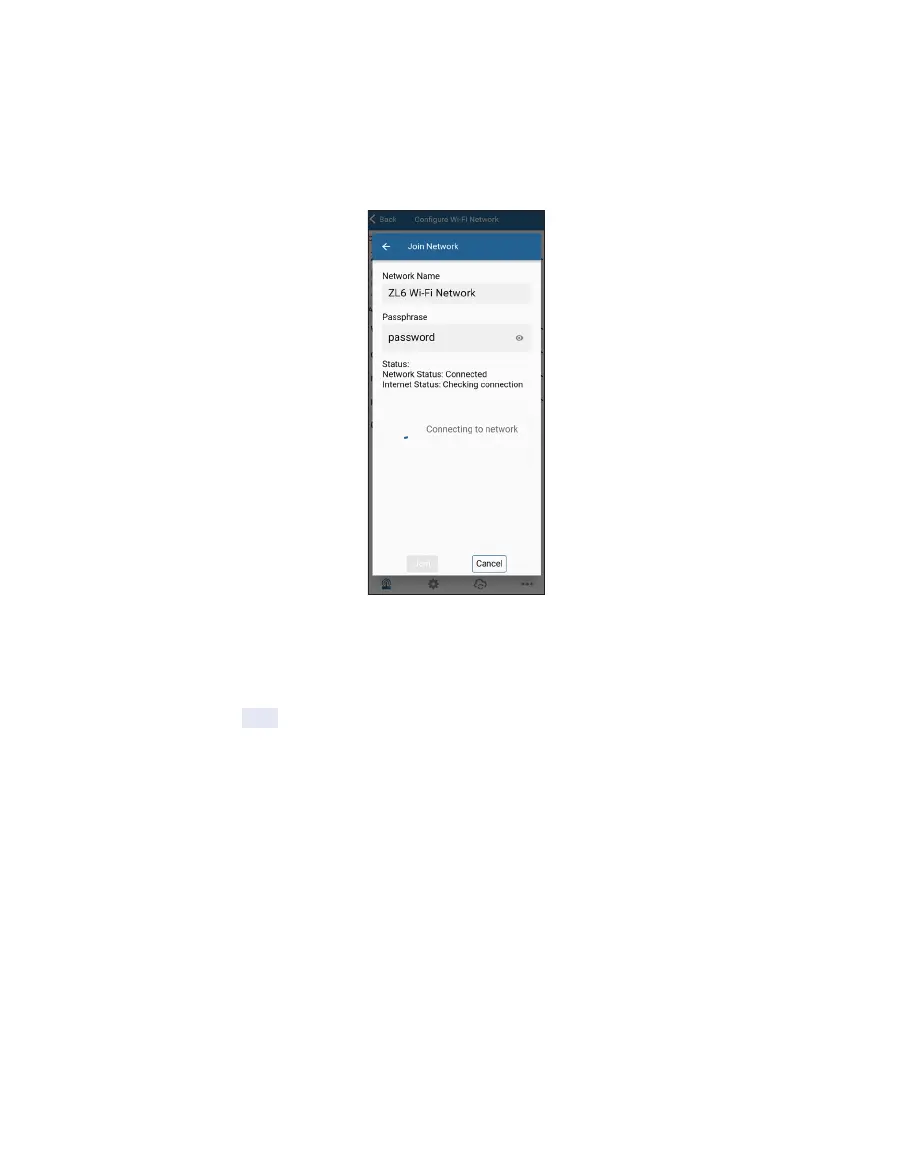
Figure21 Configuration of hidden personal network
Connecting to a hidden Wi-Fi network requires you to enter the network name and security
credentials. Consult your IT professional if you are unsure of the settings to use with the
hidden network. Tap Join to send the network settings to ZL6. The logger proceeds to
connect to this Wi-Fi network and communicate with ZENTRA Cloud. ZENTRA Utility Mobile
will report any errors.



 To Next Page