36
ZENTRA SOFTWARE
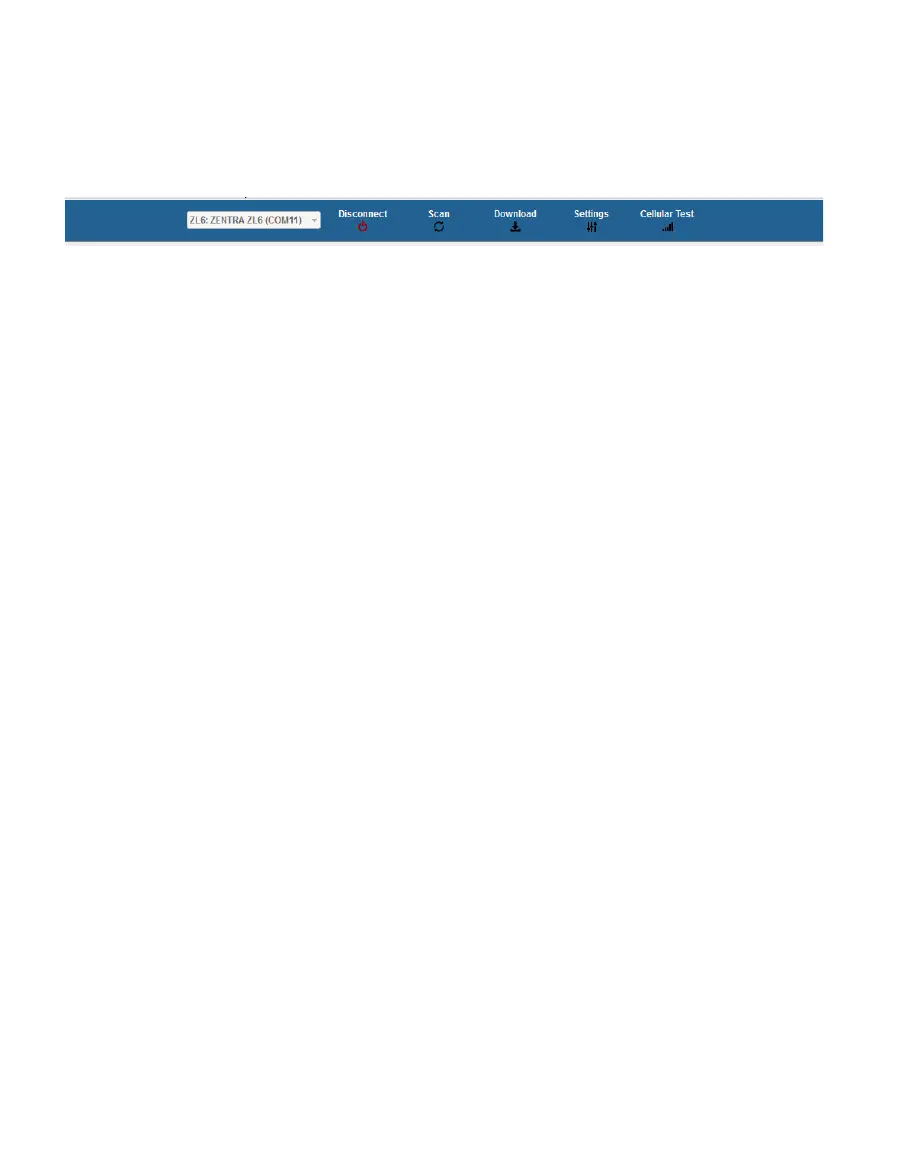
• Download: Downloads all data that has been collected on the ZL6 since the last time a
download from the selected logger.
• Settings: Opens the Manage Settings dialog (Section4.2.5.1).
• Test: Opens the Cellular Communication Test dialog (Section2.2.2).
Figure25 Button toolbar
5.2.2 DATA LOGGER IDENTIFICATION AREA
The Data Logger Identification area shows information for the connected ZL6. Hover over
each item for its label. Any customizable fields can be adjusted through the Manage Settings
dialog (Section4.2.5.1).
• Serial Number: The factory-set unique serial number for each ZL6.
• Device Type: Model ZL6 or ZL6 Basic.
• Site Name: Customizable field to describe the ZL6 location.
• Remaining Battery Life: Icon that shows the battery charge remaining on the device.
• Cellular Strength: Icon that shows the strength of the cellular signal. This appears only
after the cellular communication test is completed (Section2.2.2).
• Device Name: Customizable field to describe the ZL6 device.
• Firmware Version: Version of firmware on the ZL6.
• Measurement Interval: Customizable field that describes the frequency at which the
ZL6 will be recording measurements (Section3.2.2).
• Time until Overwriting Data: Indicator of how much data are stored on the ZL6 and how
long it will be able to record more measurements before overwriting older data.
5.2.3 ACTIVE SENSORS AND MEASUREMENTS AREA
All sensors plugged into the ZL6 are listed in this area and each sensor in this section is
delimited by a horizontal bar (Figure17). The left side of the section will have the sensor
name and port number. The two on-board sensors (Battery and Barometer) will not show a
port number. The right side of the section will list all measurements from the sensor, with
a descriptor of the value. The measurements will use the units selected in the Manage
Preferences Dialog (Section4.2.5).
5.2.4 STATUS BAR
The Status bar in the bottom border of the screen will include what is happening in the
software. It also shows the logger date and time.



 To Next Page