15
ZL6
2.3.3 COMMUNICATION TEST ZL6 CELLULAR AND ZL6 PRO
A successful communication test will confirm that the ZL6 can transmit data to ZENTRA
Cloud servers as well as provide the quality of the cellular connection. Even a poor
connection status allows data to be successfully transferred. Prior to installing the sensors
and the ZL6, check the cellular connection at the location:
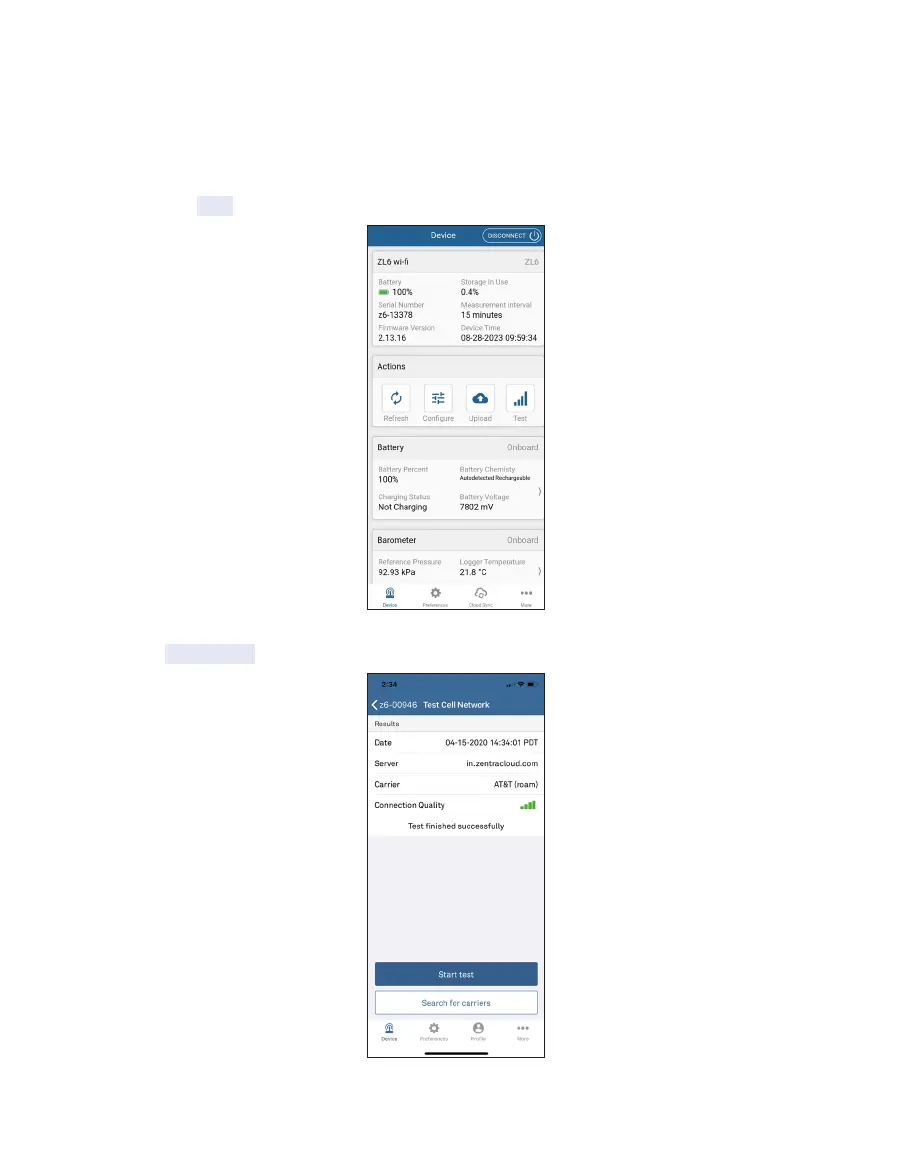
1. Select the Test button on the Actions panel (Figure12).
Figure12 Select Test to begin Communication Test
2. Select Start test.
Figure13 Select Start to begin the test



 To Next Page