30
WIFI COMMUNICATION
4.4 SECURED ENTERPRISE NETWORK CONFIGURATION
The ZL6 is compatible with some Wi-Fi networks employing enterprise security. These types
of networks are used in larger businesses and universities. Typically, enterprise networks
require IT professionals to deploy and support. The ZL6 is compatible with enterprise
networks that are secured by a username and password using LEAP and PEAP methods. See
Section4.1 for networks that require authentication with certificates.
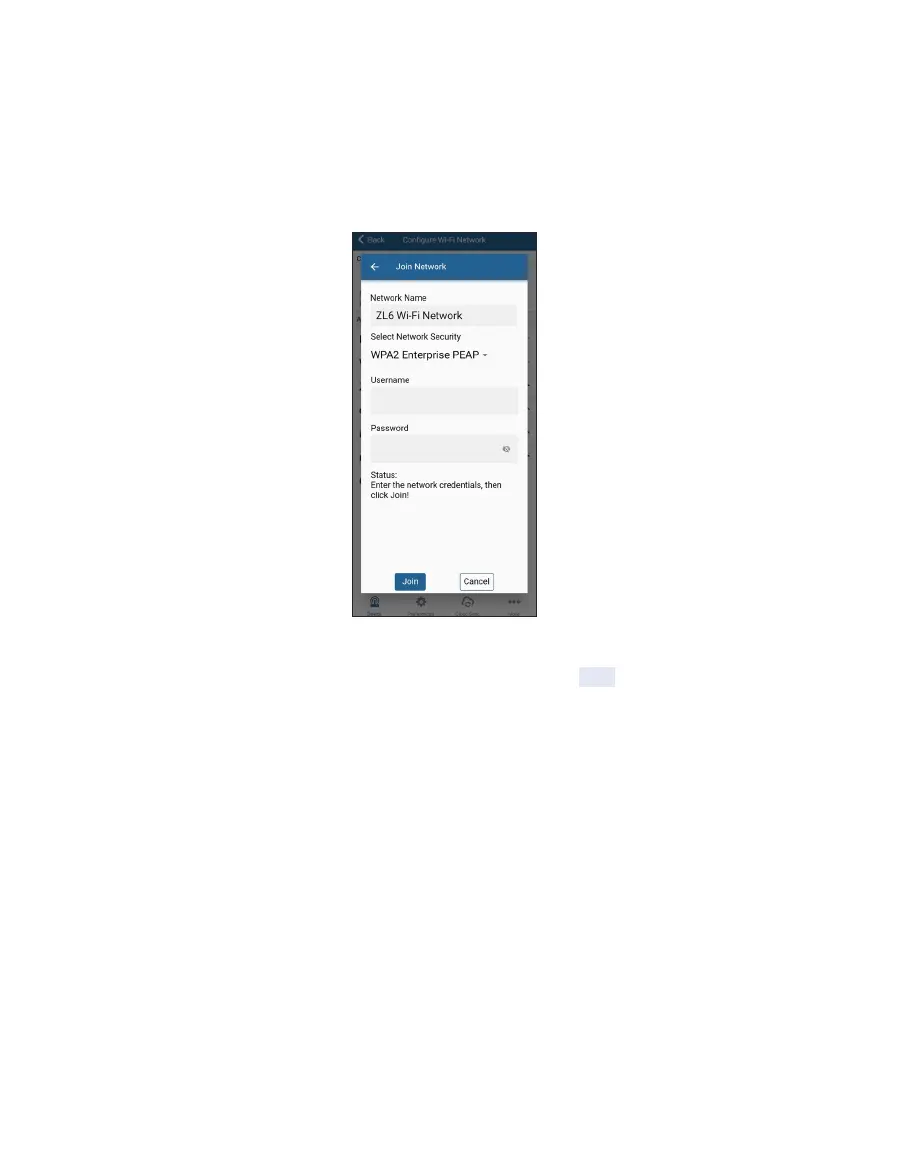
Figure20 Configuration of an enterprise network
Enter the username, password, and security type and then Tap Join to send the network
settings to ZL6. The logger proceeds to connect to this Wi-Fi network and communicate with
ZENTRA Cloud. ZENTRA Utility Mobile will report any errors.



 To Next Page