42
ZENTRA SOFTWARE
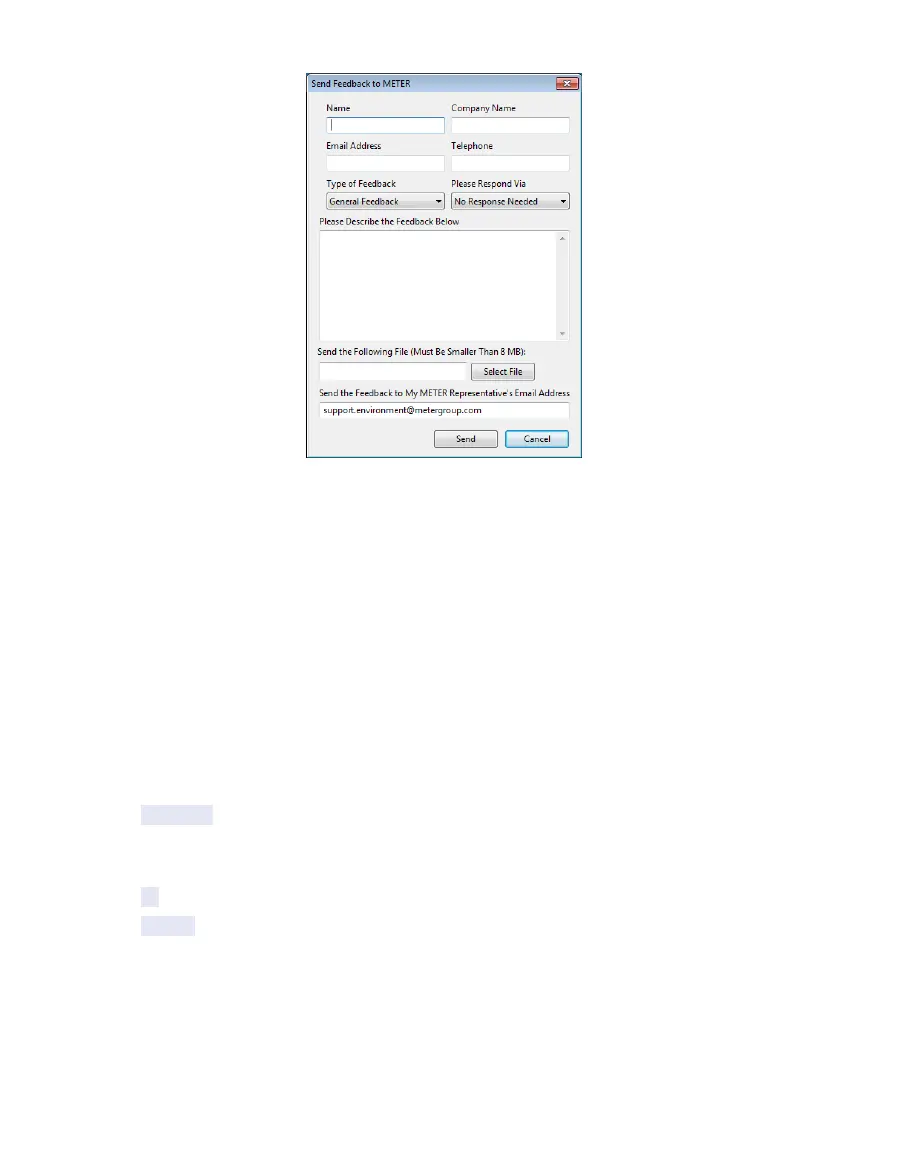
Figure30 Send Feedback to METER Group window
Enter name, company name, and contact information in the form.
Identify the type of feedback being sent (general feedback, feature suggestions, bug report,
or other).
Indicate if and how METER should respond (email or telephone).
Give details in the description area. If reporting a bug, detail what steps occurred prior to
the bug and any error message. By default, bug reports include software error files. Other
files can also be sent using this form (e.g., logger download files).
• About ZENTRA Utility: View the version of ZENTRA Utility currently installed.
MANAGE SETTINGS DIALOG
Changing the ZL6 configuration happens in the Manage Settings dialog, which has four tabs.
Use the following steps to access the Manage Settings dialog:
1. Click Settings on the Button toolbar (Section4.2.1).
2. Make edits to the settings on the tabs. Refer to the details about the types of control
settings in the following sections.
3. Click OK to save settings.
Click Cancel to exit without applying settings.



 To Next Page