43
ZL6
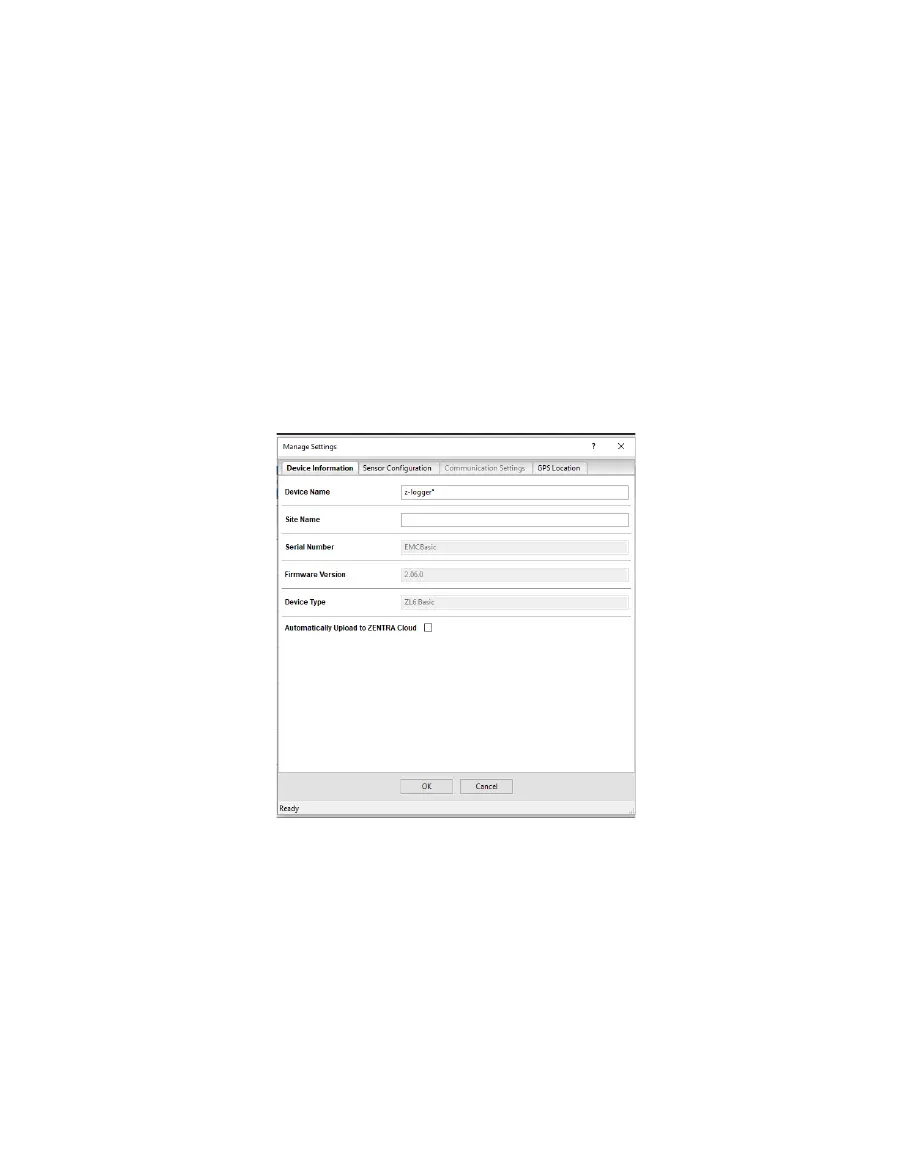
DEVICE INFORMATION TAB
Use the Device Information tab to edit the information that appears in the Data Logger
Identification area (Figure24).
• Device Name: Logger-specific name to identify the logger in the software. The default name
is the unit serial number. It can be changed to a name representing the field or plot where
the logger is installed or the types of sensors installed.
• Site Name: Area-specific name to identify where a group of loggers are located in the
software. The Site Name is optional.
• Serial Number: Factory-set logger serial number that cannot be changed.
• Time Zone: Time zone automatically set from ZENTRA Utility software or the cellular system.
• Firmware Version: Version of firmware on the ZL6. Check for the latest version of logger
firmware, using the Help menu (Section4.2.5).
• Device Type: Model of the ZENTRA logger connected to ZENTRA Utility (not editable).
Figure31 Manage Settings Device Information tab
SENSOR CONFIGURATION TAB
Use the Sensor Configuration tab to set the sensor measurement interval and to select
sensors for each port (Figure25).



 To Next Page