6
OPERATION
On the ZENTRA Utility main screen, the connected ZL6 should appear in the dropdown
menu. If the logger designation does not appear in the dropdown, try a different port
orcable.
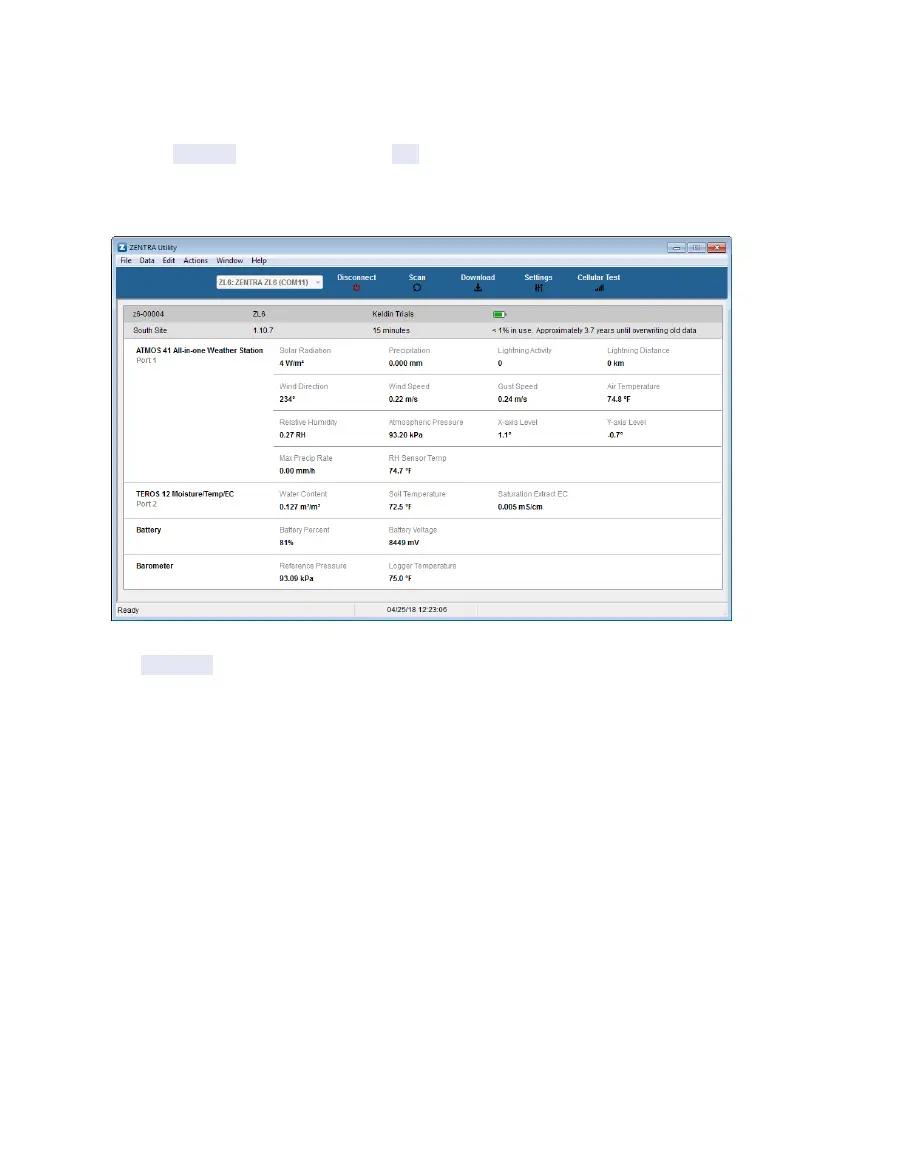
3. Click the Connect button next to the COM port dropdown menu (Figure2).
Once successfully connected, ZENTRA Utility displays the instantaneous sensor
measurements from the ZL6 (Figure2).
Figure2 ZENTRA Utility showing a connected ZL6 and its instantaneous measurements
4. Click Settings in the Button toolbar.
The Manage Settings dialog will appear.
5. Navigate to the Device Information tab (Figure3).



 To Next Page