procedure with key or continue with entering new code by pressing on the key for first digit of the
new Setup Code.
ERASE ALL SPECIAL KEYS
AND PIN CODES
Not avaliable if “Special Keys Mode” is set to “On-line” in Metra ELS/LCC NET software.
This erases all current parameter values and sets them back to factory default values.
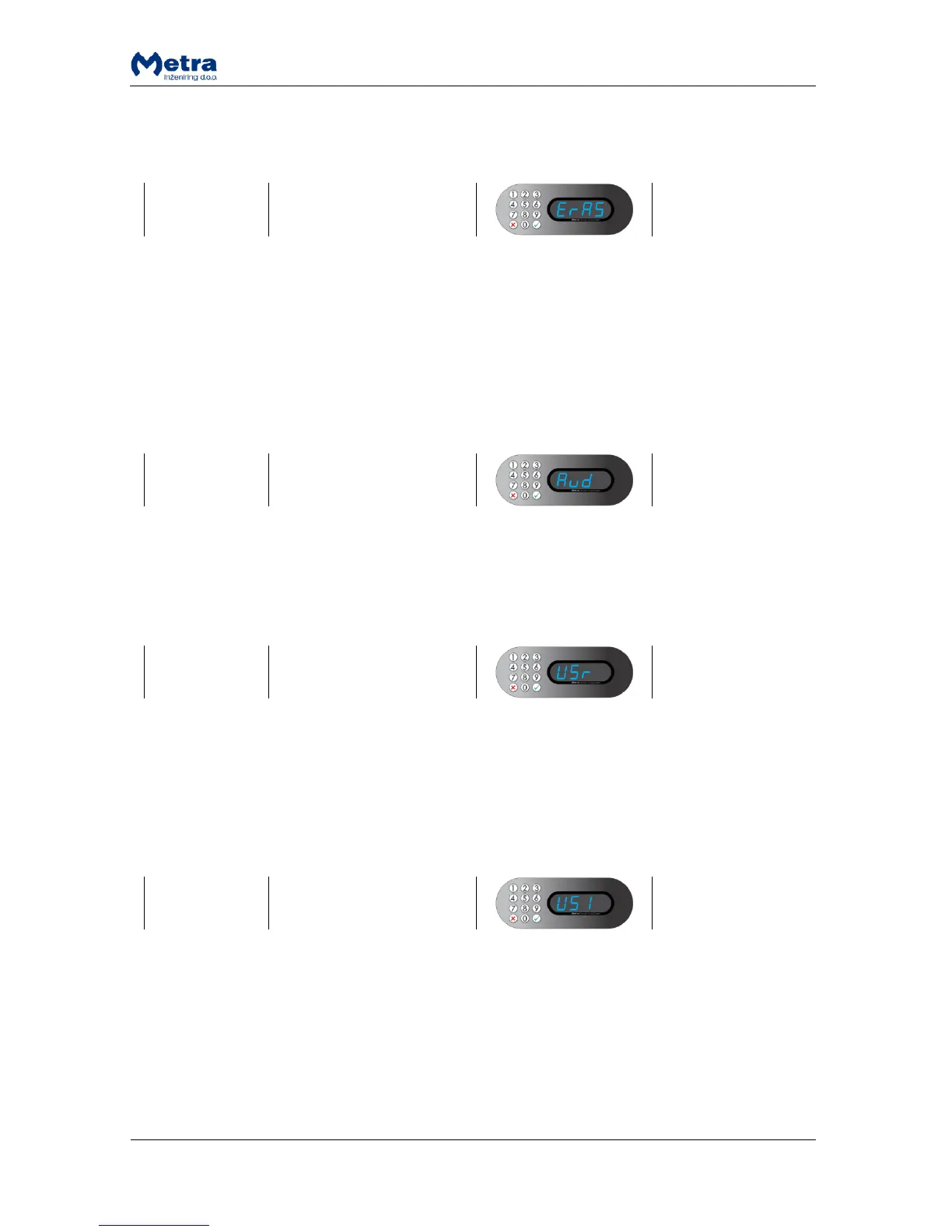
While sign “ErAS” is displayed press the key. “ConF” is displayed and blinking. Press and hold the
key for a few seconds to confirm or press key to cancel. When action is accepted, sign “YES” is
displayed or if action was cancelled sign “no” is displayed. Device returns to parameter selecting
mode.
While sign “Aud” is displayed press the key. Press the key for up or down on the Keypad to
activate (On) or to deactivate - silent (OFF) the audio signalling. Confirm the selection with the key.
When parameter setting is accepted, sign “YES” is displayed. Device returns to parameter selecting
mode.
After the Locker door is closed, system waits for RFID media / finger to be presented or PIN code
entered, for chosen number of seconds.
While sign “USr” is displayed press the key. With digit keys on the Keypad enter desired time in
seconds. Time can be set from 2 to 8 seconds in 1 second steps. Confirm it with the key. When
parameter setting is accepted, sign “YES” is displayed. Device returns to parameter selecting mode.
USER WAITING TIME
INCREMENT
User waiting time increments (slower countdown) after the countdown ended without presenting
the ticket to lock the locker. This gives user more time to present the RFID media / finger or enter PIN
code in second attempt.
While sign “USI” is displayed press the key. With digit keys on the Keypad enter desired time in
seconds. Time can be set from 1 to 4 seconds in 1 second steps. Confirm it with the key. When
parameter setting is accepted, sign “YES” is displayed. Device returns to parameter selecting mode.



 To Next Page