Minimal PIN code length is set to 1 by default. This means that someone can close the locker with
minimal 1 digit or maximal 4 digits PIN code. This parameter can be also set up to 2, 3, 4 or 5. If set to
4, only 4 digit PIN codes are accepted. If set to 5, only 4 digit PIN codes are accepted and last (fourth)
digit entered automatically confirms the entered Pin code and there is no need to press the key to
confirm.
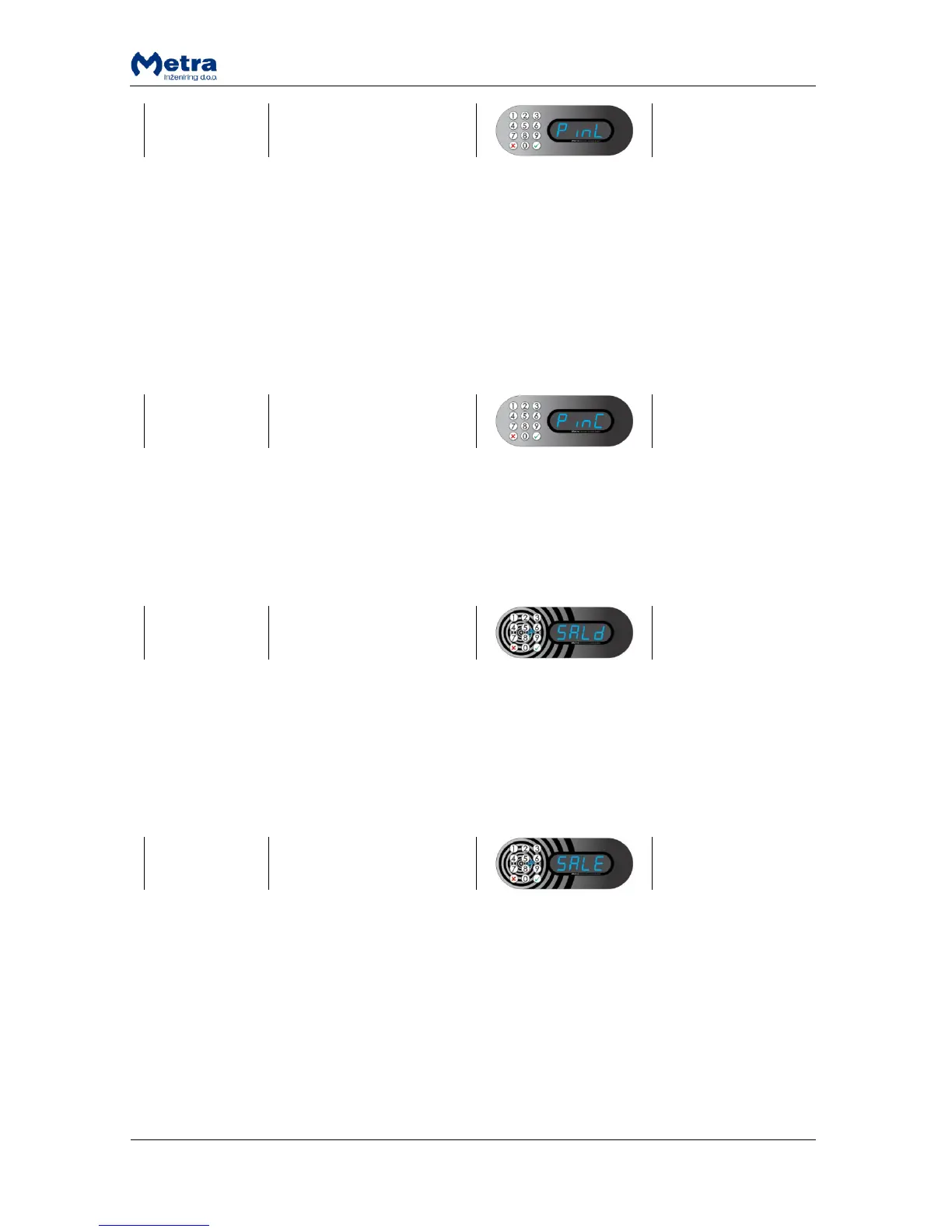
While sign “PinL” is displayed press the key. With digit keys on the Keypad enter desired minimal
PIN Code length (from 1 to 4) for this Device. Confirm it with the key. When parameter setting is
accepted, sign “YES” is displayed. Device returns to parameter selecting mode.
After the Locker is closed and Pin code requested, sign “Pin” or sign “Code” can be displayed.
While sign “PinC” is displayed press the key. Press the key for up or down on the Keypad to select
“Pin” or “Code”. Confirm it with the key. When parameter setting is accepted, sign “YES” is
displayed. Device returns to parameter selecting mode.
Action is available only if Payment parameter (PAY) set to “PAY”.
While sign “SALd” is displayed press the “Enter”/ key. Sum of all inserted coins is displayed and
device returns to parameter selecting mode.
Action is available only if Payment parameter (PAY) set to “PAY”.
While sign “SALE” is displayed press the “Enter”/ key. “ConF” is displayed and blinking. Press and
hold the “Enter”/ key for a few seconds to confirm or press “Esc”/ key to cancel. When action is
accepted, sign “YES” is displayed and saldo is erased. Device returns to parameter selecting mode.



 To Next Page