2.2 Configuring
■■■■■■■■■■■■■■■■■■■■■■
6
■■■■■■■■
900 Touch Control
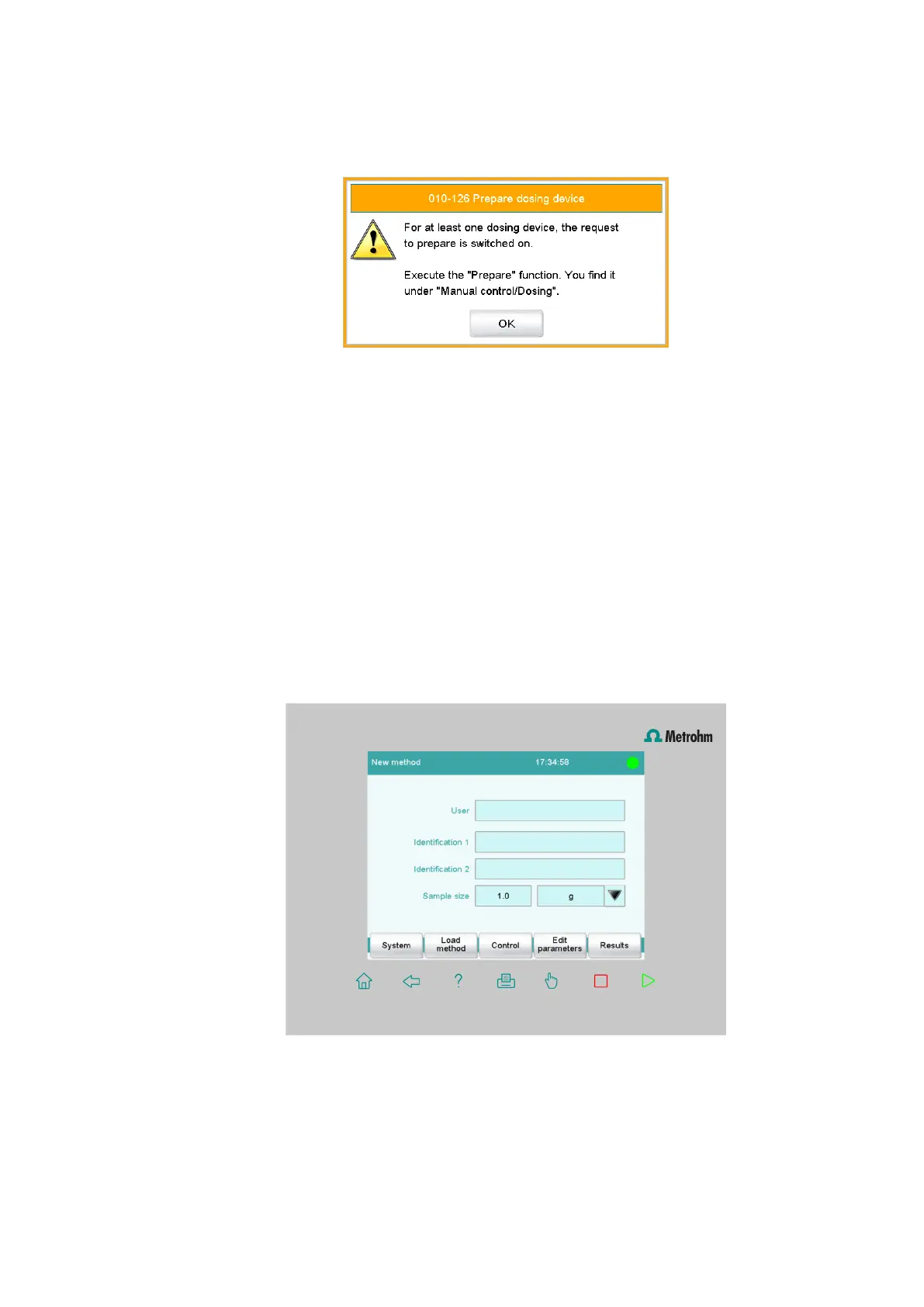
■ Confirm the message with [OK] (or with [Yes]).
The request to carry out the Prepare function ("Prepare" func-
tion) appears:
All tubings and the cylinder of the buret are rinsed with the
Pre-
pare function. The preparing of the buret unit is described in
chapter 3.3.1, page 25. The buret unit must, however, first be
configured (see chapter 2.2.5, page 9).
■ Confirm the message with [OK].
The main dialog is displayed.
2.2.2 Switching off the instrument
The 900 Touch Control can be switched off with the power switch on the
left-hand side of the back panel. The switching-off procedure takes a short
time. The current data is saved and the system is shut down during this
process. At the same time, all other instruments connected to the 900
Touch Control via a USB cable are also being switched off.
2.2.3 Display elements and controls
The following display elements and controls are available:















 To Next Page