2.2 Configuring
■■■■■■■■■■■■■■■■■■■■■■
8
■■■■■■■■
900 Touch Control
2.2.4 Setting the dialog language
Changing the language
If the dialog does not appear in the appropriate language, the dialog lan-
guage can be changed. Proceed as follows:
1
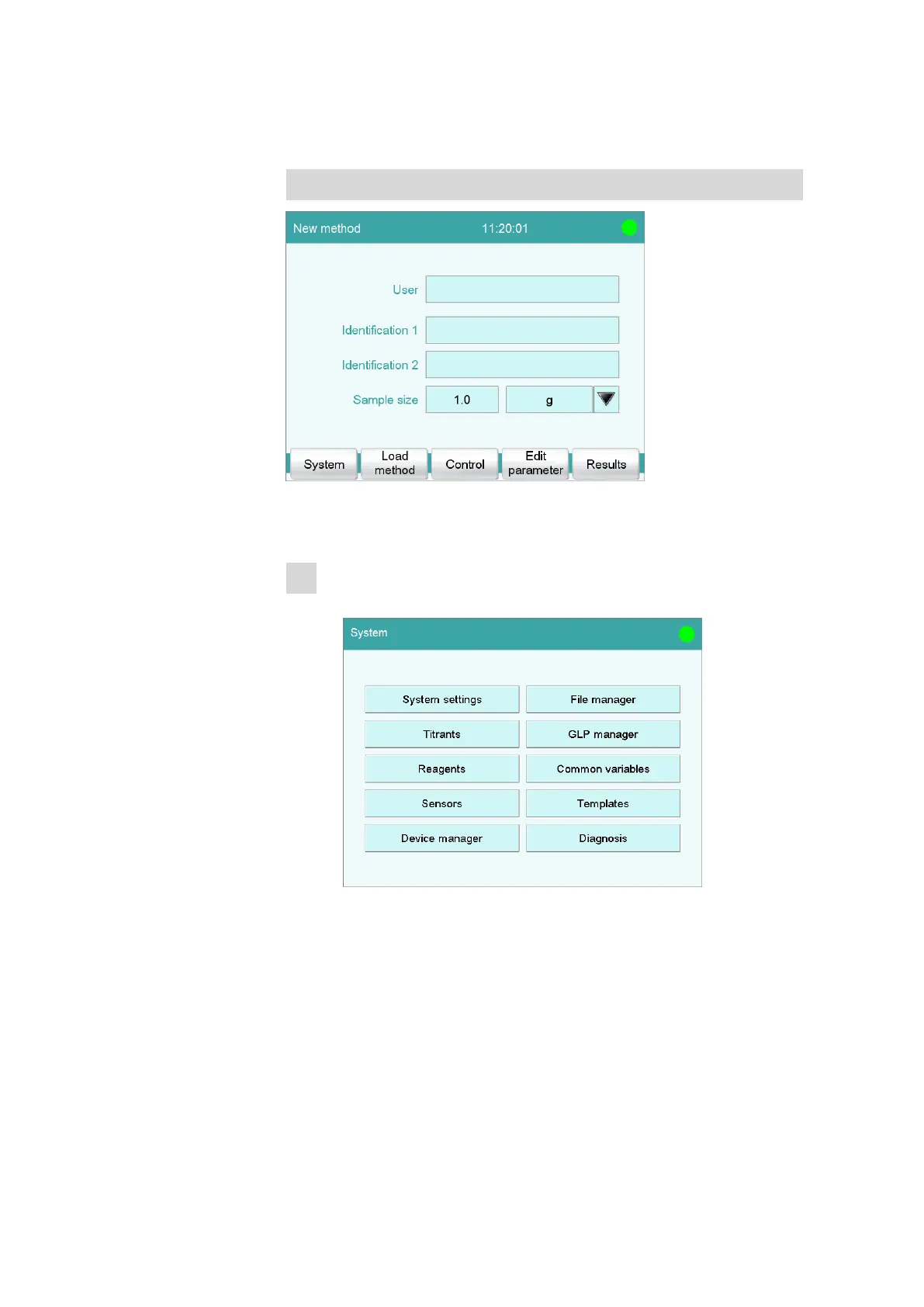
Opening the system settings
■ In the main dialog, tap on [System].
■ Tap on [System settings].















 To Next Page