■■■■■■■■■■■■■■■■■■■■■■
2 Setup and configuration
900 Touch Control
■■■■■■■■
5
2.2 Configuring
2.2.1 Switching the instrument on and off
Switching on the instrument
Proceed as follows:
1
■ Press the power switch on the left-hand side of the back panel of
the 900 Touch Control.
The 900 Touch Control and the Titrando are initialized and a sys-
tem test is carried out. This process takes some time.
As soon as the buret unit has been recognized a message
appears.
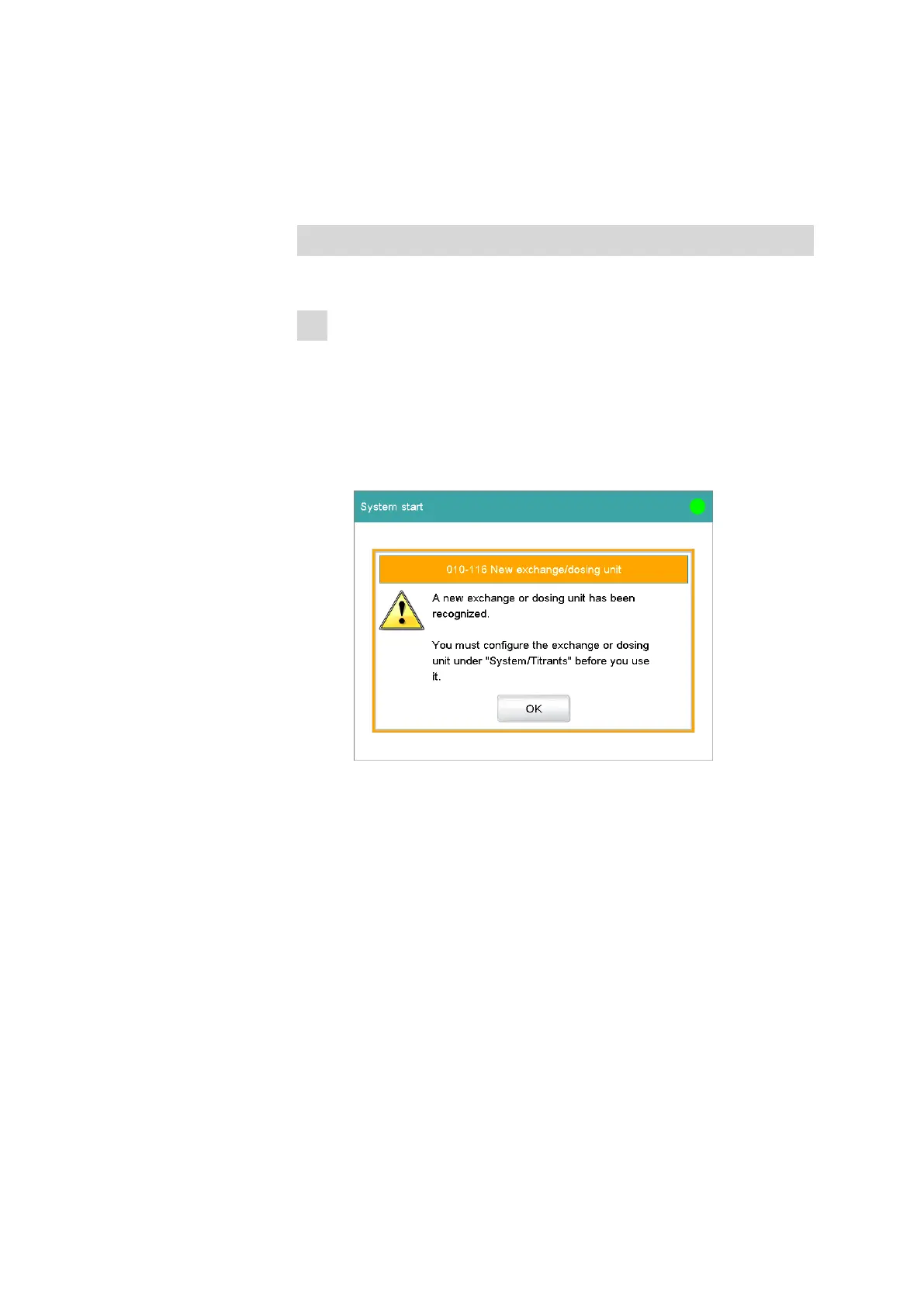
If you use a new buret unit, a request for configuring it will be dis-
played:
The configuration of a new buret unit is described in chapter
2.2.5.
If you take a buret unit already having been used, a request for
applying the titrant data appears instead. Confirm the request
with [Yes] in order to apply the data on the data chip of the buret
unit to the titrant list.















 To Next Page