4.3 Modifying the titration parameters
■■■■■■■■■■■■■■■■■■■■■■
34
■■■■■■■■
900 Touch Control
NOTICE
Details concerning the PC/LIMS report can be found in the manual
for the 900 Touch Control.
NOTICE
These settings are method-specific. The determination data is
saved to the defined memory location for all determinations which
are carried out with this method. You can define different memory
locations for your methods.
4.3 Modifying the titration parameters
You can optimize a titration run by modifying individual titration parame-
ters according to the needs of the titration. For the following titration, the
stirring rate, the dosing rate and the maximum waiting time are being
modified.
Setting the stirring rate
1
Opening the stirrer settings
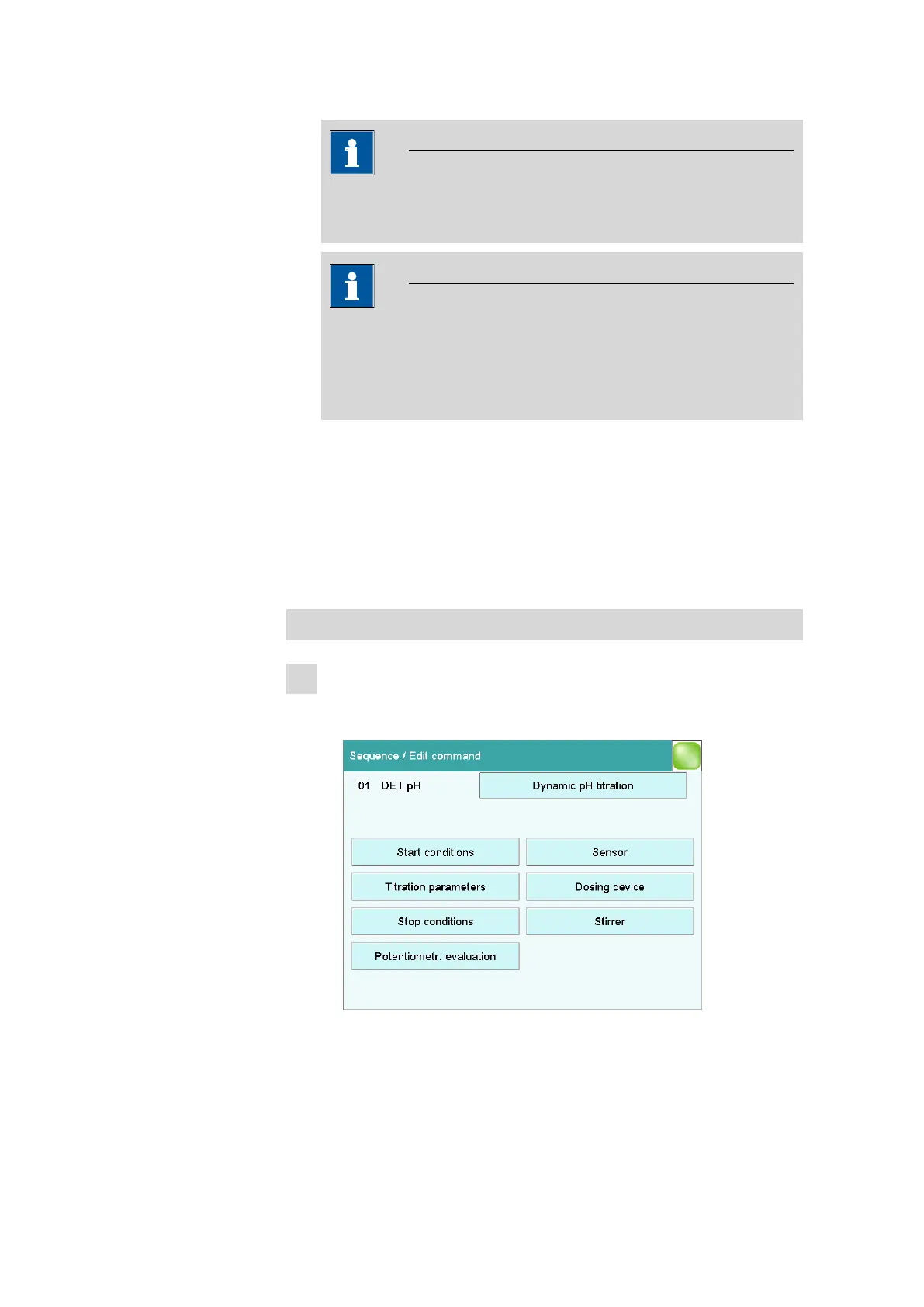
■ In the main dialog, tap on [Edit parameters].
■ Select the DET pH command and tap on [Edit command].















 To Next Page