■■■■■■■■■■■■■■■■■■■■■■
3 Carrying out simple titrations
900 Touch Control
■■■■■■■■
27
Use the [ ] key to move to the main page while a determination is
running. It is thus possible to modify individual parameters during a
determination. However, only those parameters which do not deci-
sively influence the running determination can be modified. Use the
[Live display] button in the main dialog to switch back to the "Live"
depiction of the determination.
The two defined reports are printed out after the titration.
3.3.3 Displaying the results
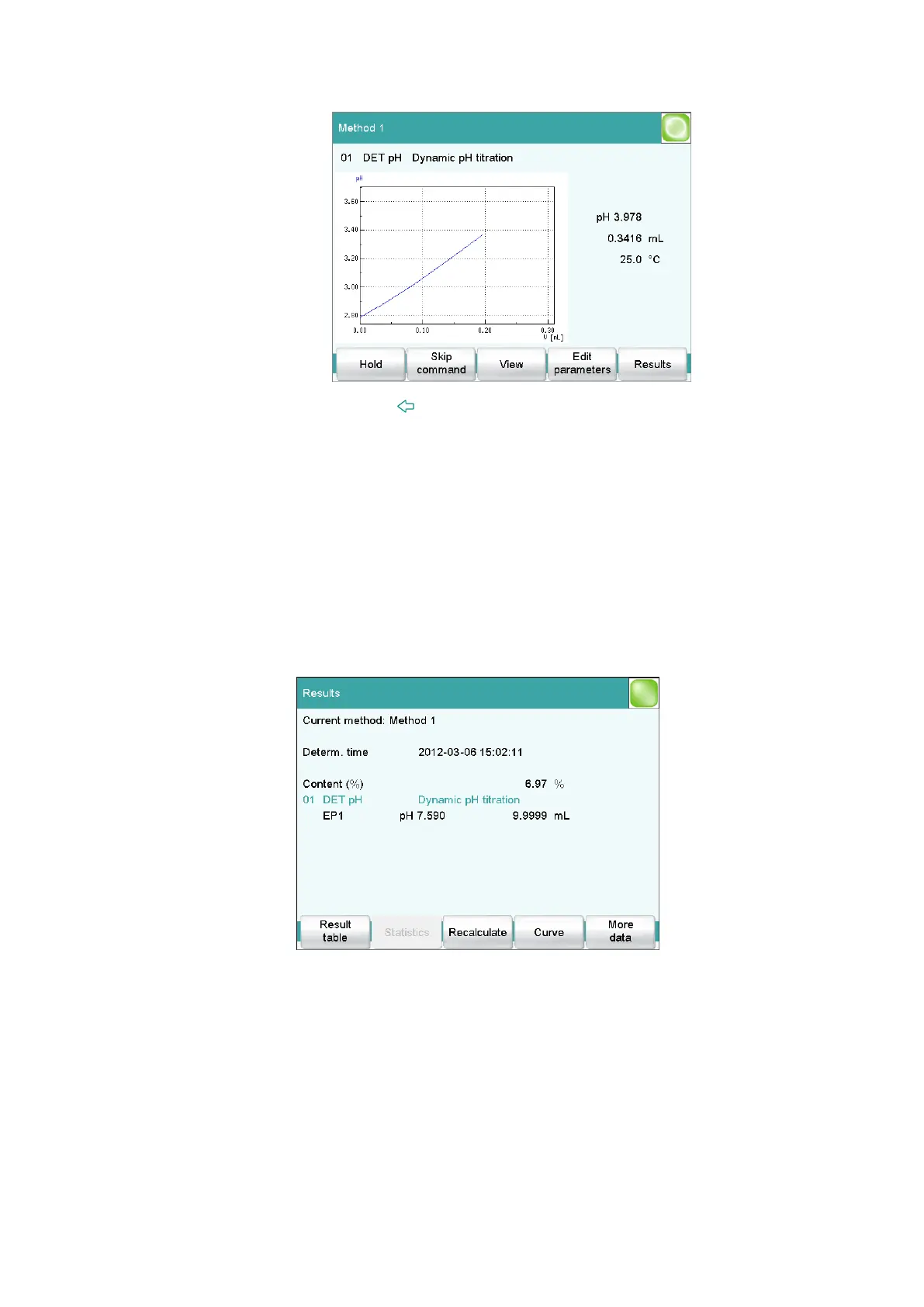
After the determination, the result page is displayed.
The results of the last determination are always available under Results.
Result name and result are displayed. Furthermore, the measured value
and volume of the endpoints found are displayed.
Proceed as follows to display the titration curve:















 To Next Page