3.3 Carrying out the determination
■■■■■■■■■■■■■■■■■■■■■■
26
■■■■■■■■
900 Touch Control
■ Tap on [Prepare].
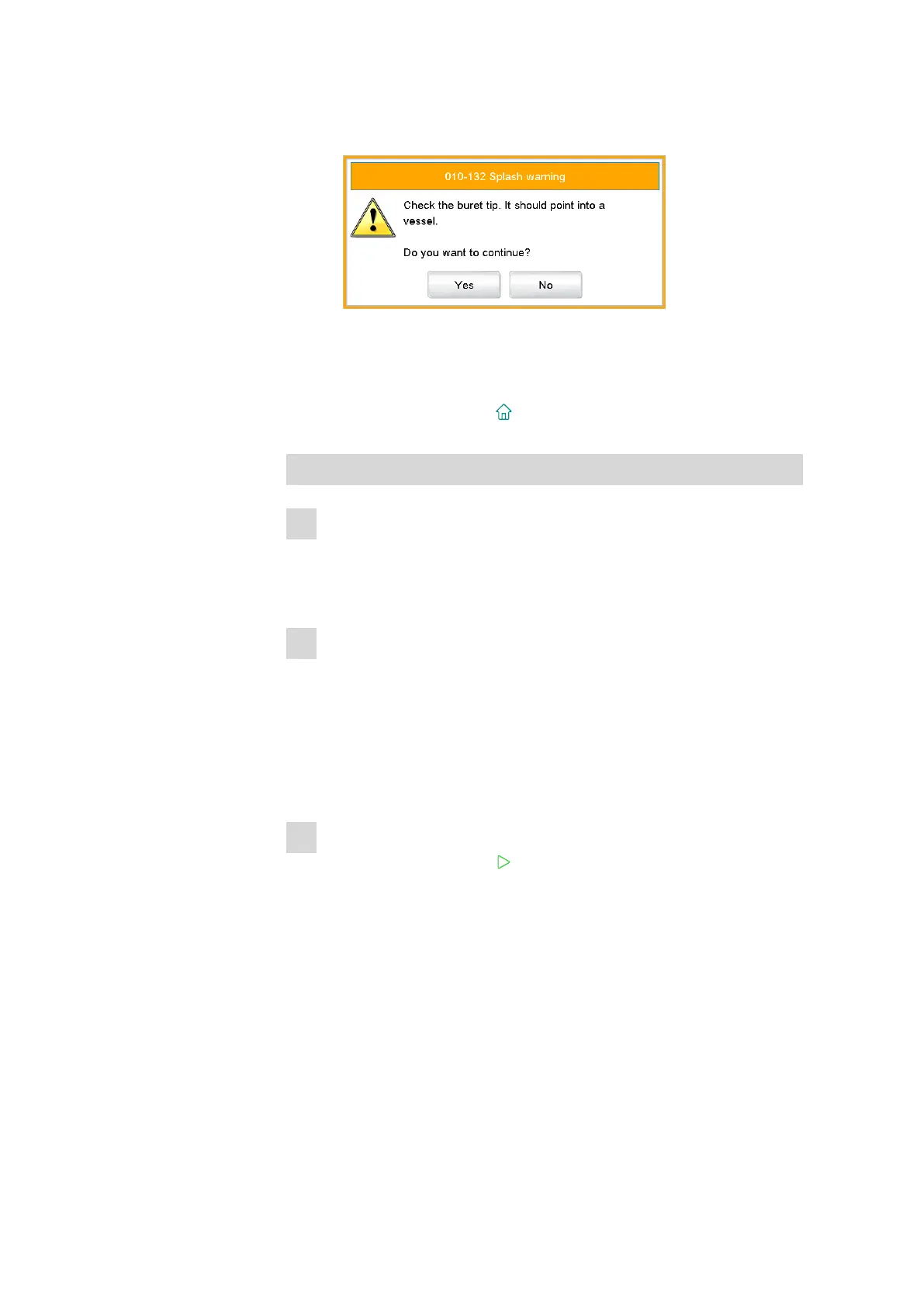
The following message is displayed:
■ Tap on [Yes].
Preparing is carried out. The proceeding of the function is shown
on the display. Details on the function Prepare can be found in
the manual for the 900 Touch Control.
■ Tap on the fixed key [ ].
Preparing the sample
1
Rinsing the electrode and dosing tip
■ Place an empty vessel on the stirrer (or the titration stand).
■ Rinse electrode and titration tip with deionized water (or with a
suitable solvent) from the wash bottle.
2
Positioning the sample
■ Dissolve the sample in the sample vessel with deionized water (or
with a suitable solvent).
■ Add a stirring bar to the sample vessel.
■ Place the sample vessel on the stirrer (or titration stand).
■ Immerse the electrode and the titration tip in the sample solution.
3.3.2 Carrying out the titration
1
Starting the method
■ Tap on the fixed key [ ] (= Start).
The determination starts. The individual steps of the methods are dis-
played.
At the start of the titration, the titration curve and the current values
(measured value, volume, temperature) are displayed. As the titration
continues, the curve is automatically scaled anew in order that the
entire titration run is always visible.















 To Next Page