2.2 Configuring
■■■■■■■■■■■■■■■■■■■■■■
12
■■■■■■■■
900 Touch Control
NOTICE
When you use buret units of the types IDU (intelligent dosing unit)
and IEU (intelligent exchange unit), then data can be applied
directly from the data chip.
The types DU and EU have no data chip. You can create titrants in
buret units which have no data chip yourself by tapping on
[New].
2.2.6 Defining the report output
Configuring the printer
If you wish to print out results and titration curves, then you must config-
ure the printer in the device manager. You also have the option of saving a
report as a PDF file on a USB flash drive. You can then open the reports on
your computer and print them out.
Proceed as follows:
1
Configuring a printer
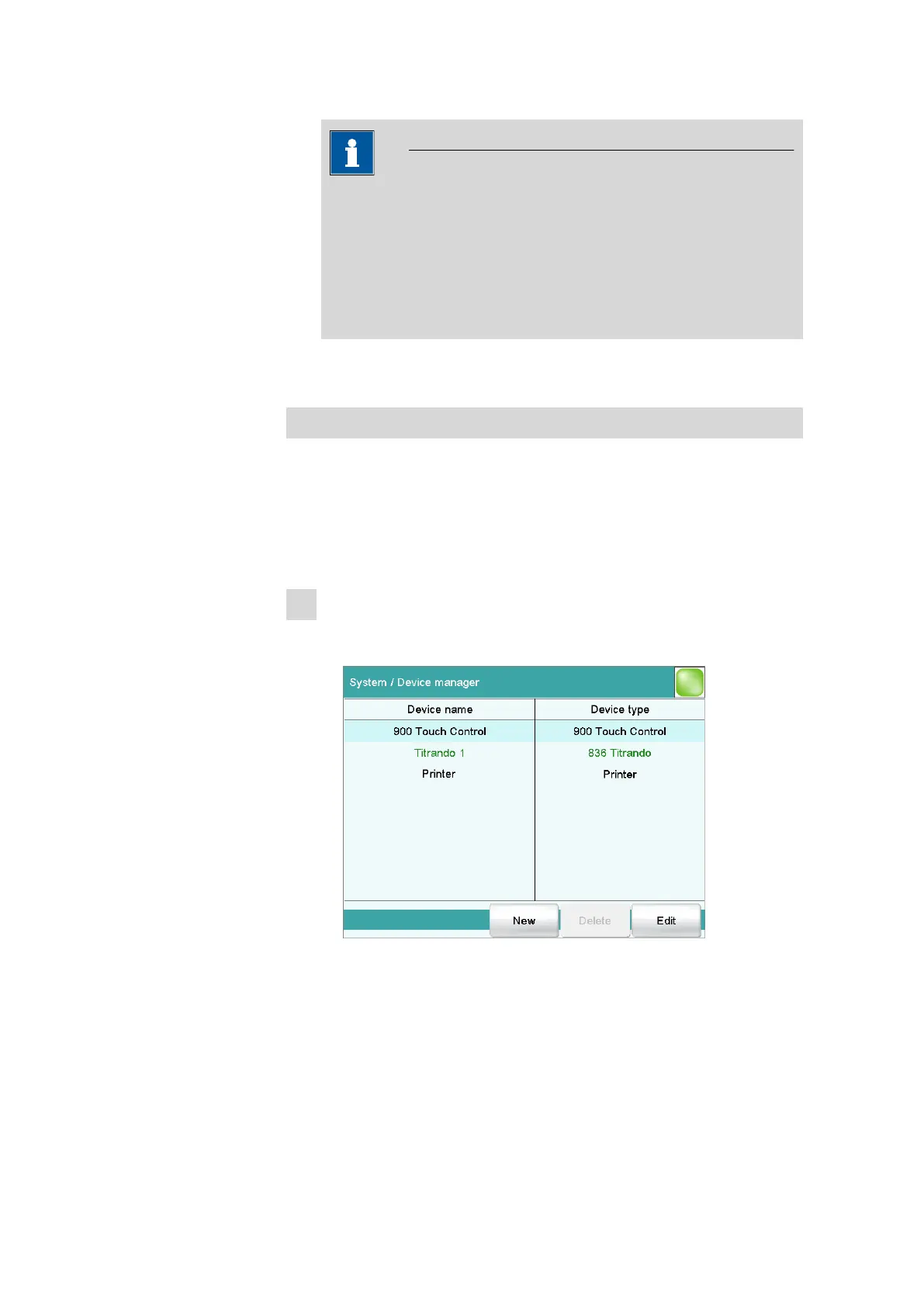
■ In the main dialog, tap on [System].
■ Tap on [Device manager].















 To Next Page