■■■■■■■■■■■■■■■■■■■■■■
2 Setup and configuration
900 Touch Control
■■■■■■■■
13
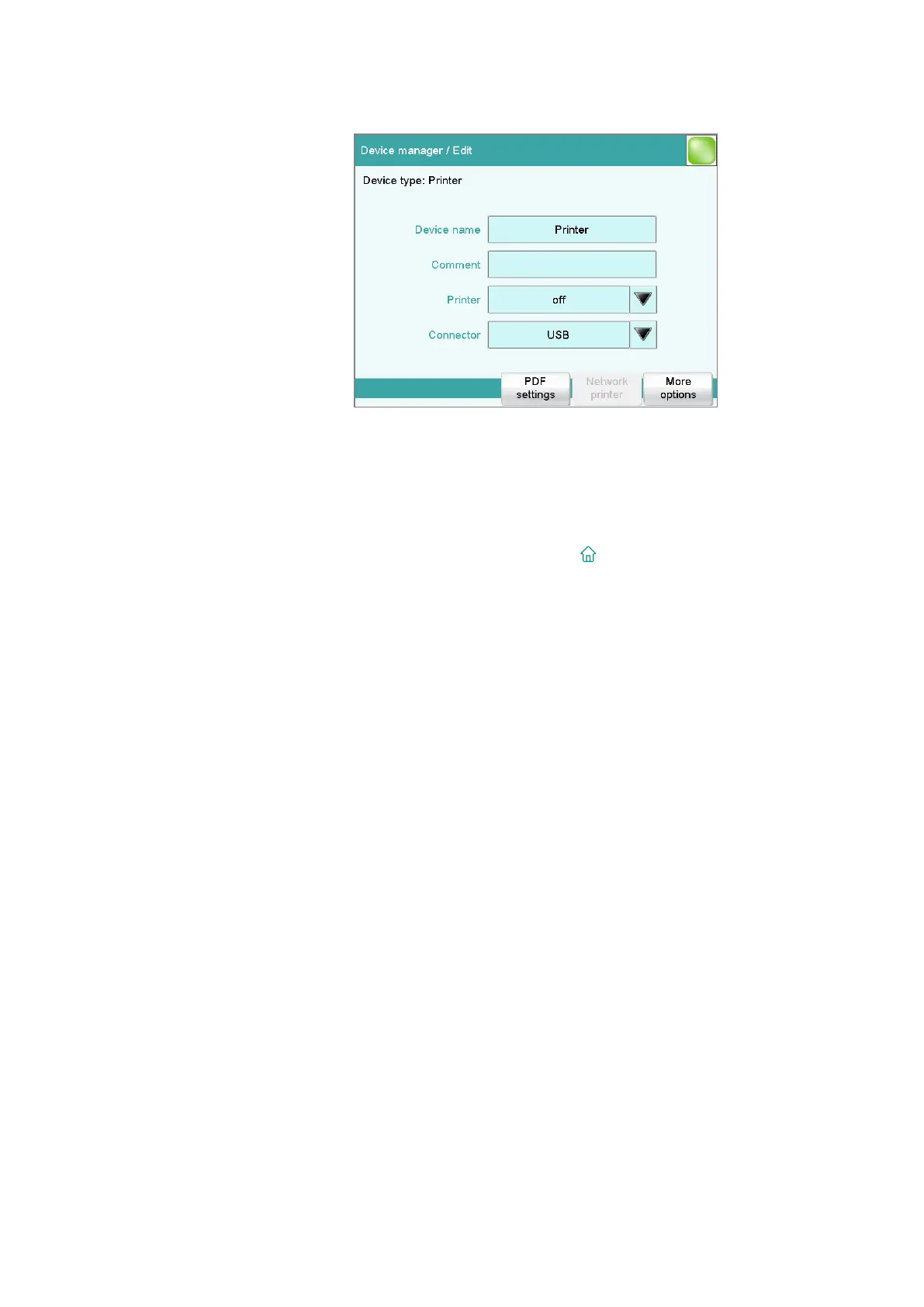
■ Select Printer and tap on [Edit].
■ Tap on Printer and select a printer type.
■ If you would like to use a printer in your company network, tap
on Connector and select Ethernet. The 900 Touch Control must
already be connected to the network.
You can enter the necessary information for the identification of
the network printer under [Network printer].
■ Return to the main dialog with [
].















 To Next Page