3.3 Carrying out the determination
■■■■■■■■■■■■■■■■■■■■■■
28
■■■■■■■■
900 Touch Control
1
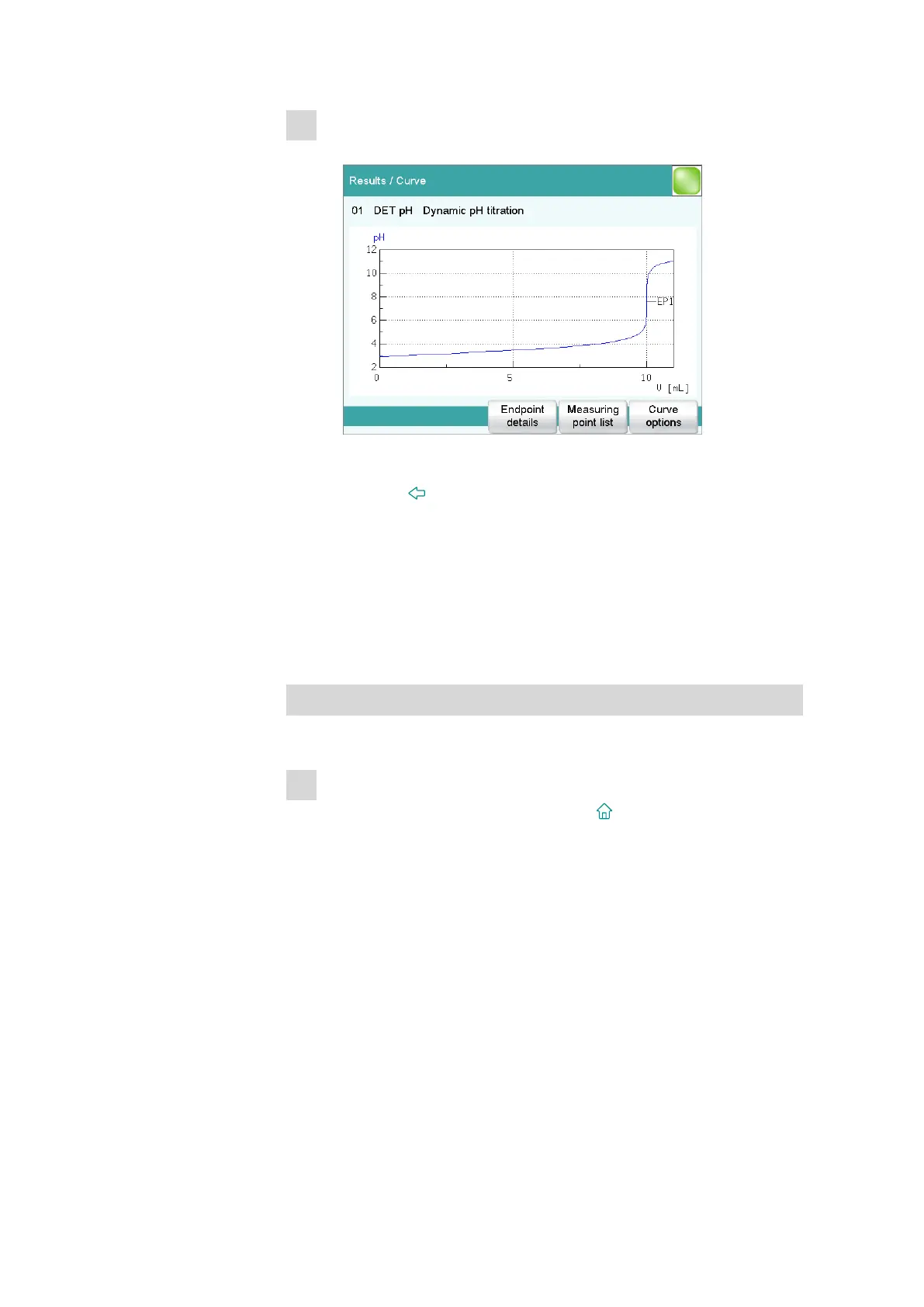
Displaying the titration curve
■ Tap on [Curve].
You can change the presentation of the curve under [Curve
options].
■ Use the [ ] fixed key to return to the result page.
3.3.4 Recalculating the determination
The titration may be recalculated if needed after it has been completed.
If you wish to perform a recalculation, you can, for example, change the
sample size, the calculation formula or the evaluation parameters.
As an example, the result should be recalculated in mol/L.
Adding and recalculating a calculation
Proceed as follows:
1
Opening the CALC command
■ Return to the main dialog with the [ ] fixed key.
■ Open the method with [Edit parameters].
■ Select the CALC command and tap on [Edit command].















 To Next Page