■■■■■■■■■■■■■■■■■■■■■■
2 Setup and configuration
900 Touch Control
■■■■■■■■
9
2
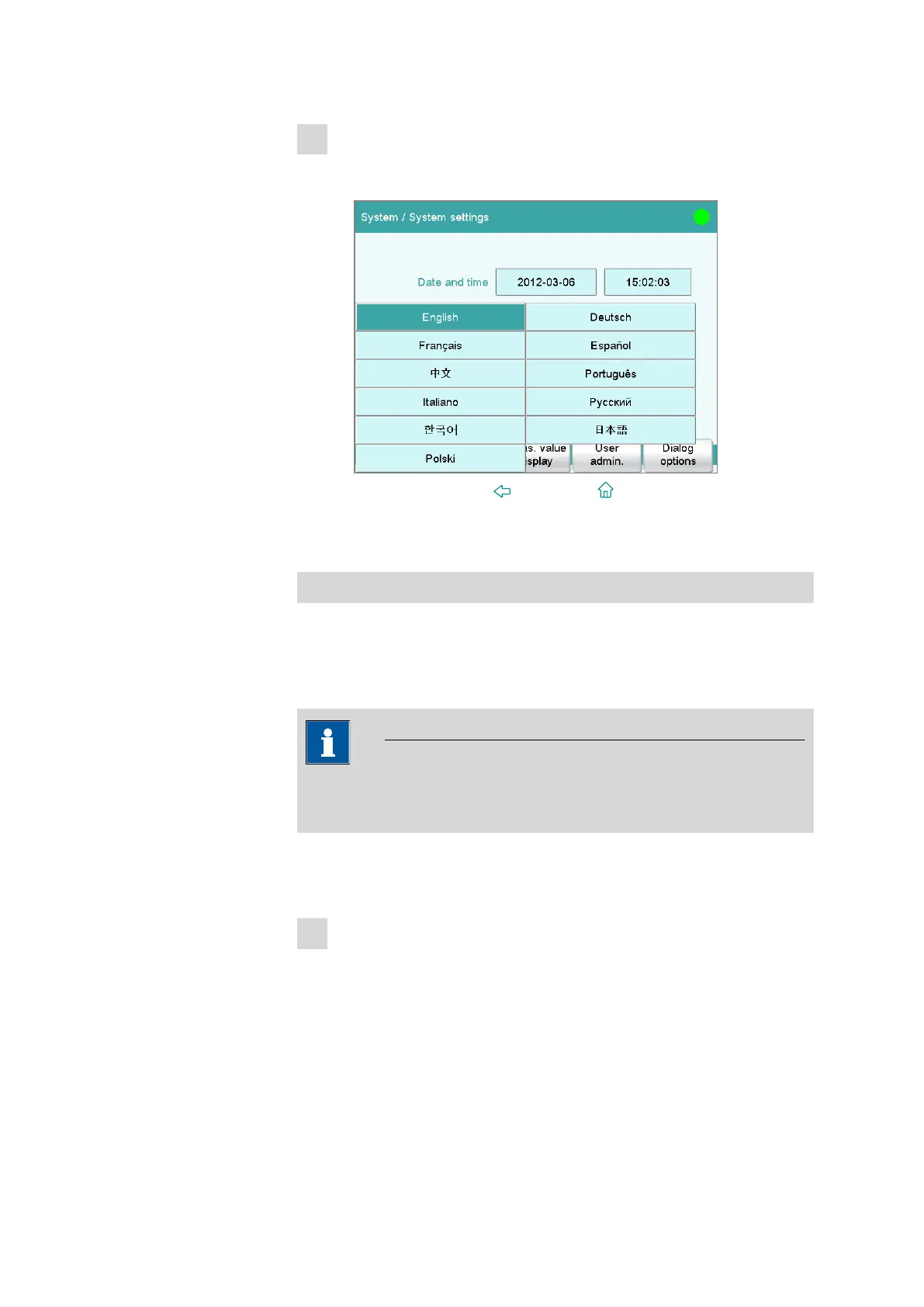
Changing the dialog language
■ Tap on the input field after Dialog language and select a differ-
ent language.
■ Press the fixed key [ ] (Back) or [ ] (Home).
2.2.5 Configuring a new titrant
Configuring the titrant
You can have all of your titrants and auxiliary solutions be managed by the
instrument. This has the advantage that the relevant data for these solu-
tions (e.g. concentration or titer) can be calculated and monitored auto-
matically.
NOTICE
A buret unit must be attached before carrying out the instructions listed
below.
The solutions are configured under System ▶ Titrant.
Proceed as follows:
1
Opening the titrant list
■ In the main dialog, tap on [System].
■ Tap on [Titrant].















 To Next Page