■■■■■■■■■■■■■■■■■■■■■■
4 Carrying out an extended titration
900 Touch Control
■■■■■■■■
35
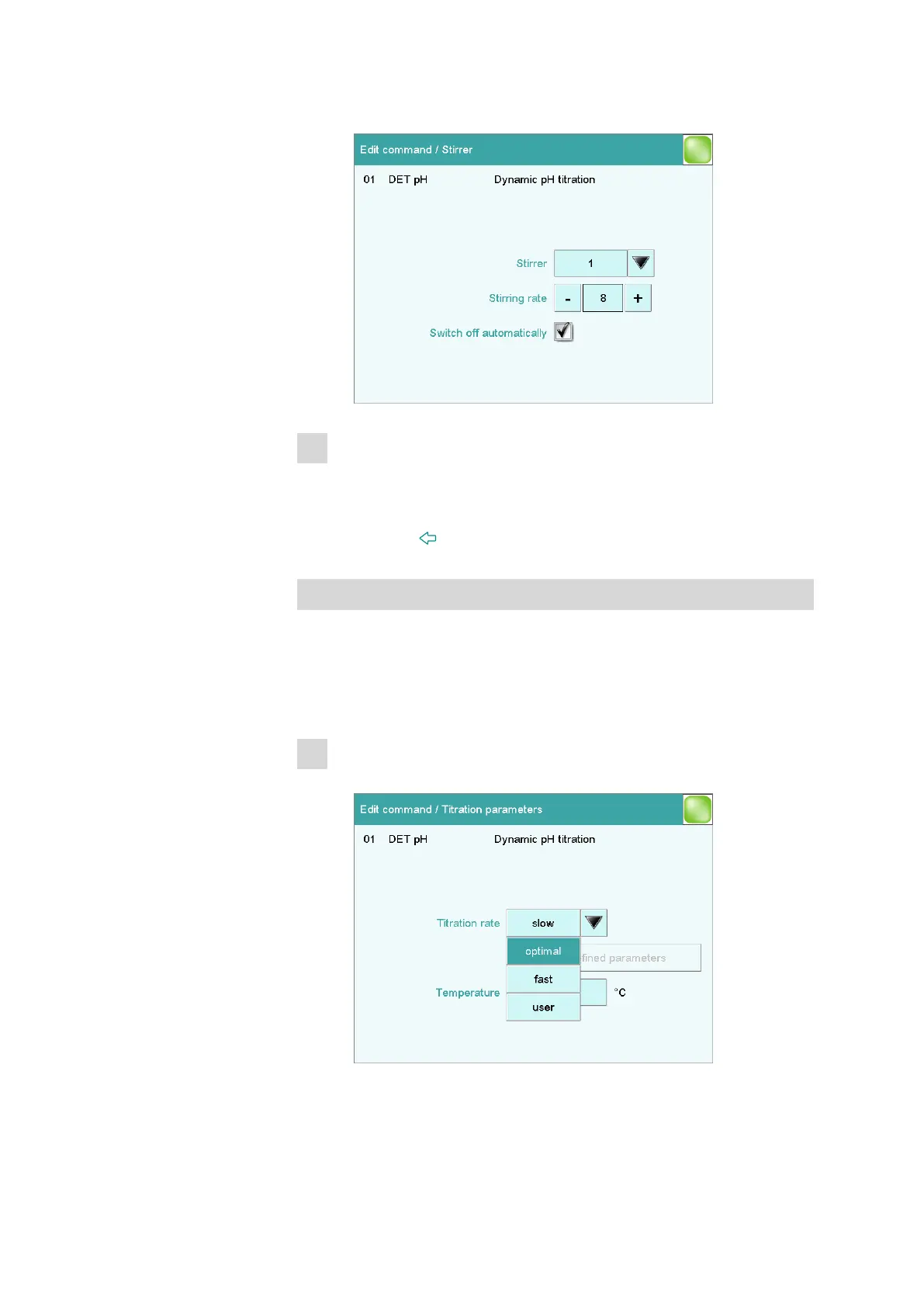
■ Tap on [Stirrer].
2
Modifying the stirring rate
■ Tap on [-] or [+] to modify the stirring rate.
You can use the check box Switch off automatically to set
whether or not the stirrer is switched off after the titration.
■ Use the [ ] fixed key to return to the DET pH command.
Modifying the settings for the titration
Three pre-defined parameter sets (slow, optimal and fast) are available
for adding the titrant and recording the measured values during the titra-
tion. These are suitable for most applications.
You can also make your own settings.
1
Modifying the dosing rate
■ Tap on [Titration parameters].















 To Next Page