4.3 Modifying the titration parameters
■■■■■■■■■■■■■■■■■■■■■■
36
■■■■■■■■
900 Touch Control
■ Under Titration rate, select the selection user.
Now all of the settings of the previously set parameter set will be
available under User-defined parameters.
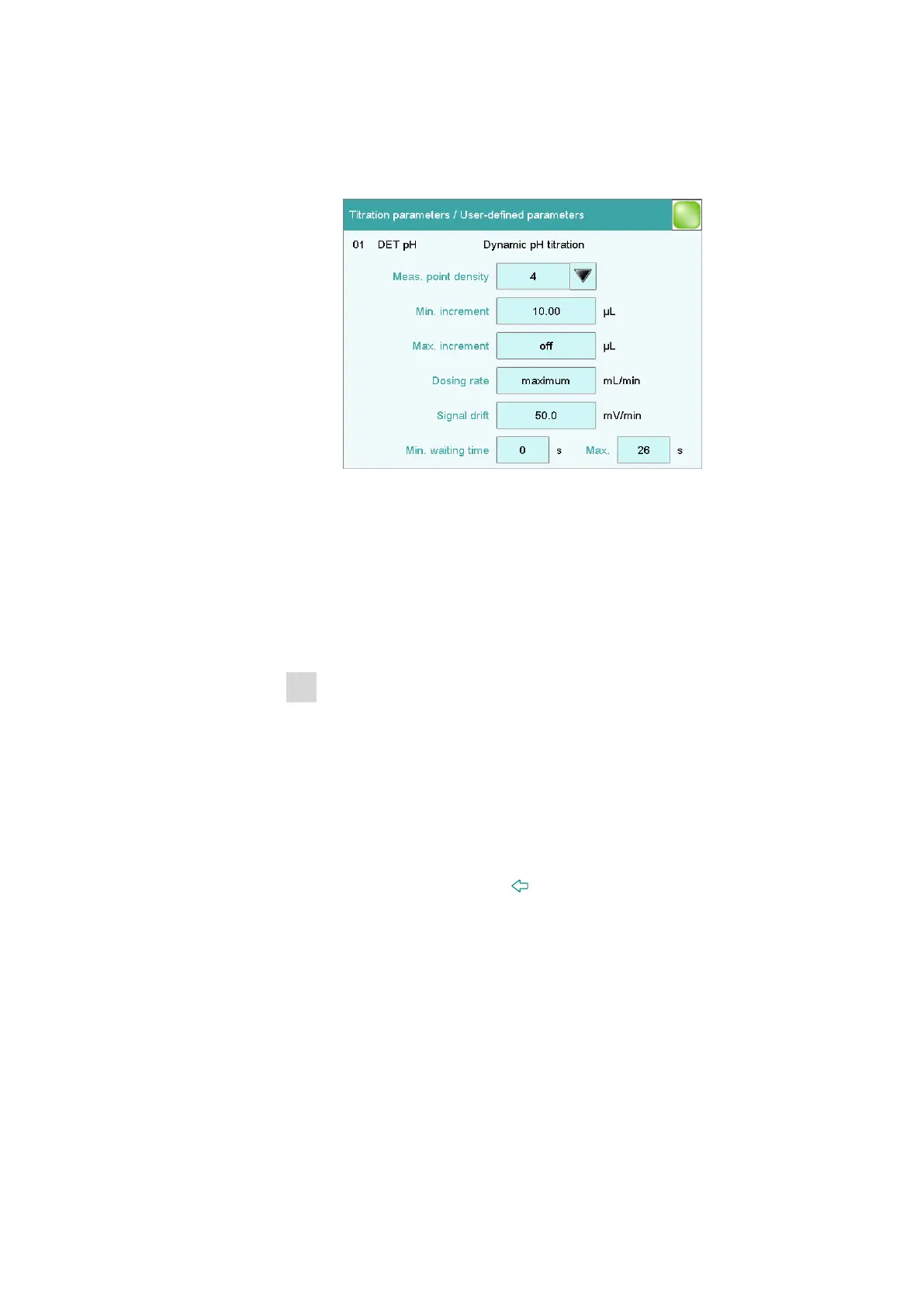
■ Tap on [User-defined parameters].
■ Tap on the input field Dosing rate.
The parameter maximum means that the most rapid dosing rate
possible will be applied in each case. This is dependent on the size
of the dosing cylinder. If a 20 mL cylinder is used, then dosing will
be twice as fast as with a 10 mL cylinder.
If you wish to specify a particular dosing rate, then you must enter
a numerical value here.
■ Enter a value of e.g., 20 mL/min, and confirm with [OK].
2
Modifying the maximum waiting time
■ Tap on the input field Max. at the bottom on the right.
This value determines the maximum time between two volume
steps. If the signal drift drops below the set level before the wait-
ing time has expired, then the next volume step will take place
immediately. The maximum waiting time thus occurs only with
high drift values, i.e. before and after an equivalence point.
■ Enter a somewhat longer waiting time, e.g., 30 s, and confirm
with [OK].
■ Tap three times on the [ ] fixed key.
You will now see once again the method run with the three com-
mands.















 To Next Page