■■■■■■■■■■■■■■■■■■■■■■
5 Setting up the user administration
900 Touch Control
■■■■■■■■
47
■ Activate Password required.
Many settings are possible in the login options. Consult the manual
of the 900 Touch Control to look these up if necessary.
NOTICE
The login dialog is called up as soon as you exit the login options dialog
with [
] or [ ]. You must then log in for the first time. You must
define and enter a password to accomplish this.
If the login dialog is not called up, switch the instrument off and then
back on again.
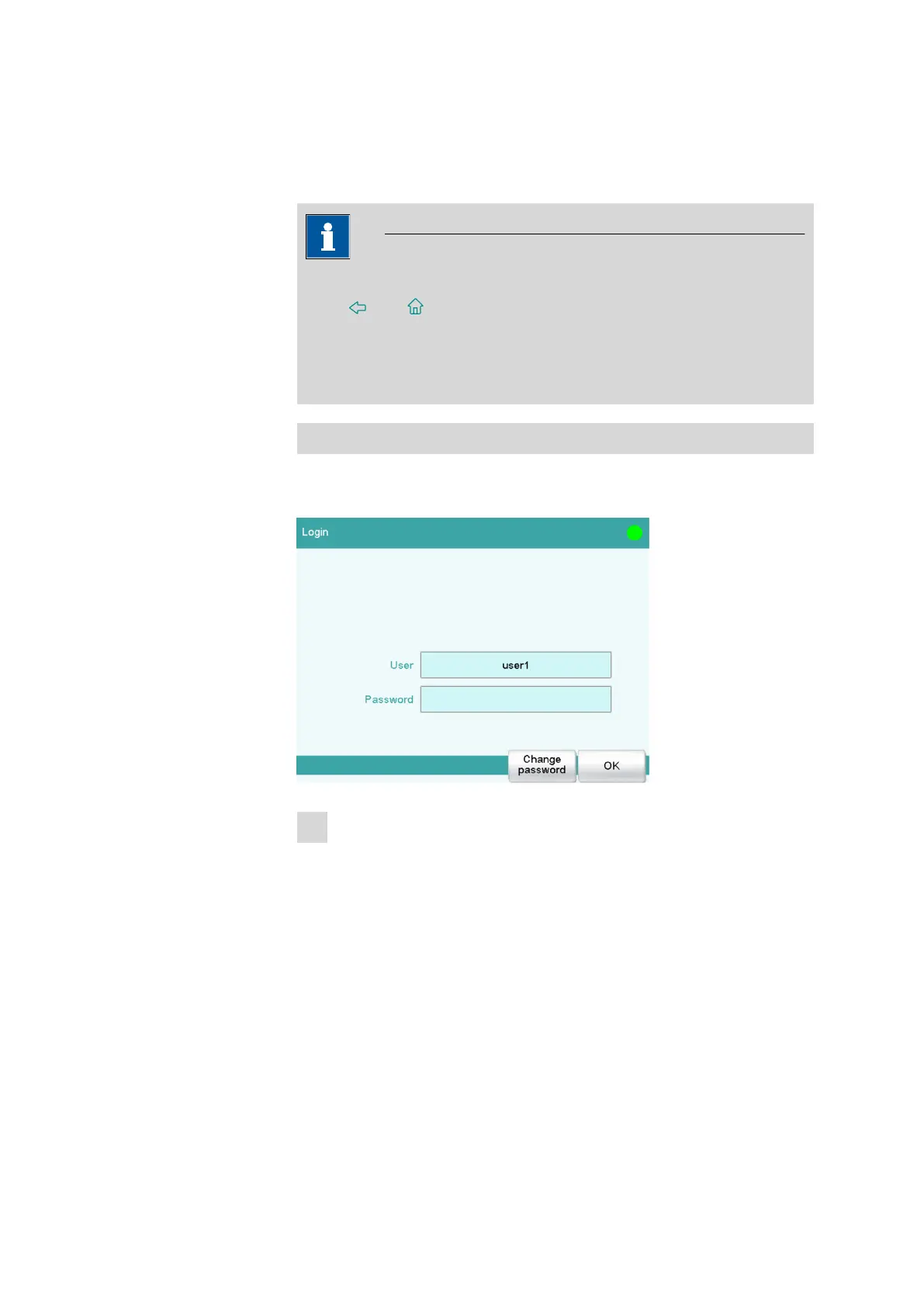
First login
You must define a password at the time of the first login on the instru-
ment. Proceed as follows:
1
Entering the user name
■ Tap on the input field User, enter the user name and confirm
with [OK].
■ Tap on [Change password].















 To Next Page