MCS-BMS-GATEWAY
32
Select “Nodes” to view the Nodes setup in the gateway and the user can click on the specic node for
Node detailed information. On the Nodes details page tabs across the top allow access to settings, status,
info stats and error stats.
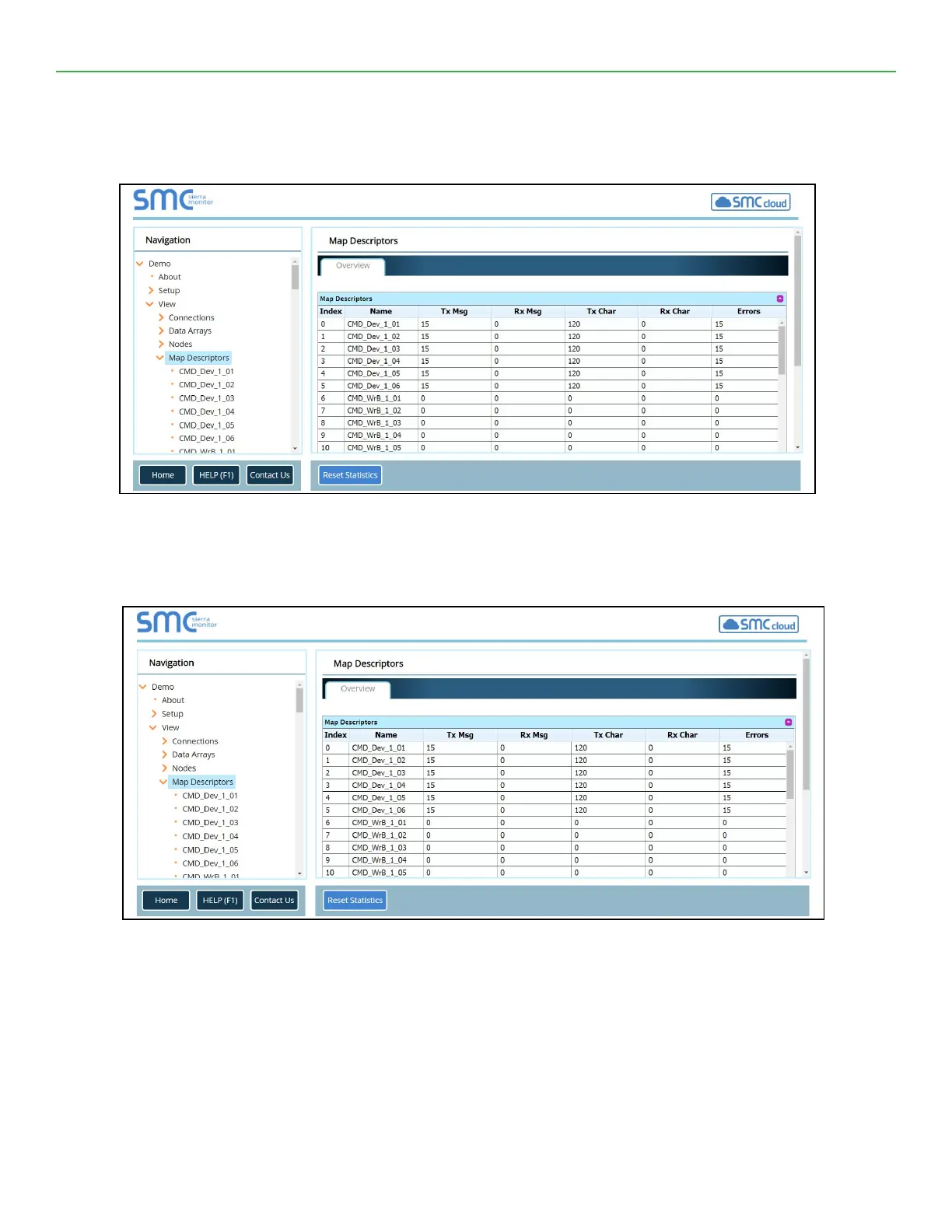
Select “Map Descriptors” to view the Map Descriptors setup in the gateway and clicking on the specic map
descriptor will access the Map Descriptors detail page. Again, tabs across the top of the page provide quick
access to settings, status, info stats, and error stats.
User Messages
Allows access to error messages, info messages and driver messages.
Diagnostics
Used to create diagnostics captures to assist technical support. Allows capture of Ethernet or Wi-Fi conne


 To Next Page