Microair Avionics M760 Transceiver Installation & User Manual
M760Q Install & User Manual 01R12.doc Page 15 of 36 30
th
March 2010
3.12 DATA INTERFACE (SL30)
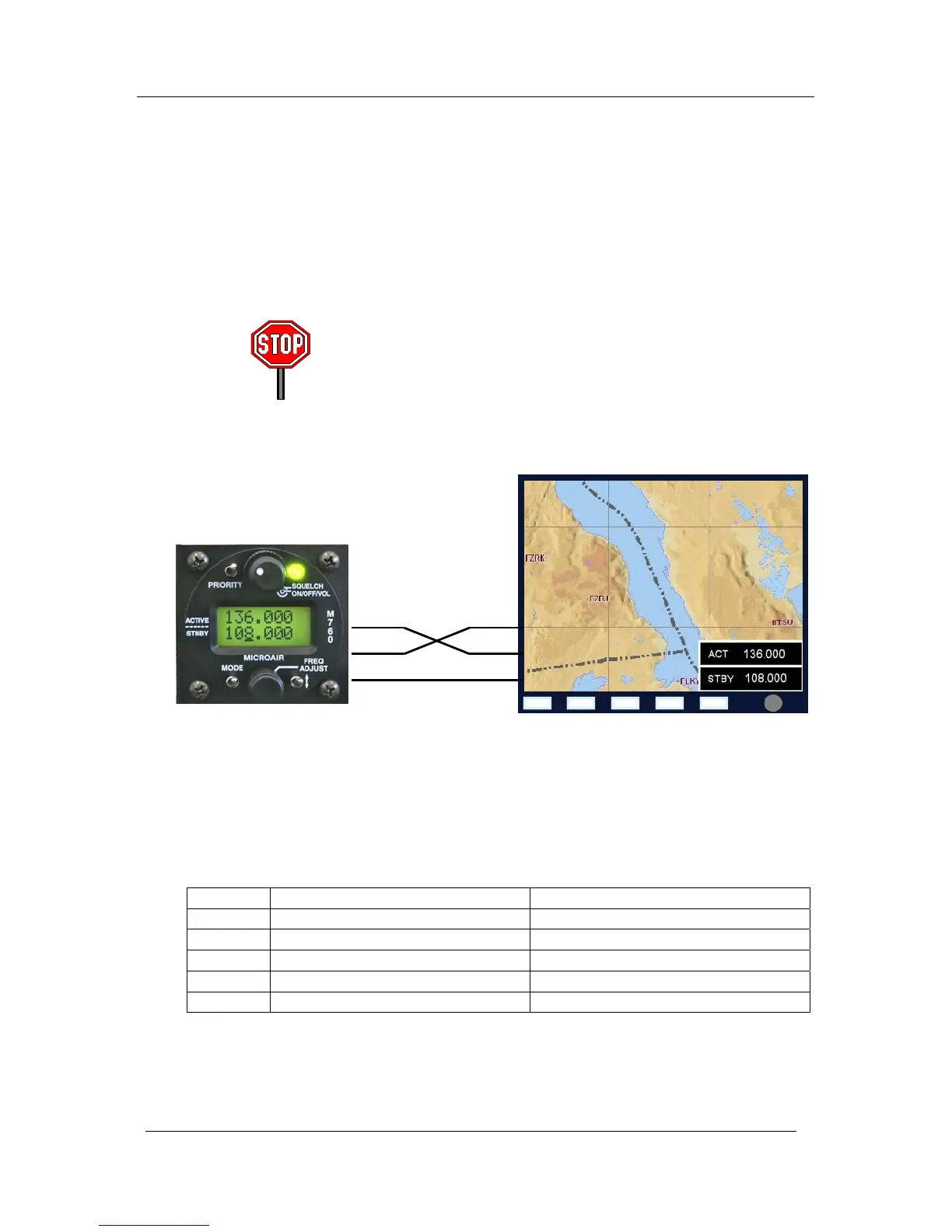
The M760Q is SL30 compatible, and allows the user to change the active and standby channels from
EFIS equipment. The M760Q can also be put in and out of dual monitor mode if the EFIS equipment
supports this type of function.
Some types of EFIS equipment do not support SL30 in both directions, ie the user can change channels at
the EFIS and the M760 will update, but the user cannot change channels at the radio and have the EFIS
update.
The M760Q supports all modes of SL30 except the frequency list
upload function. All other SL30 comm commands are supported in
both directions.
The SL30 data connection is made via an RS232 data interface:
Pin 2 RS232 RX
Pin 5 RS232 TX
Pin 11,12 Ground
Data Rate: 9600 Baud
8 bit
Parity = none
Stop = 1 bit
Flow = none
The M760 supports the basic SL30 command set for transceiver control.
SL30 Command Description
Input $PMRRV24iidda<chksm><CR<LF> Request for Data Output
Input $PMRRV29mka<chksm><CR<LF> Set Standby Comm Frequency & Function
Input $PMRRV42mka<chksm><CR<LF> Set Active Comm Frequency & Function
Output $PMRRV20<chksm><CR<LF> Reset function (M760 ready for data)
Output $PMRRV35mkmkas<chksm><CR<LF> Comm Transceiver Status
TX
RX RX
GND GND
TX



 To Next Page