Microair Avionics M760 Transceiver Installation & User Manual
M760Q Install & User Manual 01R12.doc Page 19 of 36 30
th
March 2010
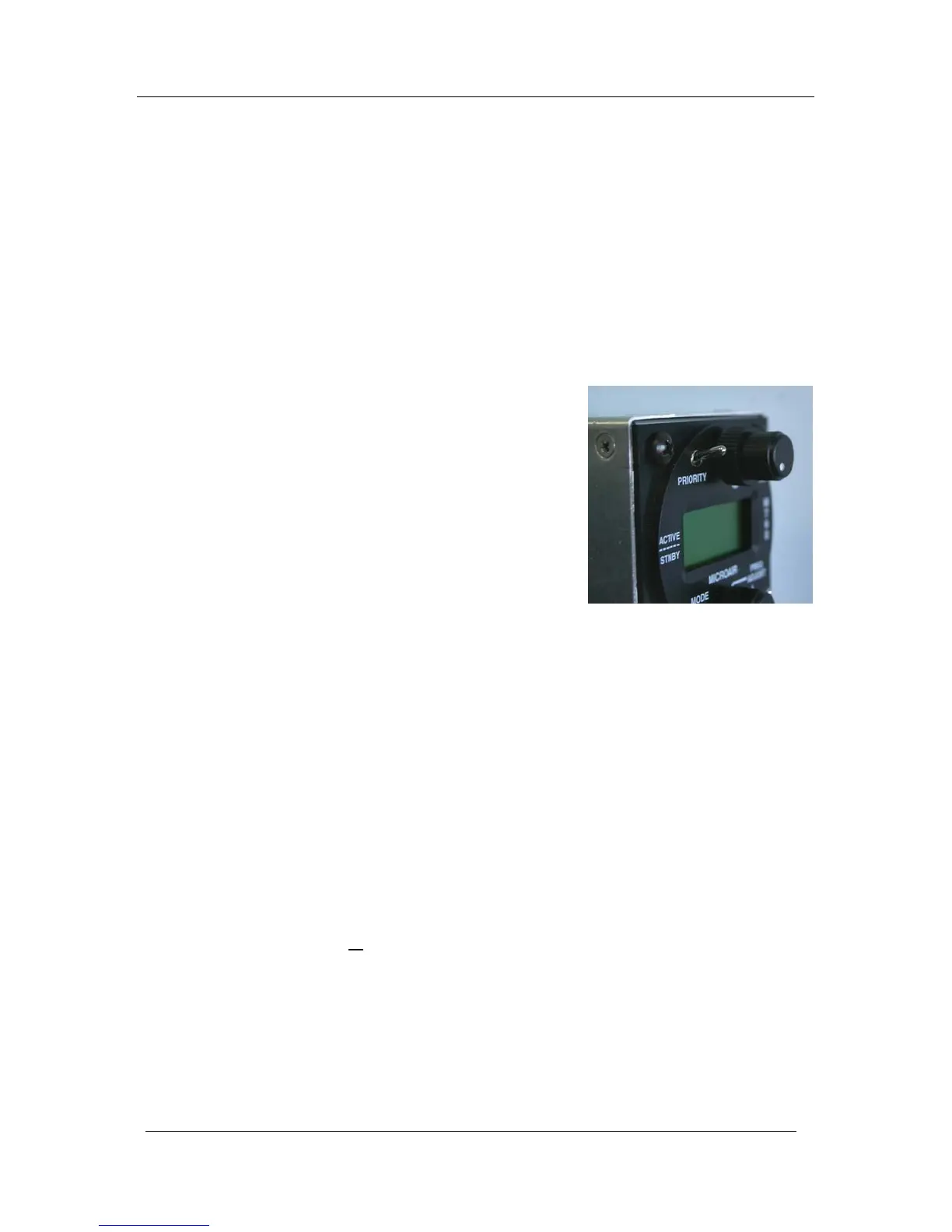
4.1 PRIORITY SWITCH
The priority switch is a push down switch. When pushed down briefly, the radio will go into channel
mode, and select the frequency stored in memory 99. Memory 99 should be considered the priority
channel, which the user can quickly select when required. Memory 99 must be programmed for the
priority switch to operate. Memory 99 is set at the factory as the international distress frequency
121.500MHz. Memory 99 can be programmed the same way as any of the other channels; hence the
factory default can be edited. Refer to section 6.5 to edit this memory.
The priority channel (memory 99) can be edited but not be deleted.
4.2 VOLUME / SQUELCH KNOB
The M760 is turned on, by rotating the volume knob. A
positive “click” is heard and felt at the start of the rotation to
indicate the on/off position. The volume is increased by
rotating the knob clockwise, and decreased by rotating counter
clockwise.
The squelch is adjusted by rotating the ring behind the volume
knob. There is no automatic level set for the squelch, however
the ring affords a large manual adjustment to suit all situations.
Rotate the ring clockwise to increase the squelch threshold, and
counter clockwise to lower the threshold. When the squelch is
“broken” (ie the static hiss can be heard), the annunciator LED
lights green.
Note: This does NOT mean you are receiving a signal!
4.3 ANNUNCIATOR LED
The LED operates red or green, and indicates the following states:
Clear (off) Radio is squelched, and is not receiving a signal
Green Squelch is broken or a signal is received
Red Radio is transmitting
Flashing Red Radio has transmitted for over 45 seconds (warning)
The flashing red signal is designed to draw the pilot’s attention to the fact that the aircraft may have a
stuck PTT button!
Transmissions in excess of 30
seconds should be avoided.
While the M760 is in the program mode menu or memory programming mode the M760 is in its setup
state. The radio can not transmit or receive while it is in the setup state.



 To Next Page