Microair Avionics M760 Transceiver Installation & User Manual
M760Q Install & User Manual 01R12.doc Page 22 of 36 30
th
March 2010
4.7 REMOTE MEMORY BUTTON
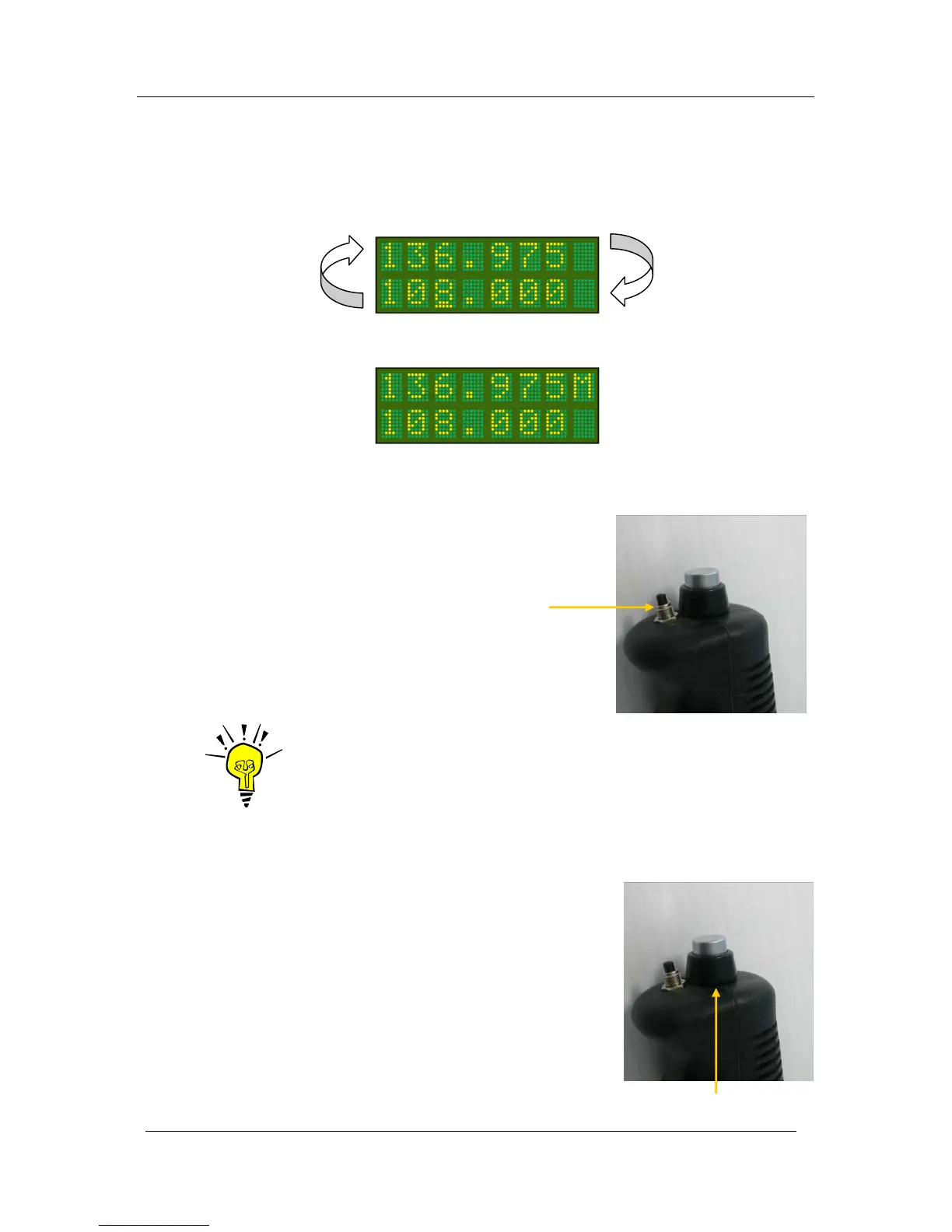
If fitted at installation, the remote memory button will have the same functionality as the toggle switch on
the display. It will allow the user to toggle (exchange) the active and standby frequencies. The remote
memory button is typically mounted next to the PTT on the stick.
If the remote memory button is held down for 3 seconds while in the active / standby mode, the monitor
function is activated. Refer to section 5.2 for complete details on monitor function.
In channel mode, press the remote memory button briefly to cycle through the stored memory channels.
When the M760 is in VOX adjust mode, press the remote memory
button briefly to increase the VOX threshold.
IMPORTANT NOTE
The remote memory button is highly recommended. It allows the user to keep
hands on the controls during flight, while changing channels or mode.
4.8 PUSH TO TALK BUTTON
The push to talk (PTT) button causes the M760 to transmit on
the active frequency or selected memory channel. During
transmission the LED annunciator will light red and the user
will hear themselves speaking through their own headphones
via the sidetone system.
The M760 will not transmit if the active frequency or selected
memory channel is below 118MHz.
The M760 will not transmit if the CD lockout function is
enabled and the M760 is currently receiving a signal. See
section 6.1 to enable / disable the CD lockout function.
Remote Memory Button
PTT Button



 To Next Page