Microair Avionics M760 Transceiver Installation & User Manual
M760Q Install & User Manual 01R12.doc Page 27 of 36 30
th
March 2010
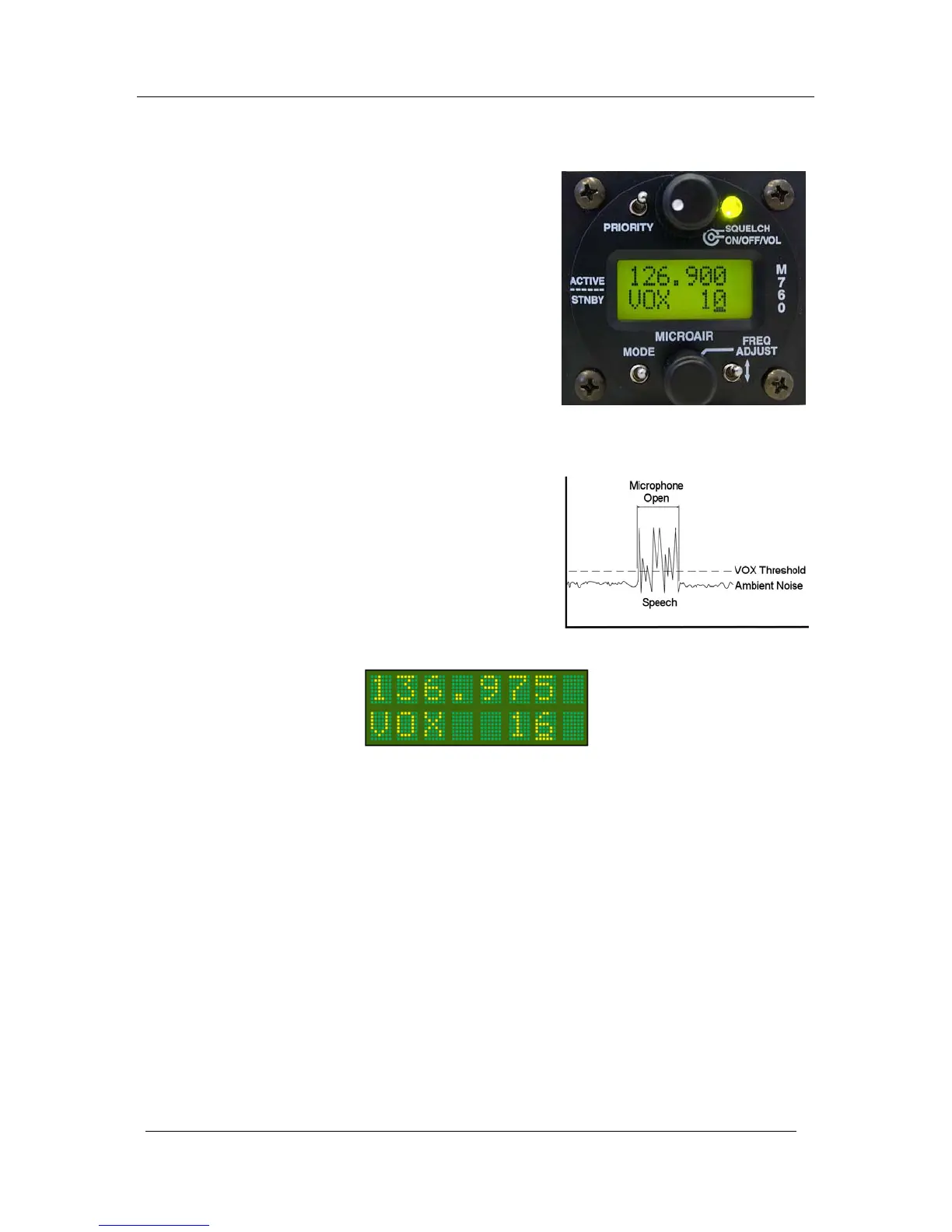
5.4 VOX MODE
The M760 has a digitally controlled VOX intercom. VOX
stands for “voiced activated”, which means the intercom
function will trigger automatically when the user starts
speaking into the microphone.
It is important to set the threshold level to trigger on the
microphone.
If the level is too low, the microphones will always be on,
and the user will hear the cabin noise continuously (hot
mic).
If the level is too high, the use will not be able to easily
trigger the microphones (shout to activate).
Press the mode switch until the VOX adjust screen is
displayed, and set the VOX threshold to the desired level.
It may be necessary to readjust this level when the aircraft
is operating at full power.
When the VOX is adjusted to
1 the microphones will be
on all of the time (hot mic). When the VOX is adjusted to
30+ the microphones will require a very loud voice to
activate (shout).
When in VOX mode the active frequency is displayed on the top line.



 To Next Page