Microair Avionics M760 Transceiver Installation & User Manual
M760Q Install & User Manual 01R12.doc Page 24 of 36 30
th
March 2010
5.2 MONITOR FUNCTION
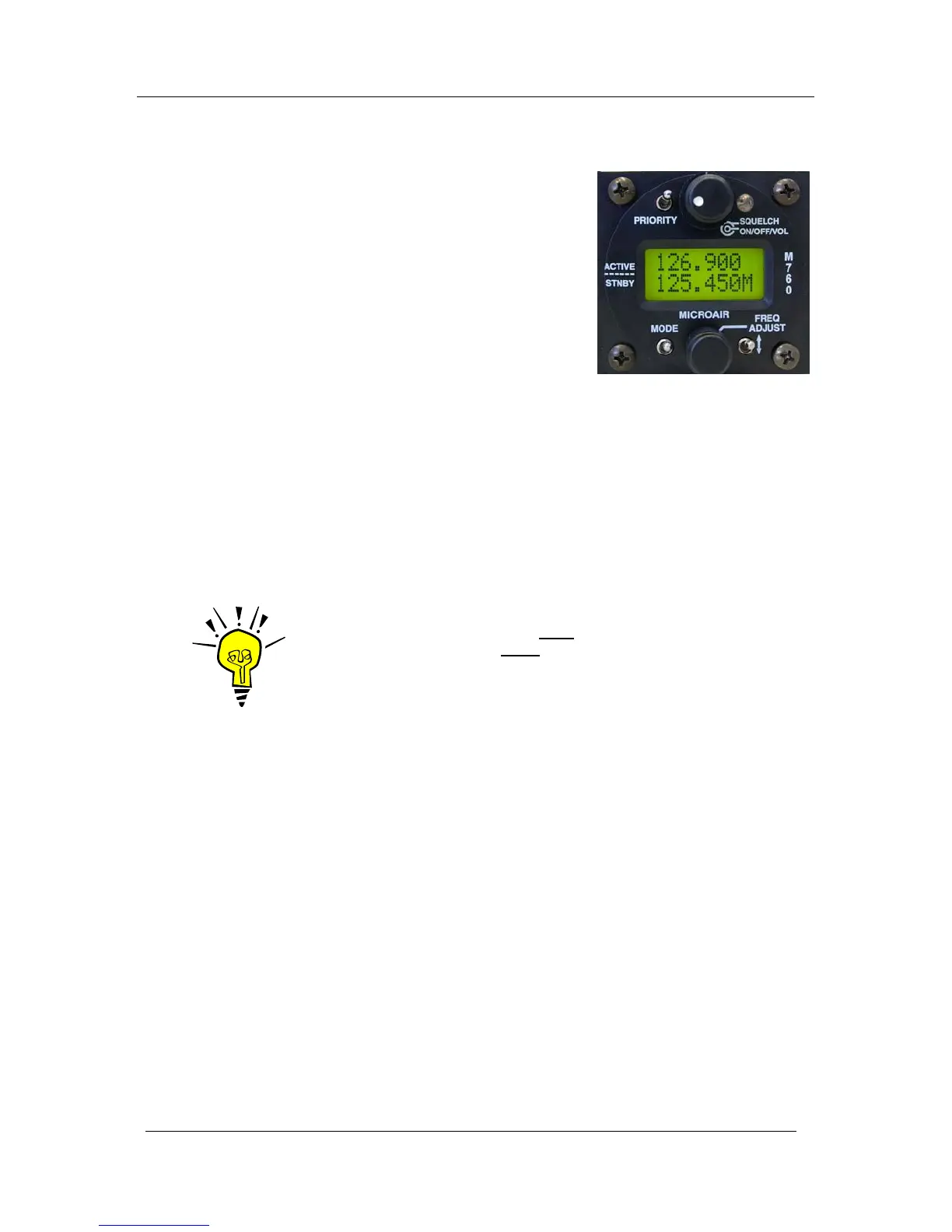
By holding down the remote memory button or toggle switch for
3 seconds and then releasing, the M760 will enable the monitor
function.
Both active and standby frequencies are monitored at the same
time for a signal.
An ‘M’ character will oscillate up and down to indicate that the
monitor function is active.
A signal can be received on either the active or the standby
frequency. An “R” character will appear beside the channel
receiving the signal.
While receiving a signal on the active frequency - the standby channel is NOT monitored.
While receiving a signal on the standby frequency - the active channel is periodically monitored. If a
signal is found on the active frequency the M760 will revert to the active frequency.
After a signal has been received the M760 will return to monitoring both frequencies.
IMPORTANT NOTE
The user can only transmit on the active
frequency. If the PTT is pressed
the radio will transmit on the active
frequency only.



 To Next Page