Microair Avionics M760 Transceiver Installation & User Manual
M760Q Install & User Manual 01R12.doc Page 29 of 36 30
th
March 2010
6.2 VOX
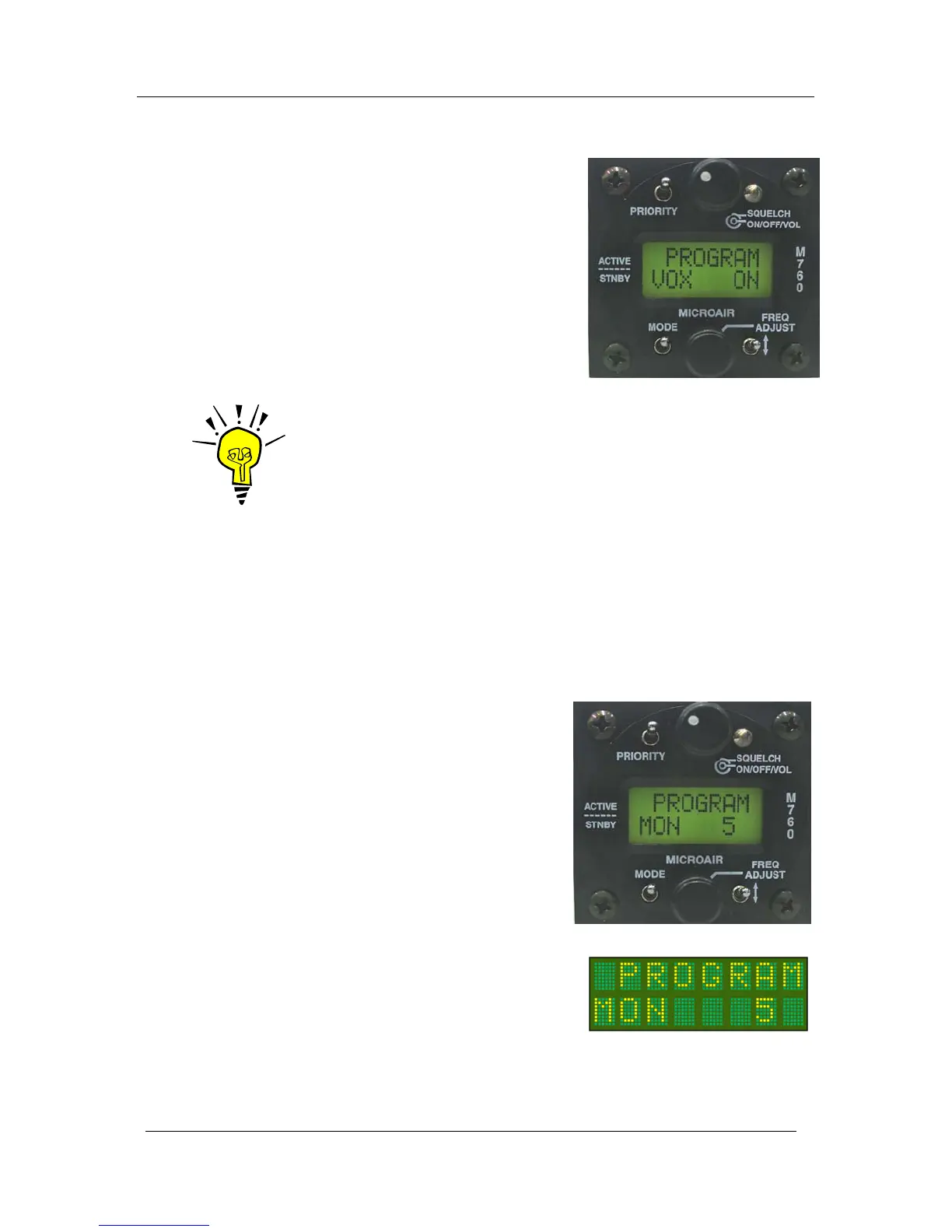
When VOX intercom is set ON the M760 user is able to
set the threshold of the internal VOX intercom via the
intercom adjust screen (See section 5.4).
When VOX setup is set OFF the M760 will set the
internal VOX intercom to its maximum threshold and
disable the Intercom Adjust screen.
Press the toggle switch to turn the VOX function ON/OFF.
IMPORTANT NOTE
For installation where an external intercom is to be used, the M760’s
internal VOX intercom MUST be turned OFF.
6.3 MONITOR SETUP
MONITOR setup allows the user to adjust the sample interval of the monitor function, which allows
the user to detect radio traffic on both the active and standby frequencies. When receiving a signal on
the standby channel, the M760 will sample the active channel regularly for signal. The MON value
represents the rate of the sample.
Background:
The M760 can monitor the active and standby frequencies, but
priority is given to the active. When a signal is received on the
standby frequency the active frequency is sampled to see is
there is a signal present.
The M760 will quickly change channels to check the active for
signal even if the standby is receiving a signal. The user will
perceive this sample action as a small click in the received
audio on the standby channel.
If no signal is found the receiver returns to the standby
frequency. When a signal is detected on the active frequency,
the M760 will lock to the active even if there is a signal
present on the standby frequency.
The MONITOR setup can adjust the sample rate by
pressing the Toggle Switch to increase the sample rate
value. The adjustment is restricted to values between 1 and
9. From 9, the value will revert back to 1. The factory
default is an interval of 5.



 To Next Page