Microair Avionics M760 Transceiver Installation & User Manual
M760Q Install & User Manual 01R12.doc Page 31 of 36 30
th
March 2010
6.5 EDIT MEMORY CHANNEL
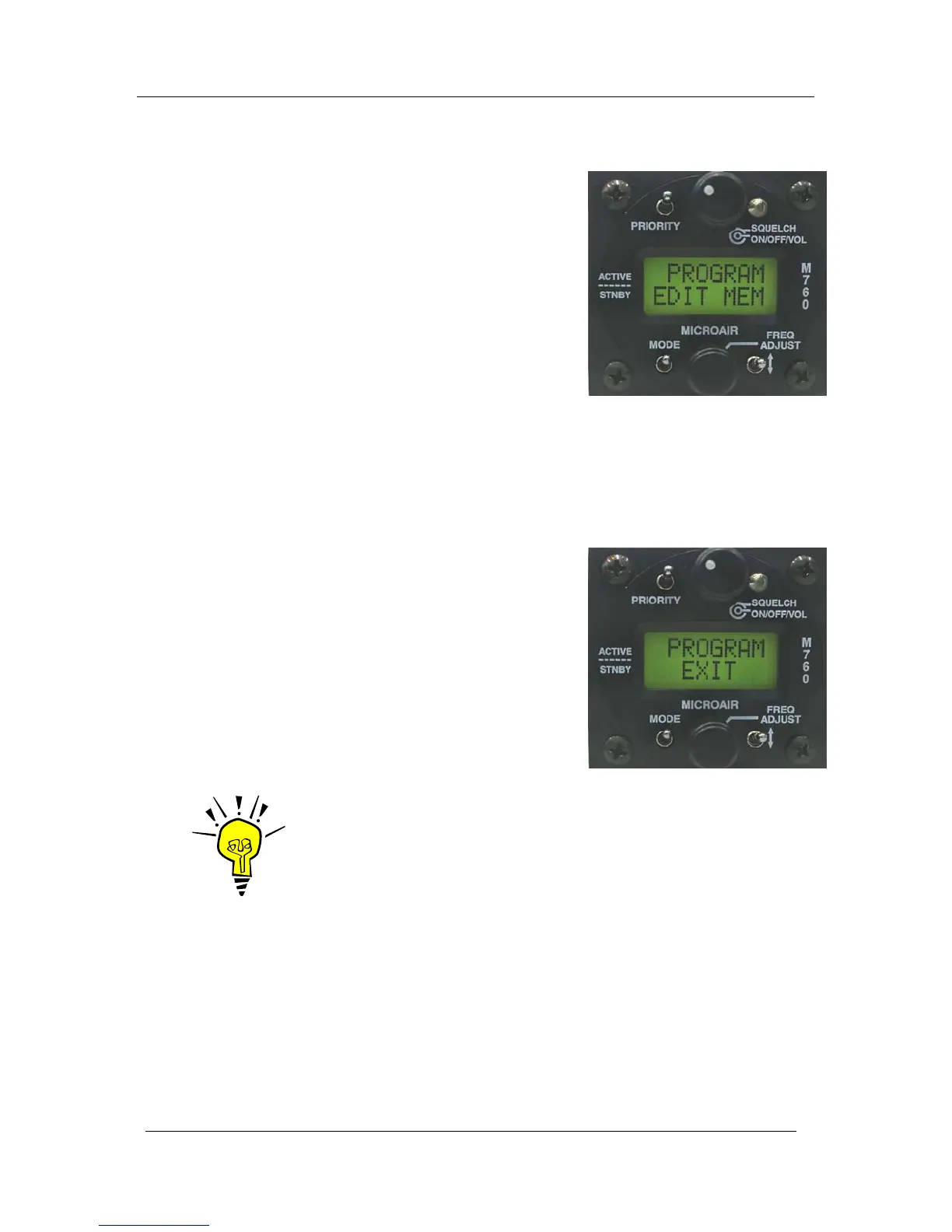
The EDIT MEM function allows the user to program a channel
in memory. The frequency and airport code stored in each
memory channel can be set, changed, or cleared in this mode.
Using the frequency adjust knob, scroll through the existing
memories by location in alphabetical order. When the desired
memory is displayed, press the toggle switch to edit the details.
Editing is done in the same order as a new memory (refer 6.4).
After editing the M760Q will perform a memory sort to ensure
that channels are viewed in alphabetical order. The time taken to
do this depends on the number of channels stored in memory (2
minutes for 99 channels).
To delete the displayed memory, press the priority key. The word DELETED is displayed briefly, before
the display returns to the program menu.
6.6 EXIT MENU
This option exits the program menu and causes the radio to
sort the memory channels before returning to last operational
Mode.
Press the toggle switch briefly to exit from the program menu.
If a new memory has been added while operating in the
program menu, the M760Q will perform a memory sort to
ensure the channels are displayed in alphabetical order. The
time taken to do this depends on the number of channels stored
in memory (2 minutes for 99 channels).
IMPORTANT NOTE
Do not turn the M760Q off during the memory channel sorting process.
The channel will not appear in the correct alphabetical order if the process
is interrupted.



 To Next Page