Microair Avionics M760 Transceiver Installation & User Manual
M760Q Install & User Manual 01R12.doc Page 7 of 36 30
th
March 2010
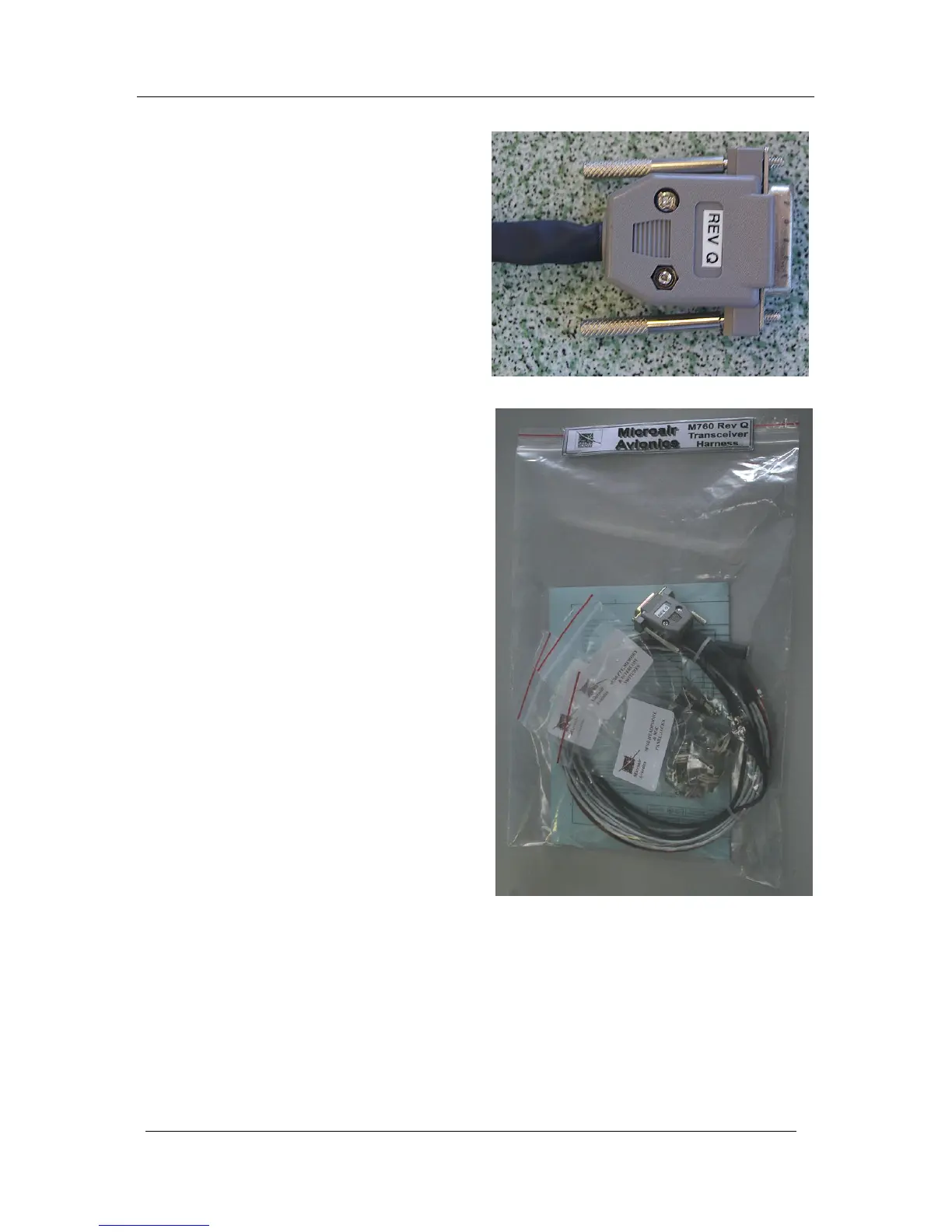
Cover the soldered joints with the grey plastic
backshells. Ensure that the thumbscrews are in
place before closing the backshells. Connect to
the rear of the radio with a push fit, and secure
the thumbscrews (top and bottom).
Microair recommends the use of its pre-wired
M760 harness. The harness is available from
Microair, and comes complete with all
switches, sockets, buttons, and mounting
hardware.
Separate lines have been wired for Pilot and
Co-pilot:
Headphone
Microphone
PTT
Remote Memory



 To Next Page