© Microhard Systems Inc. CONFIDENTIAL 108
IP9xx Series
6.0 Configuration
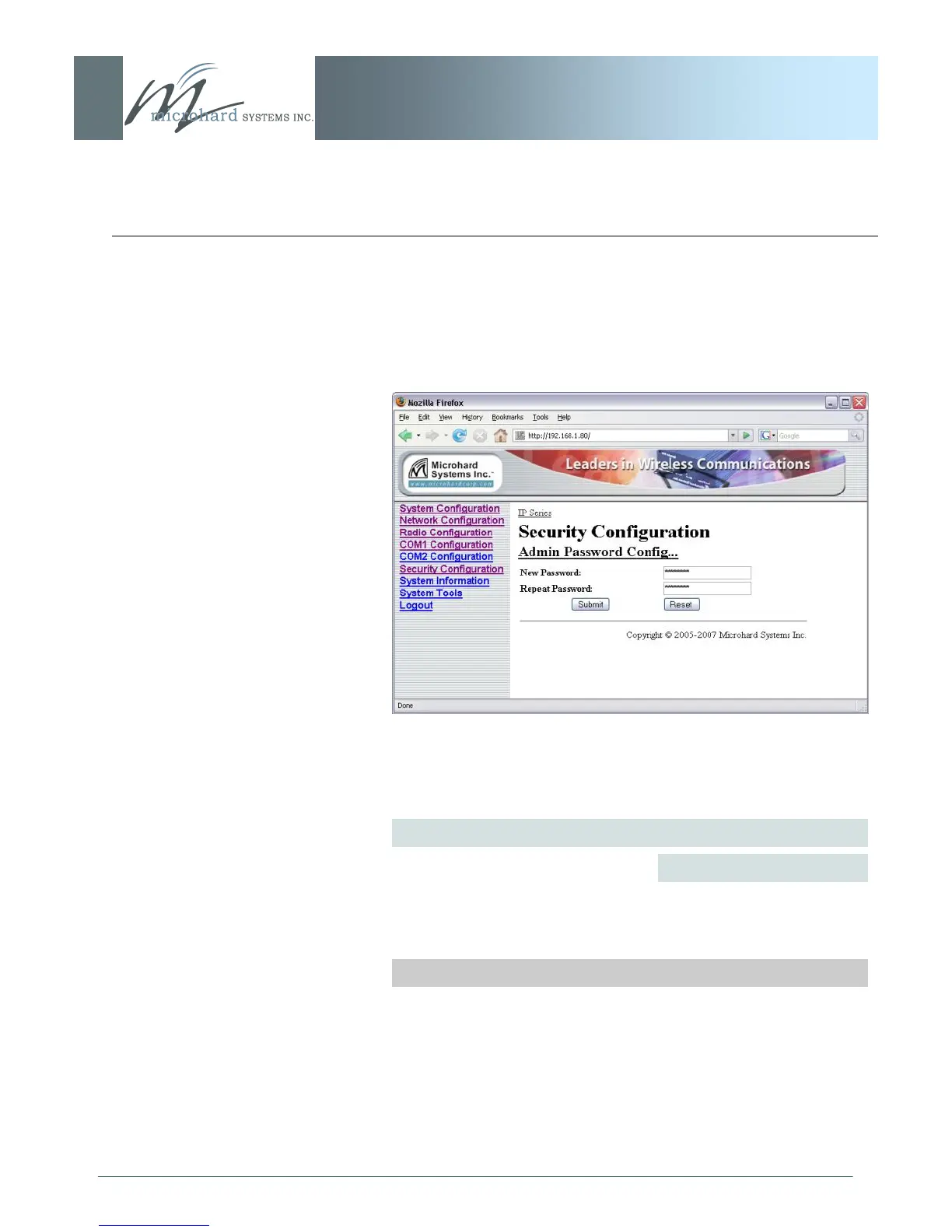
6.1.7.1 Admin Password Configuration
Image 6X: Security Config., Admin Password Config. Submenu
Do not forget the admin password as, if lost, it cannot be recovered.
To keep a system secure, the Administrator Password (which is
prompted-for at the LogOn window) should be modified rather than
retaining the factory default value of ‗admin‘.
Soft Buttons
Submit
Write parameter values into IP Series memory.
Reset
Restore ‗currently‘ modified parameter values to those
which were previously written into IP Series memory.
New Password/Repeat Password
Values
character string
admin



 To Next Page