© Microhard Systems Inc. CONFIDENTIAL 151
IP9xx Series
6.0 Configuration
6.2 Text User Interface
Initial configuration of an IP Series using the Text User Interface
(Text UI) method involves the following steps:
connect the IP Series‘s front panel COM2 port to an available
COM port on your PC, using the MHS-supplied Diagnostic
Cable (black).
run a terminal program (e.g. HyperTerminal) for the connected
PC COM port, configured for 115200bps, 8 data bits, no parity,
and 1 stop bit. Flow control should be set to ‗none‘.
apply power to the IP Series and wait approximately 1 minute
for the system to load - you will observe various text appearing
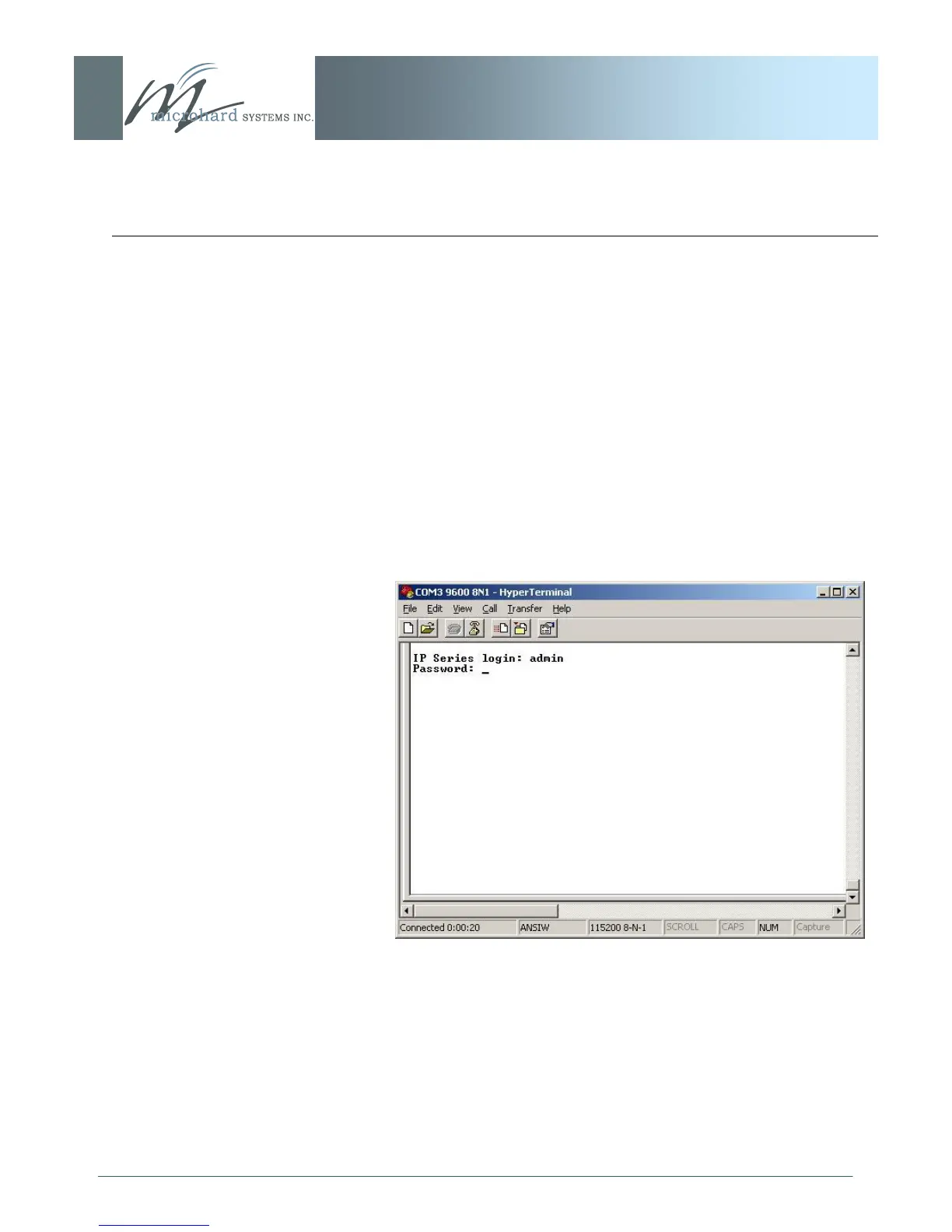
in the terminal program window, culminating in the IPx21 login
prompt which can be seen in the screen capture below:
Image 6AX: Text User Interface, Login Prompt
Enter the default login name (provided it was not changed via
the Web User Interface at an earlier time): admin [Enter]
Enter the default password (if still applicable): admin [Enter]
continued...



 To Next Page