© Microhard Systems Inc. CONFIDENTIAL 144
IP9xx Series
6.0 Configuration
6.1.9.1 System Maintenance
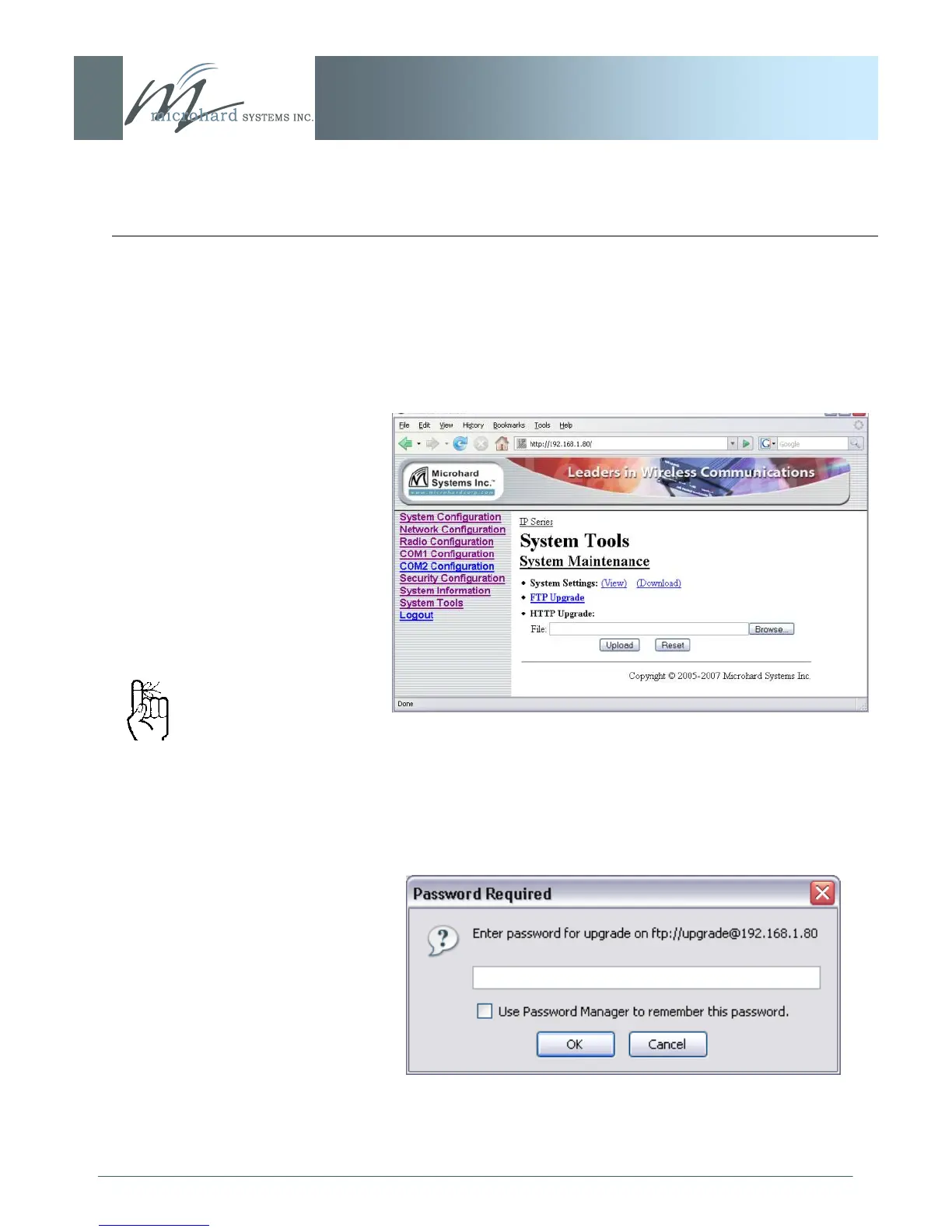
Image 6AR: System Tools Menu, System Maintenance
System Settings ‗view‘ produces a long listing of all settings of the
unit under scrutiny. Download affords the opportunity to download
the various values.
Image 6AS: System Tools Menu, Password
Selecting the FTP Upgrade link will result in the prompt shown
below. Default Password: ‘admin‘.
Not all types and versions of
web browser applications
support the FTP upgrade
method described on this
page. (If supported, remote
units may also be upgraded
wirelessly.)



 To Next Page