© Microhard Systems Inc. CONFIDENTIAL 146
IP9xx Series
6.0 Configuration
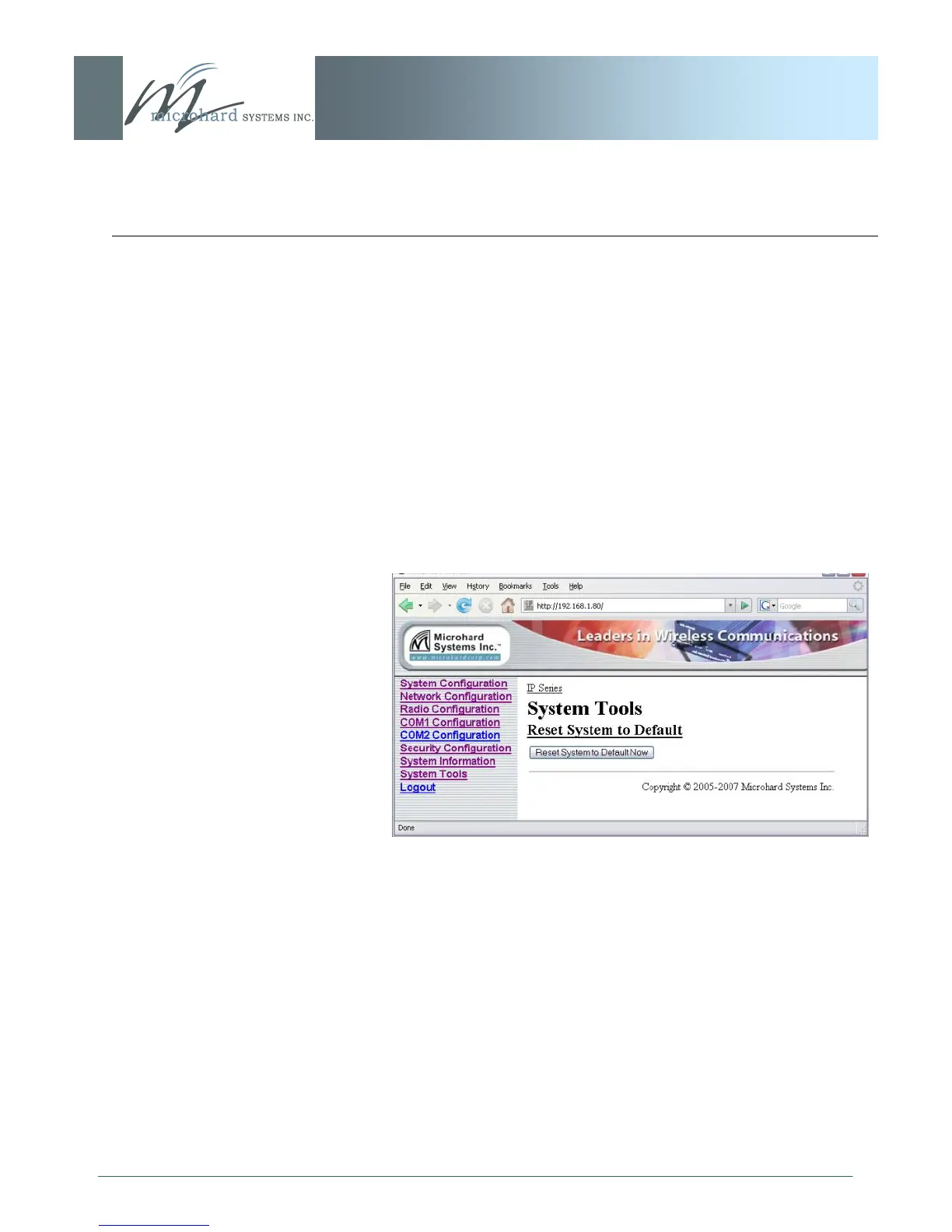
6.1.9.3 Reset System to Default
Image 6AU: System Tools Menu, Reset System to Default
There are many configuration options for the IP Series.
Should a unit reach a state where it is not performing as desired
and it is possible that one or many configuration options may be
improperly set, resetting the system to default - essentially back to
factory settings - will enable one to take a fresh start in
reprogramming the unit.



 To Next Page