© Microhard Systems Inc. CONFIDENTIAL 121
IP9xx Series
6.0 Configuration
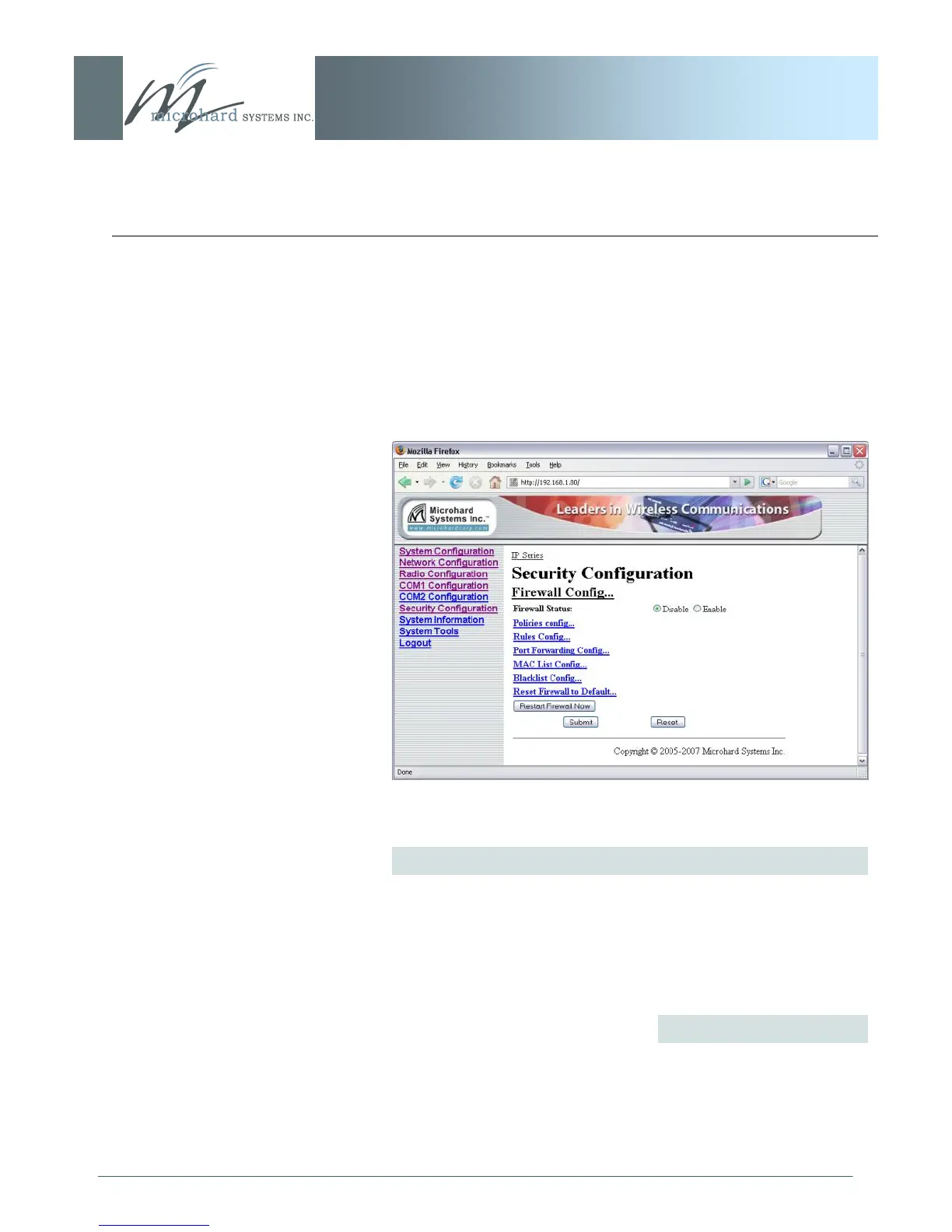
6.1.7.7 Firewall Configuration
Image 6AE: Security Config. Menu, Firewall Configuration Submenu
The Firewall Configuration is used to allow or disallow particular
types of traffic and access to and from the network.
This security feature differs from those discussed in the ‗UI
Configuration‘ section; the UI Configuration is specifically for
configuring the IP Series‘ User Interface and related protocols.
Firewall Status
Disabled by default. When enabled, the firewall settings are in
effect.
Values
Disable
Enable



 To Next Page