© Microhard Systems Inc. CONFIDENTIAL 141
IP9xx Series
6.0 Configuration
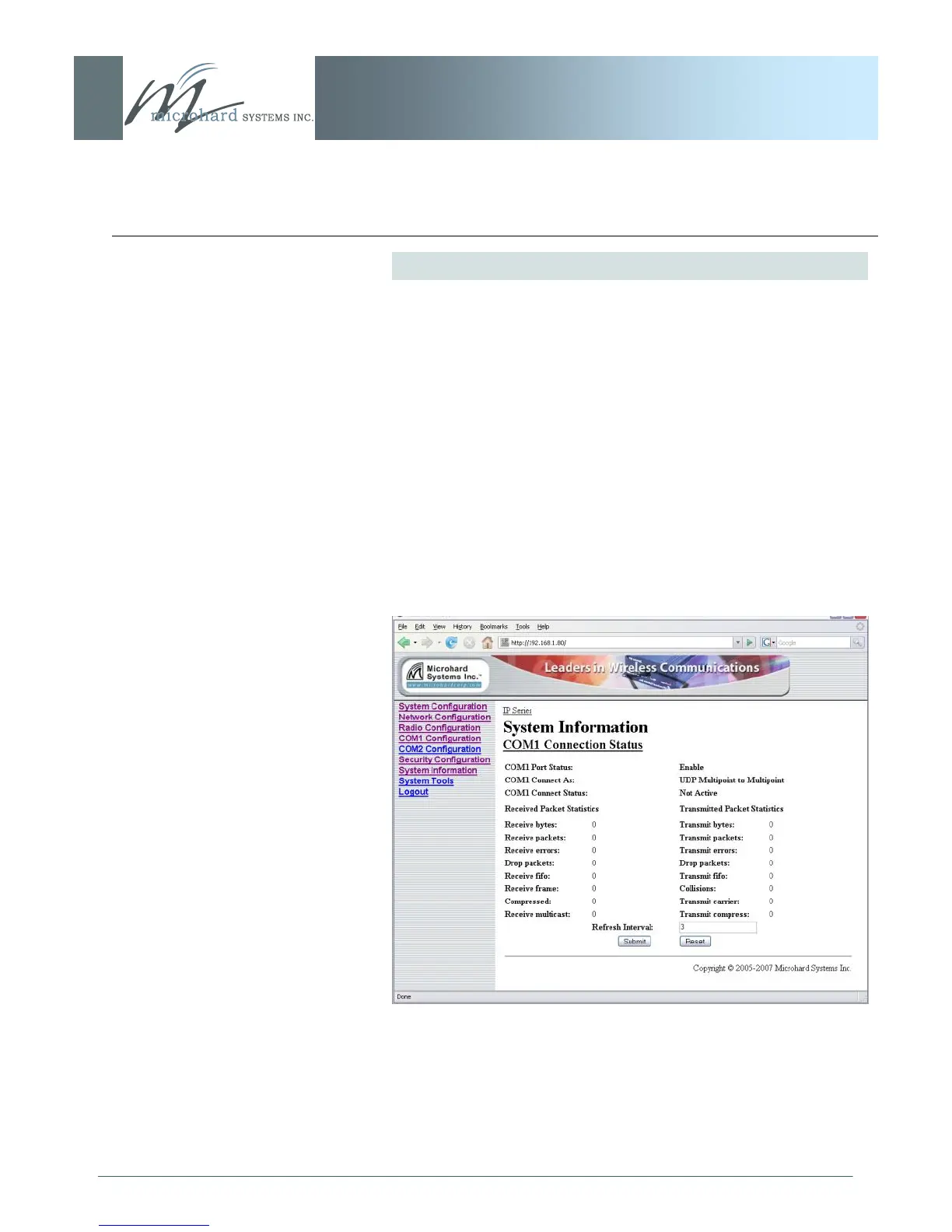
Image 6AO: System Information Menu, COM1 Connection Status
COM1 Connection Status
This window displays information related to the primary RS-232
serial interface (COM1 on the rear of the IP Series).
COM1 Port Status
Enabled by default.
Configure via COM1 Configuration menu.
COM1 Connect As
Display of chosen protocol with respect to serial
gateway function.
Configure via COM1 Configuration menu.
COM1 Connect Status
If port is enabled and there is data traffic, this will
display ‗Active‘.
The other displayed parameters are not all applicable. Of most
use are the transmitted and received bytes/packets: these will
indicate if data is coming into and out of the RS-232 port.



 To Next Page