© Microhard Systems Inc. CONFIDENTIAL 20
IP9xx Series
3.0 Hardware Features
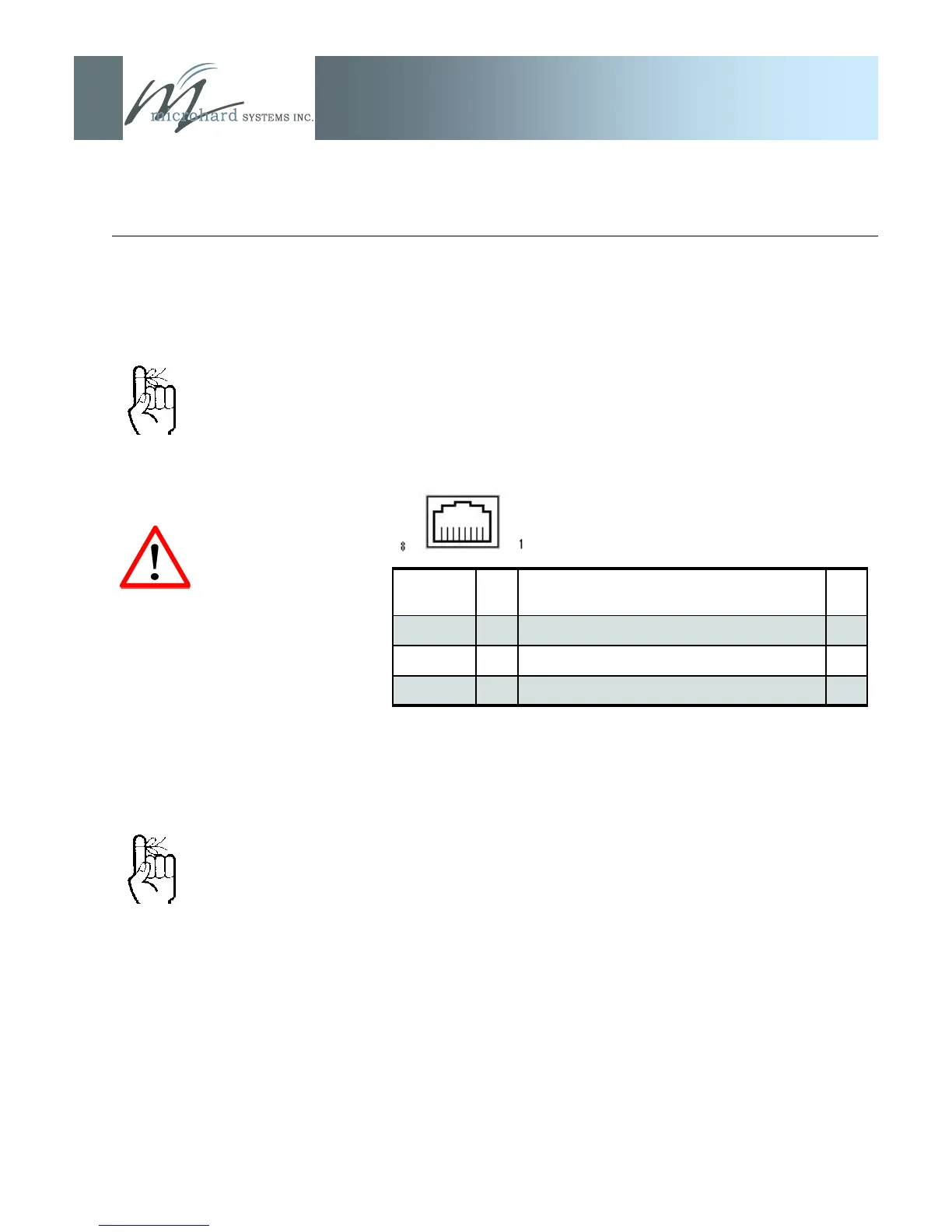
The COM2 Port (DCE) is used for two purposes:
Text User Interface (local console port) at 115.2kbps
(using MHS-supplied BLACK RJ45-DE9 cable (P/N
MHS044000) and HyperTerminal (or equivalent).
User data (serial, RS-232, wired for RxD, TxD, and SG)
The COM2 port is NOT an
Ethernet port.
CFG Button
Holding this button depressed while powering-up the IP Series will
boot the unit into FLASH FILE SYSTEM RECOVERY mode. The
default IP address for system recovery (only - not for normal access
to the unit) is static: 192.168.1.39.
(For more information on performing a firmware upgrade, see
Appendix B and Section 6.1.9.1.)
If the unit has been powered-up for some time (>1 minute),
depressing the CFG Button for 8 seconds will result in FACTORY
DEFAULTS being restored, including a static IP address of
192.168.1.254. This IP address is useable in a Web Browser for
accessing the Web User Interface.
Table 3A: COM2 Pin Description
Pin Name No. Description In/
Out
RxD 2 Receive Data O
TxD 3 Transmit Data I
SG 5 Signal Ground
The CFG button (and ‘default‘
IP address 192.168.1.39) are
ONLY used for the purpose of
upgrading firmware.
The ‘default‘ IP address is
NOT available for accessing
the Web User Interface.
DO NOT connect to COM2
pins other than those
identified in Table 3A, and for
their described function.



 To Next Page